



1
Describe the image
Start with the asset you need for text to image generation: poster, product photo, logo, editorial portrait, packaging concept, social ad, or cinematic scene.
Use Ideogram 4.0 as an online AI image generator and text to image generator for high-quality visual creation. Generate AI images for readable text designs, logos, product images, portraits, posters, social ads, and campaign visuals with strong typography, layout, and visual direction.
Image examples
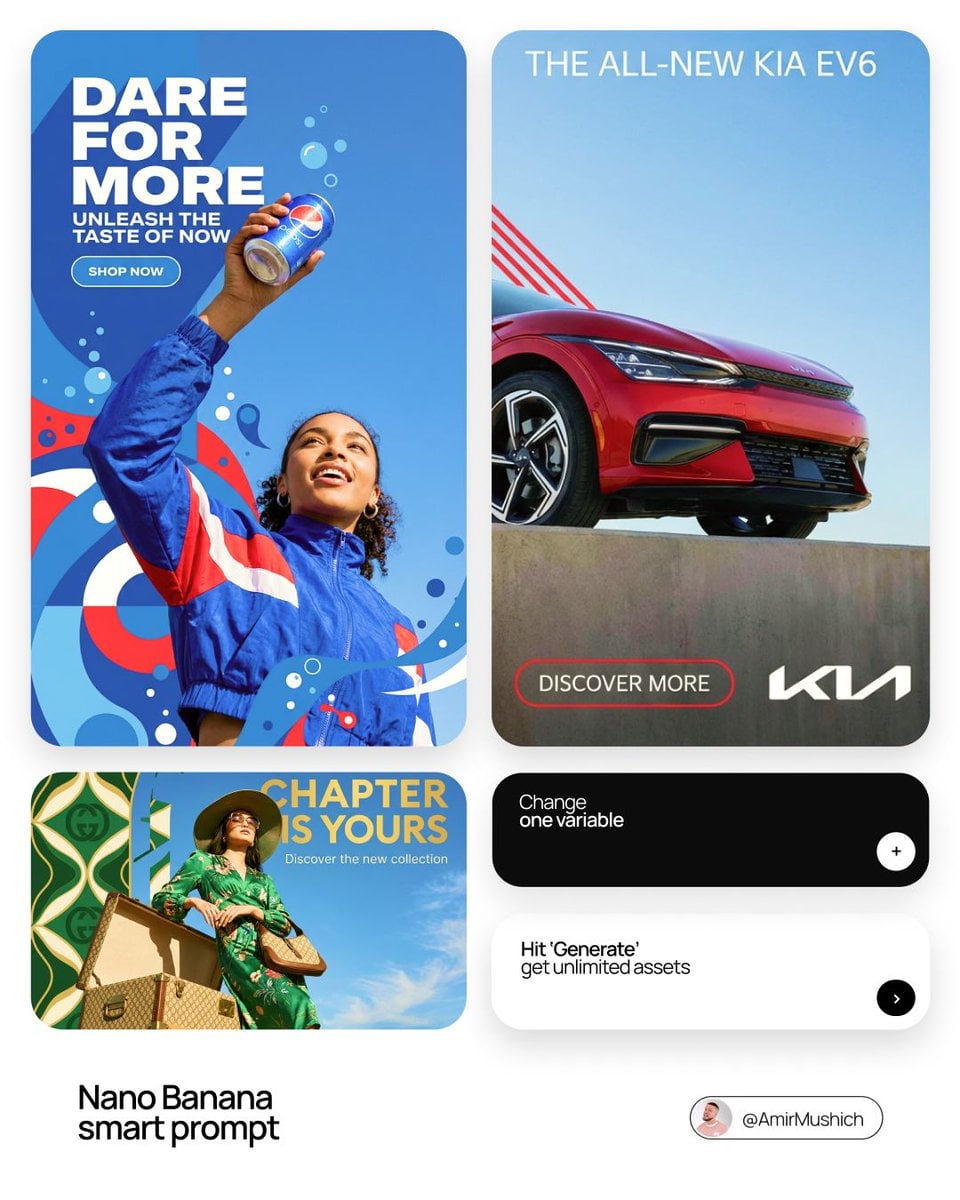
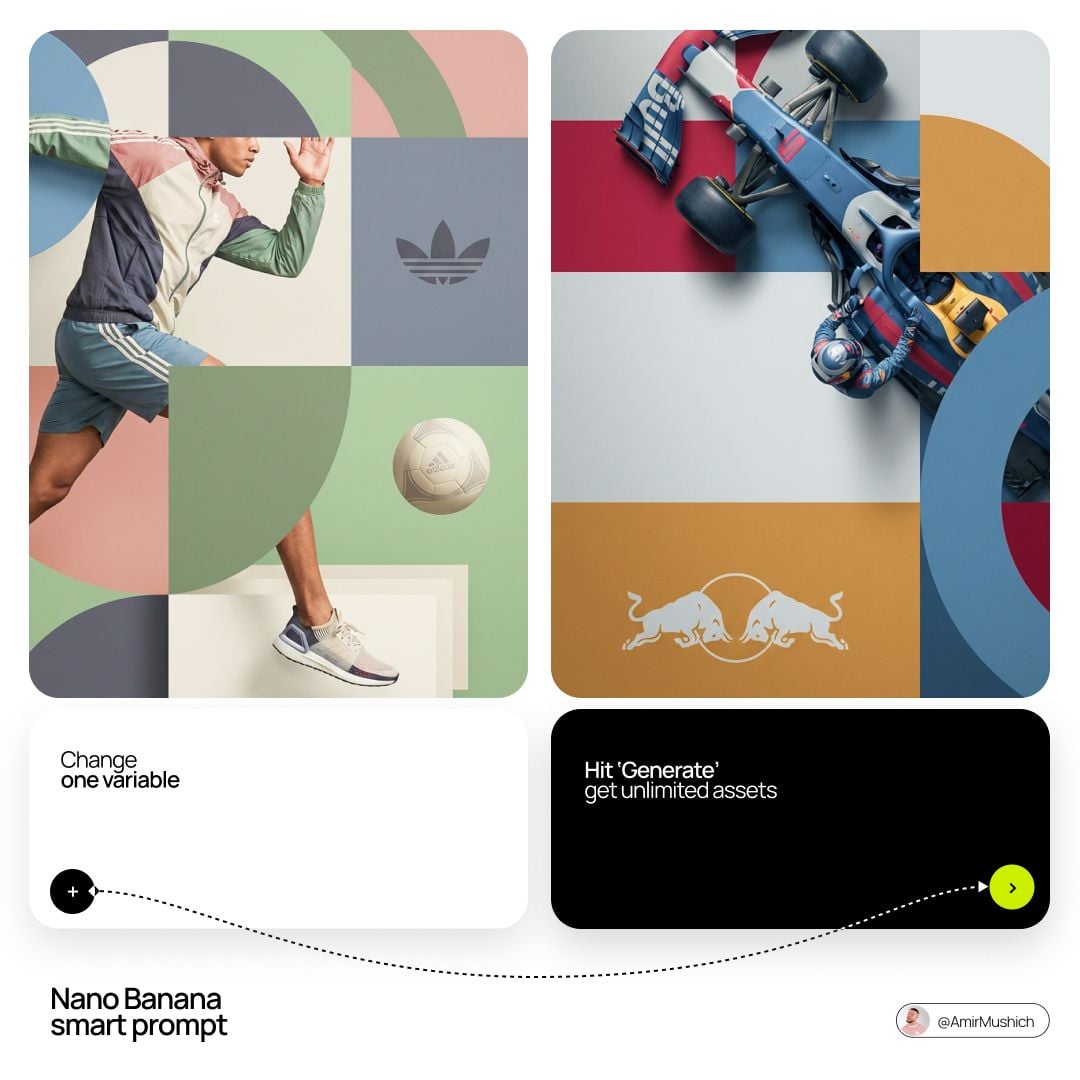
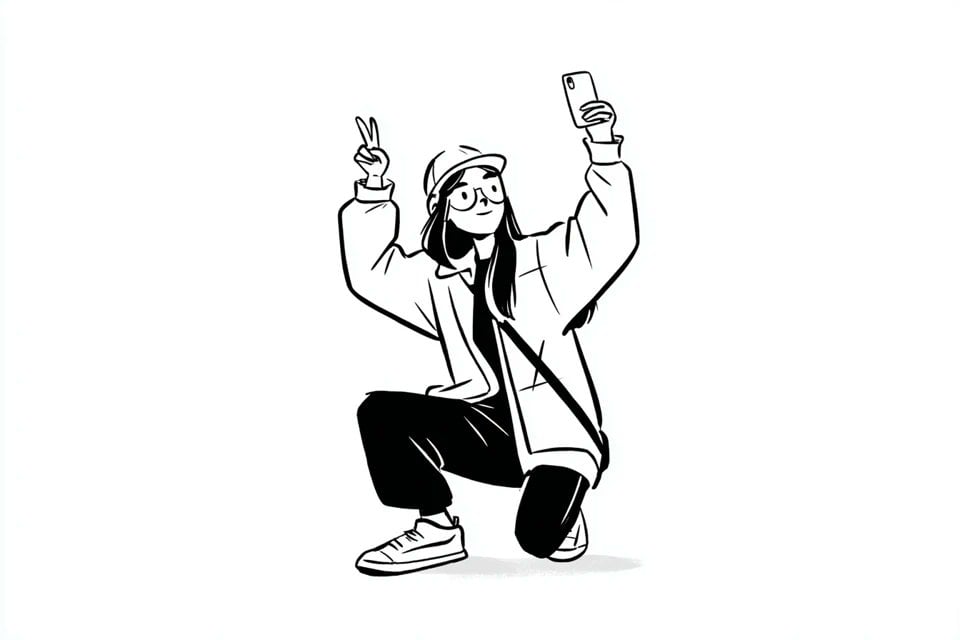
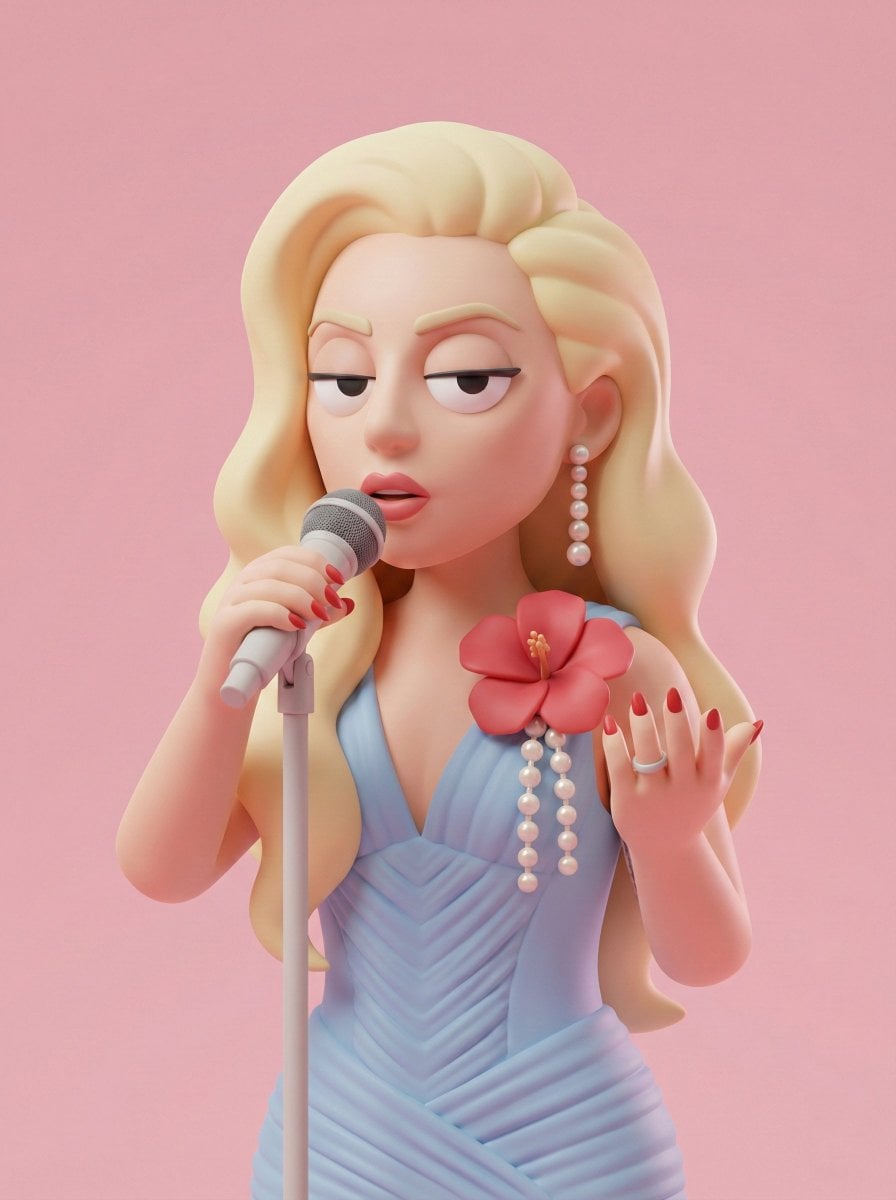
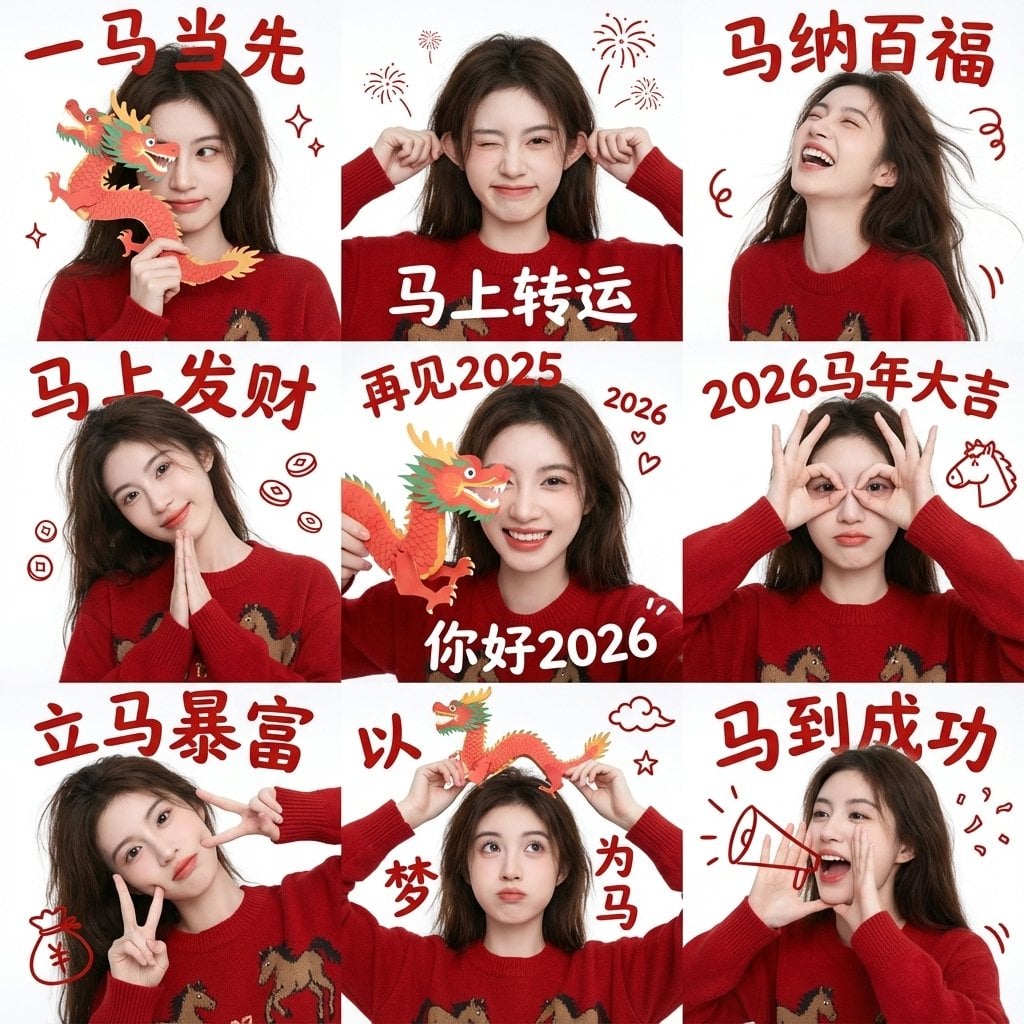
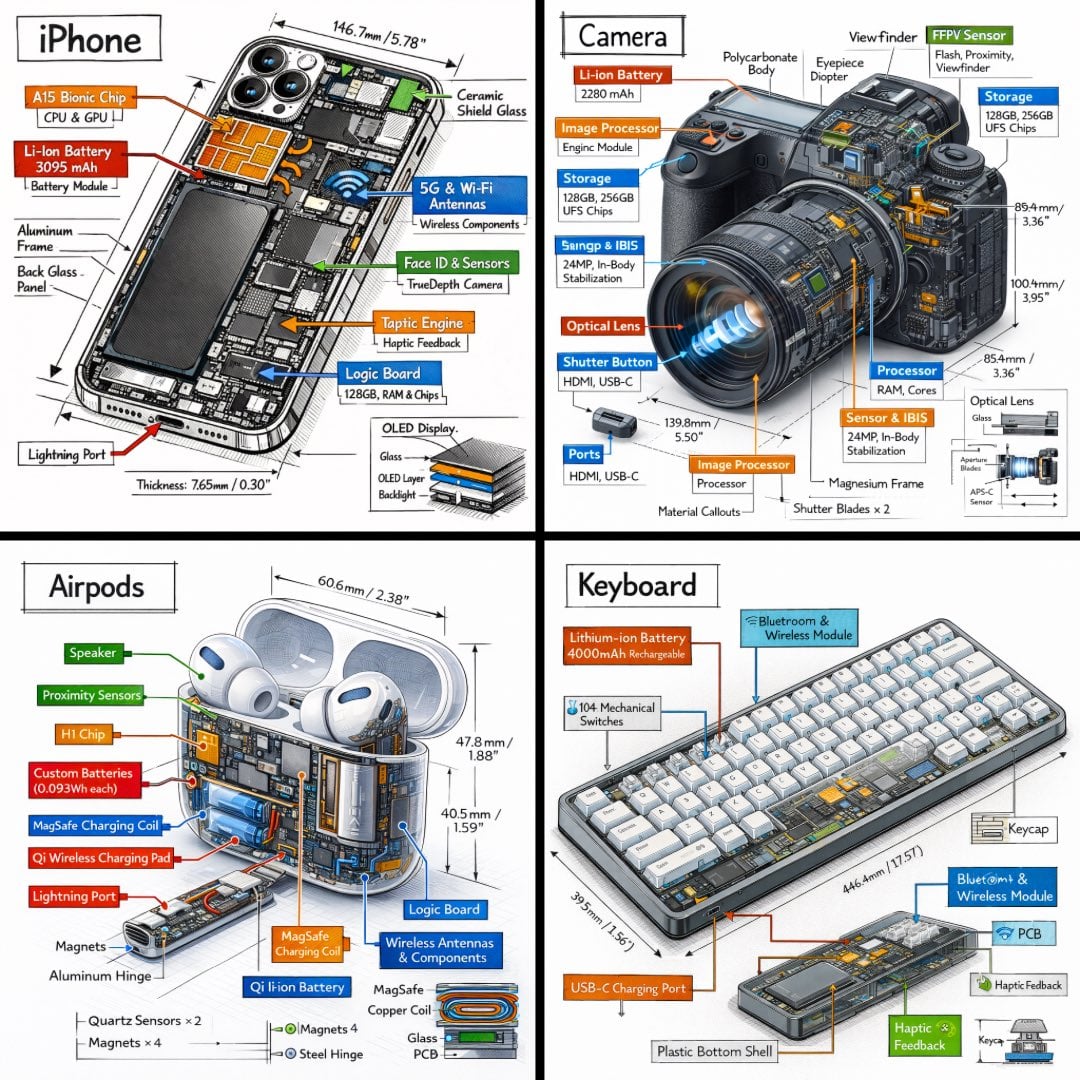
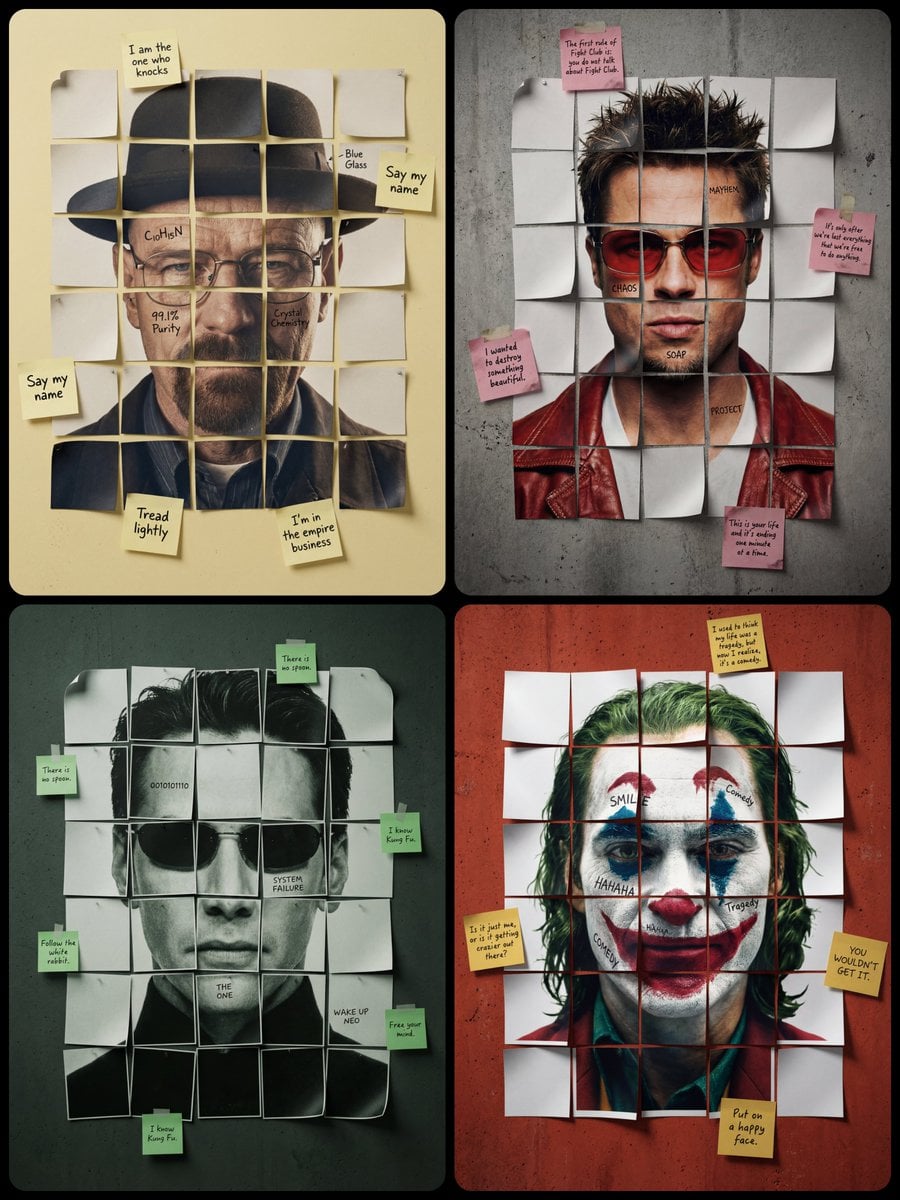
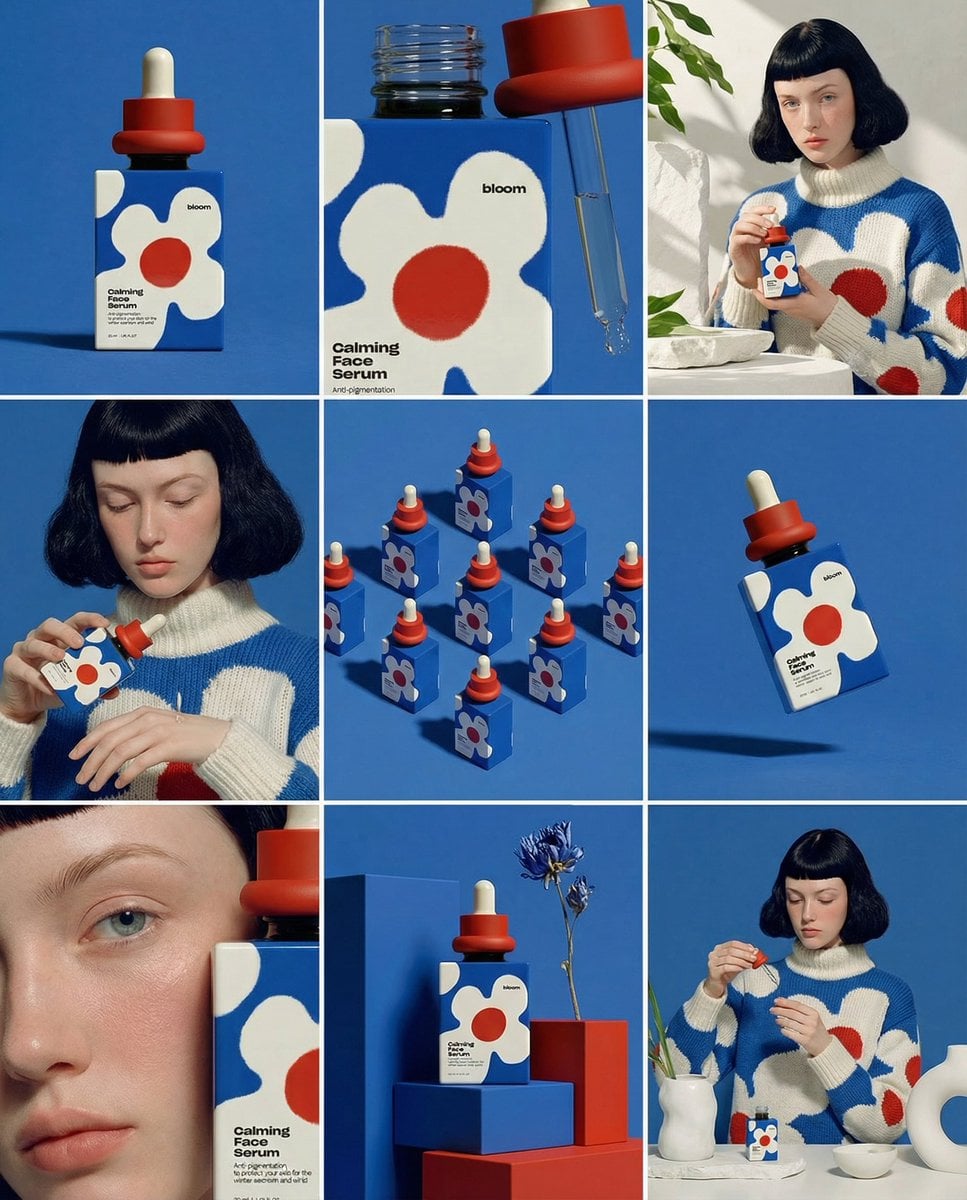
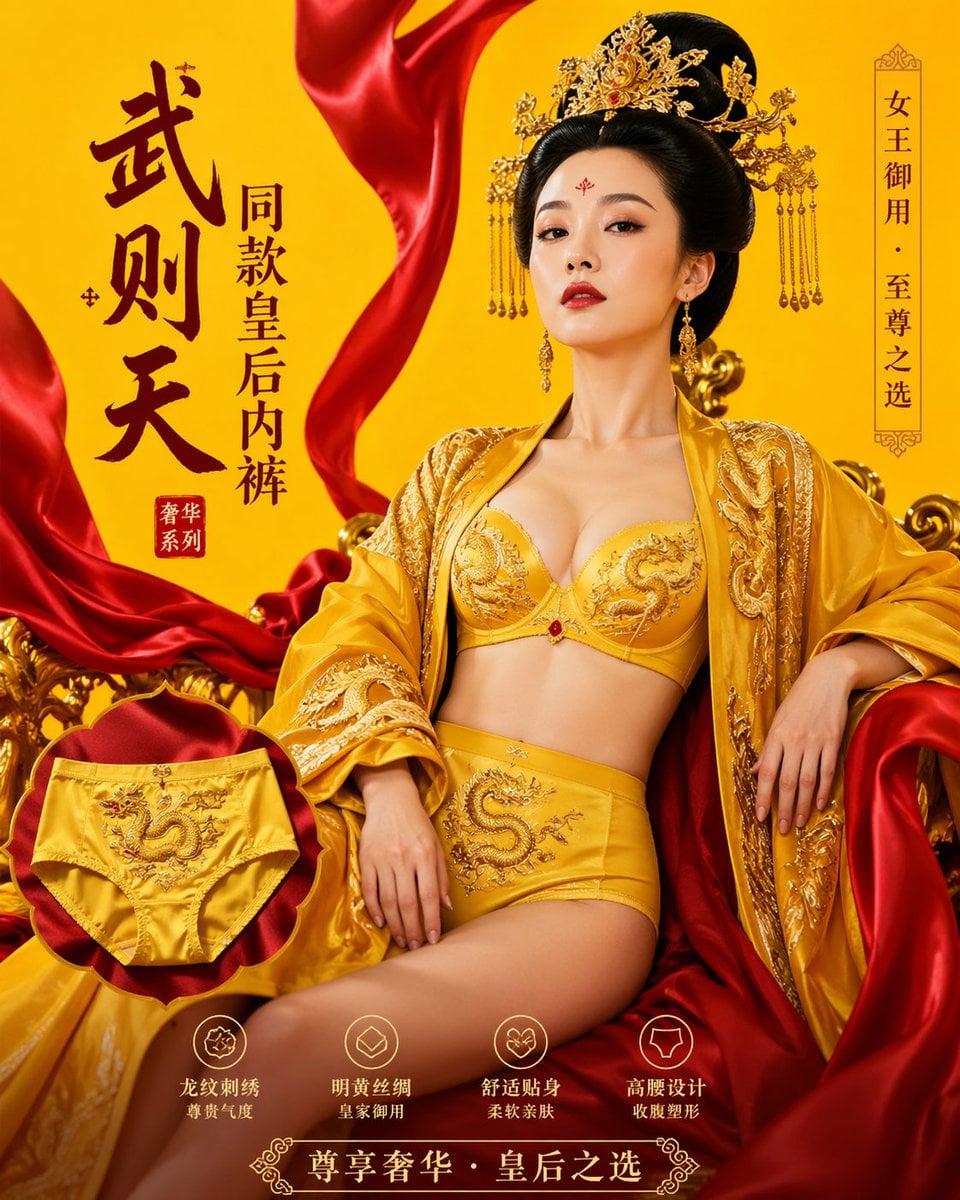
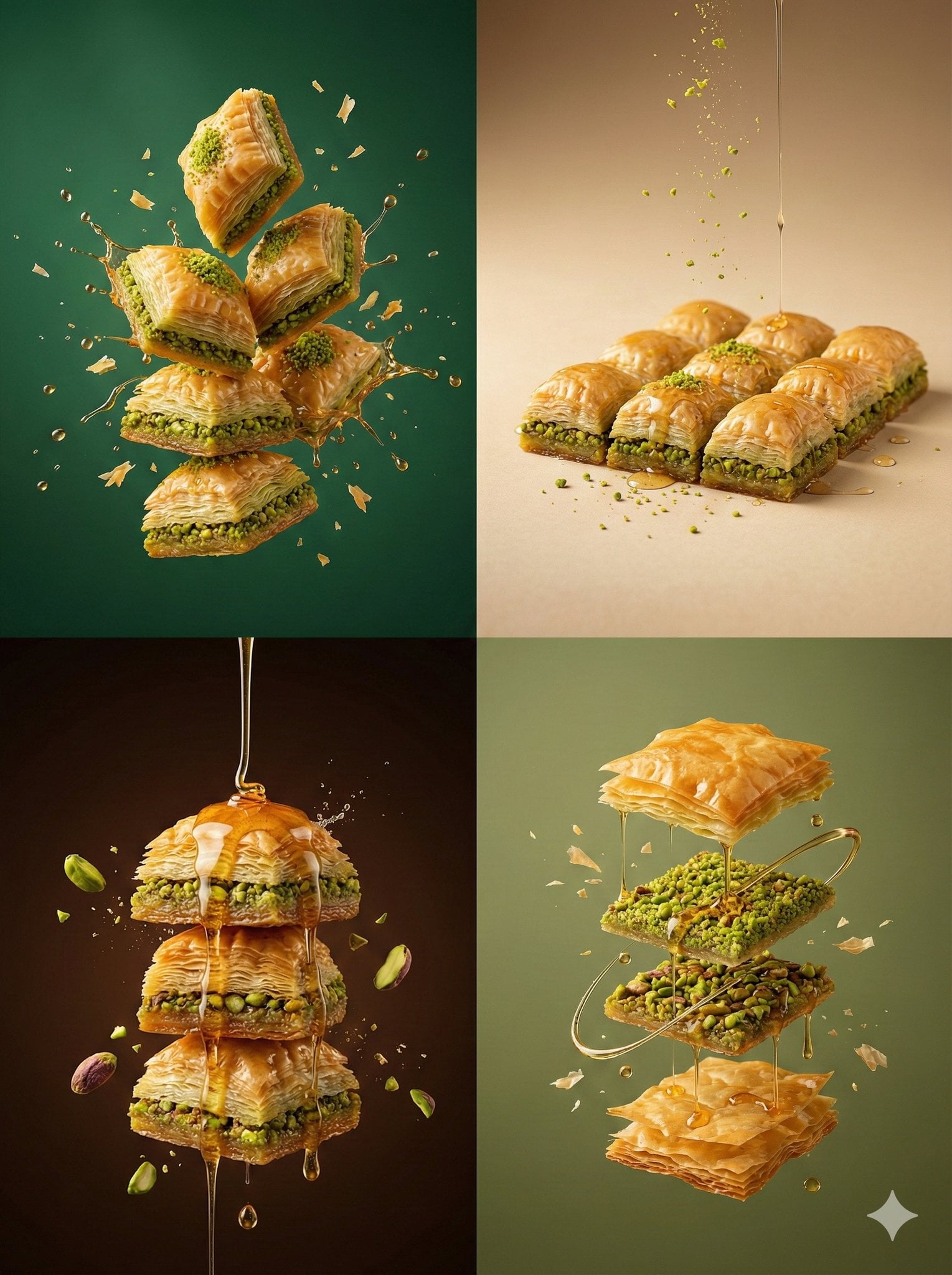
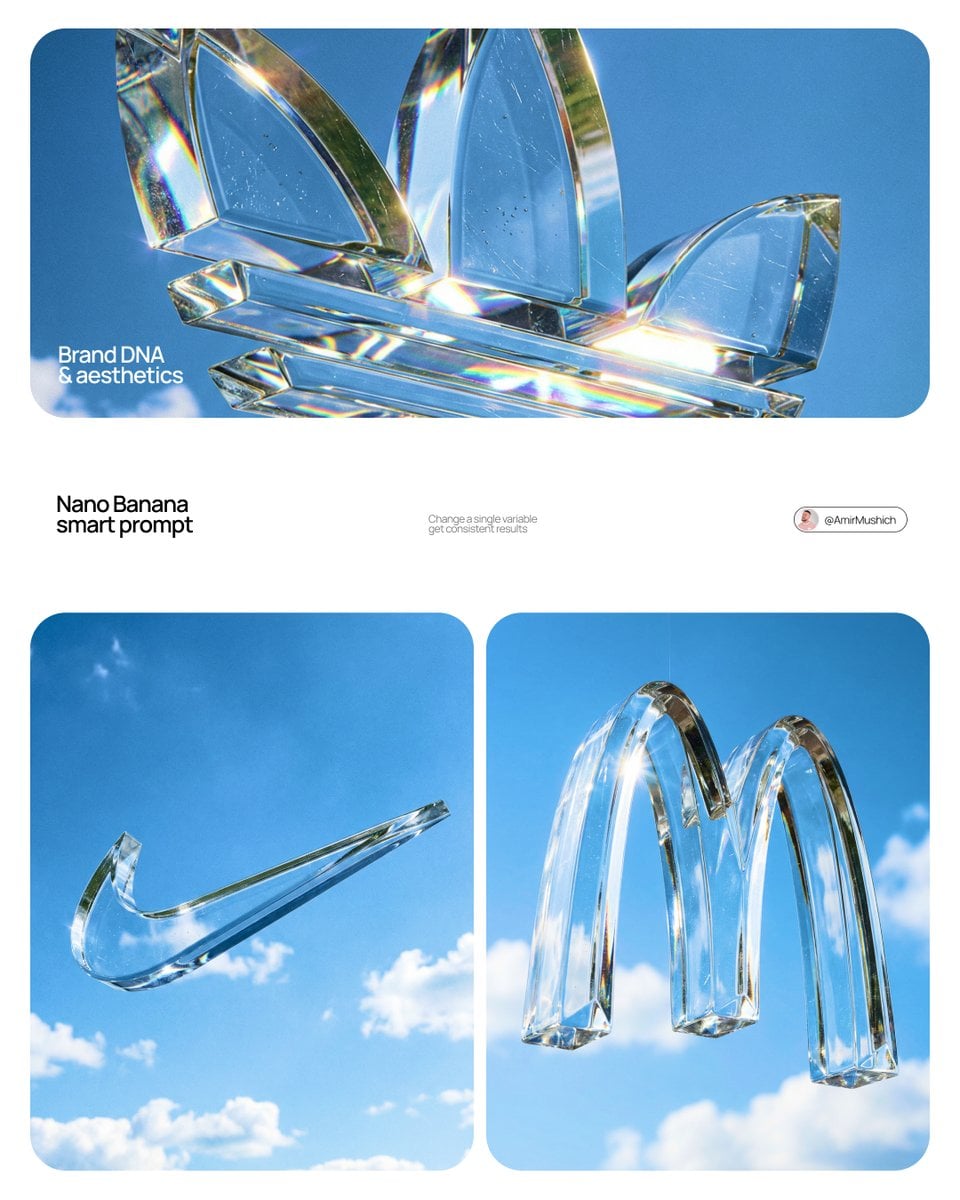
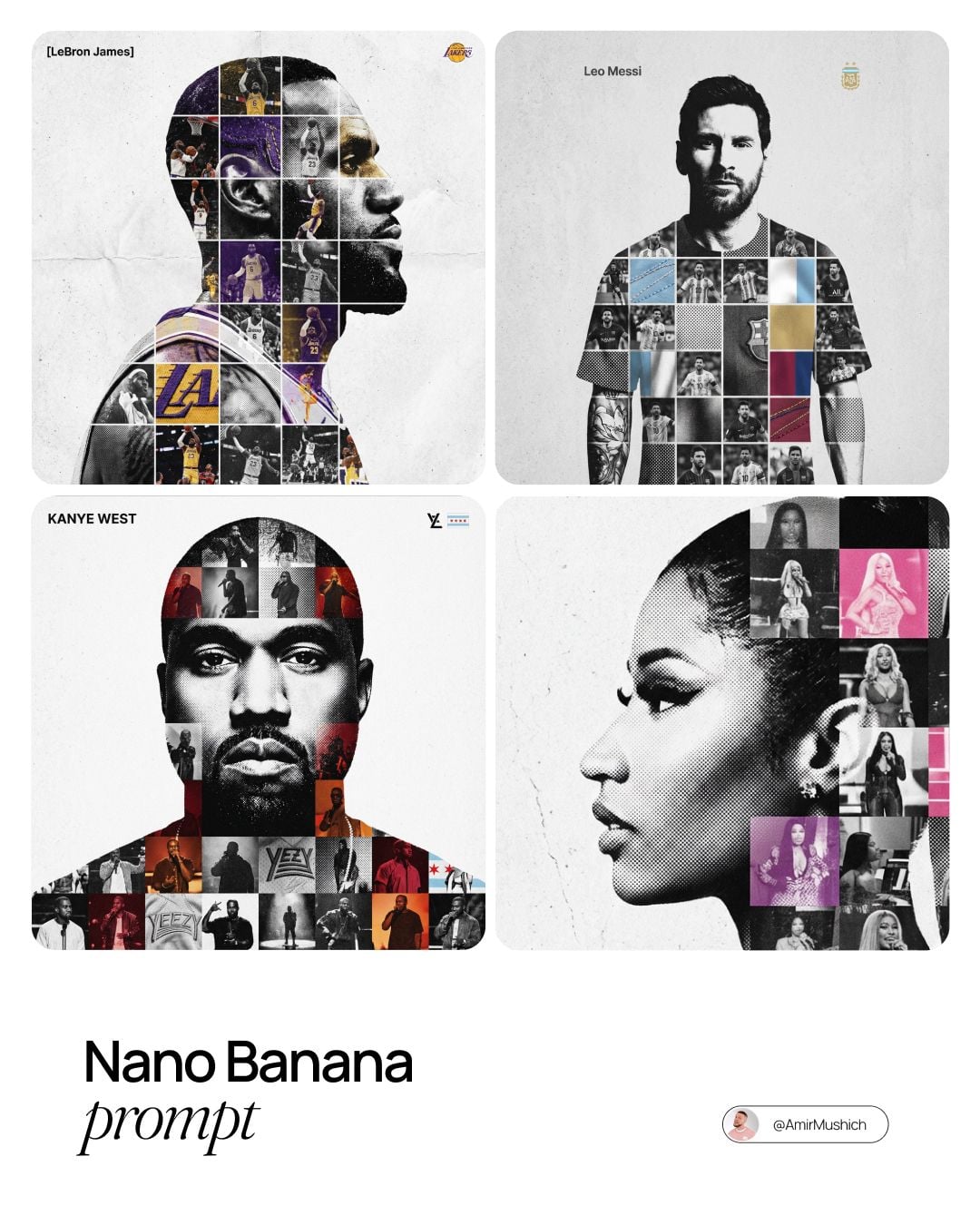
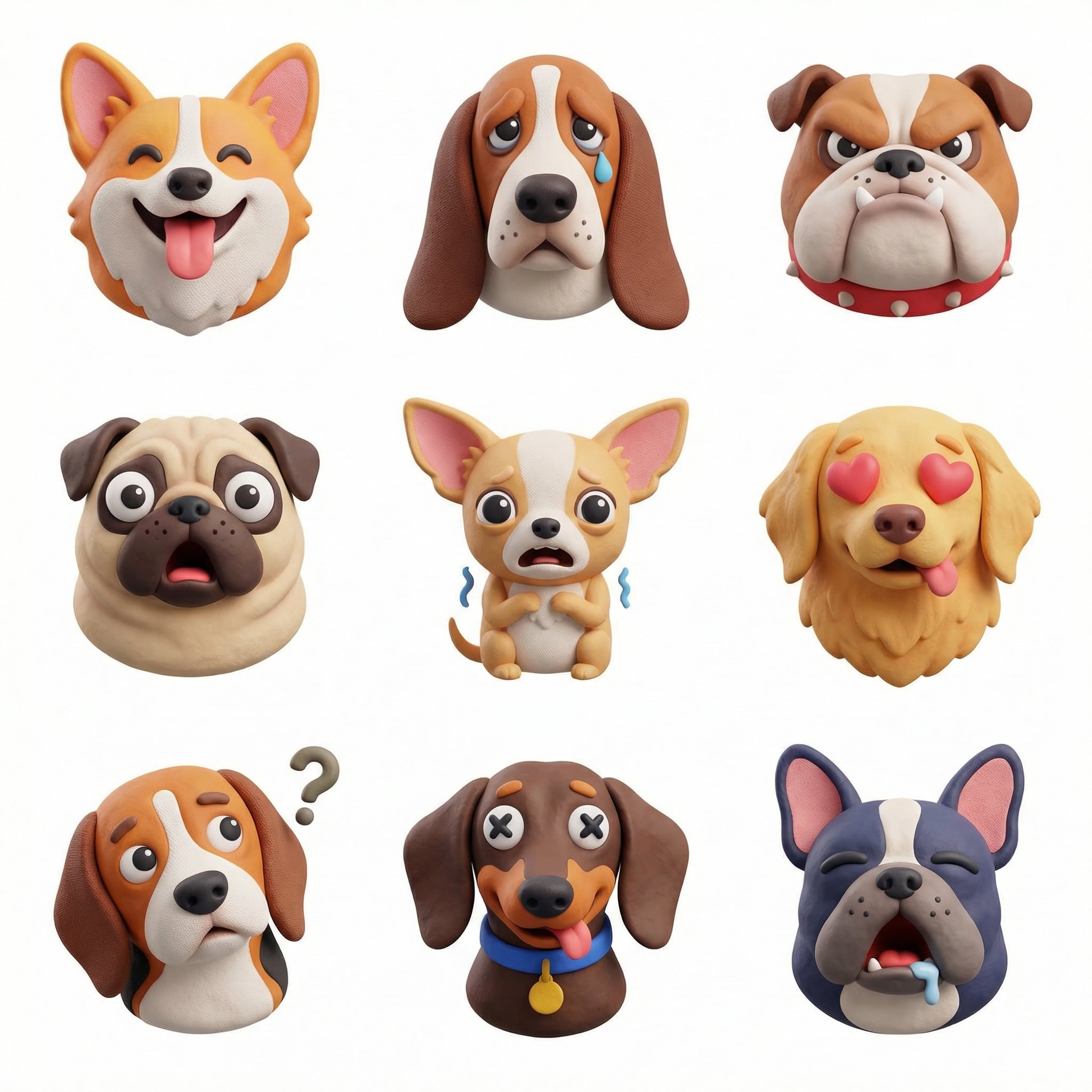
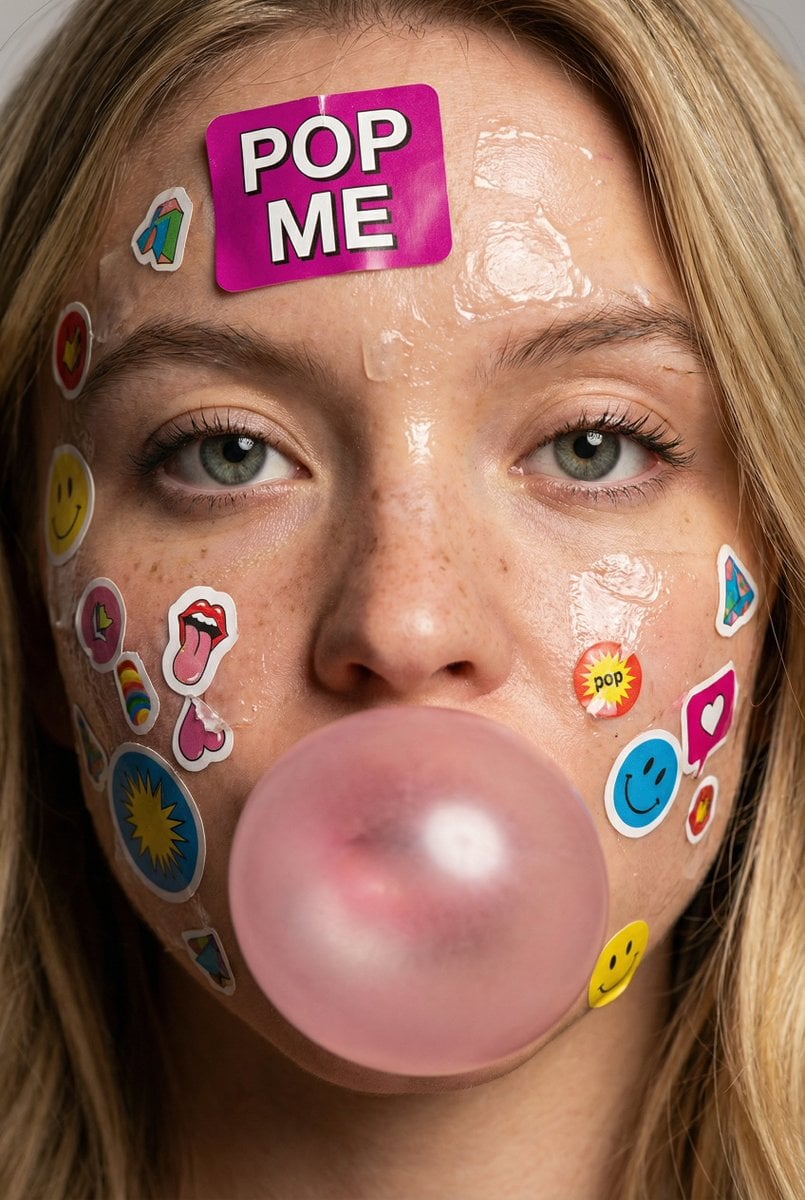
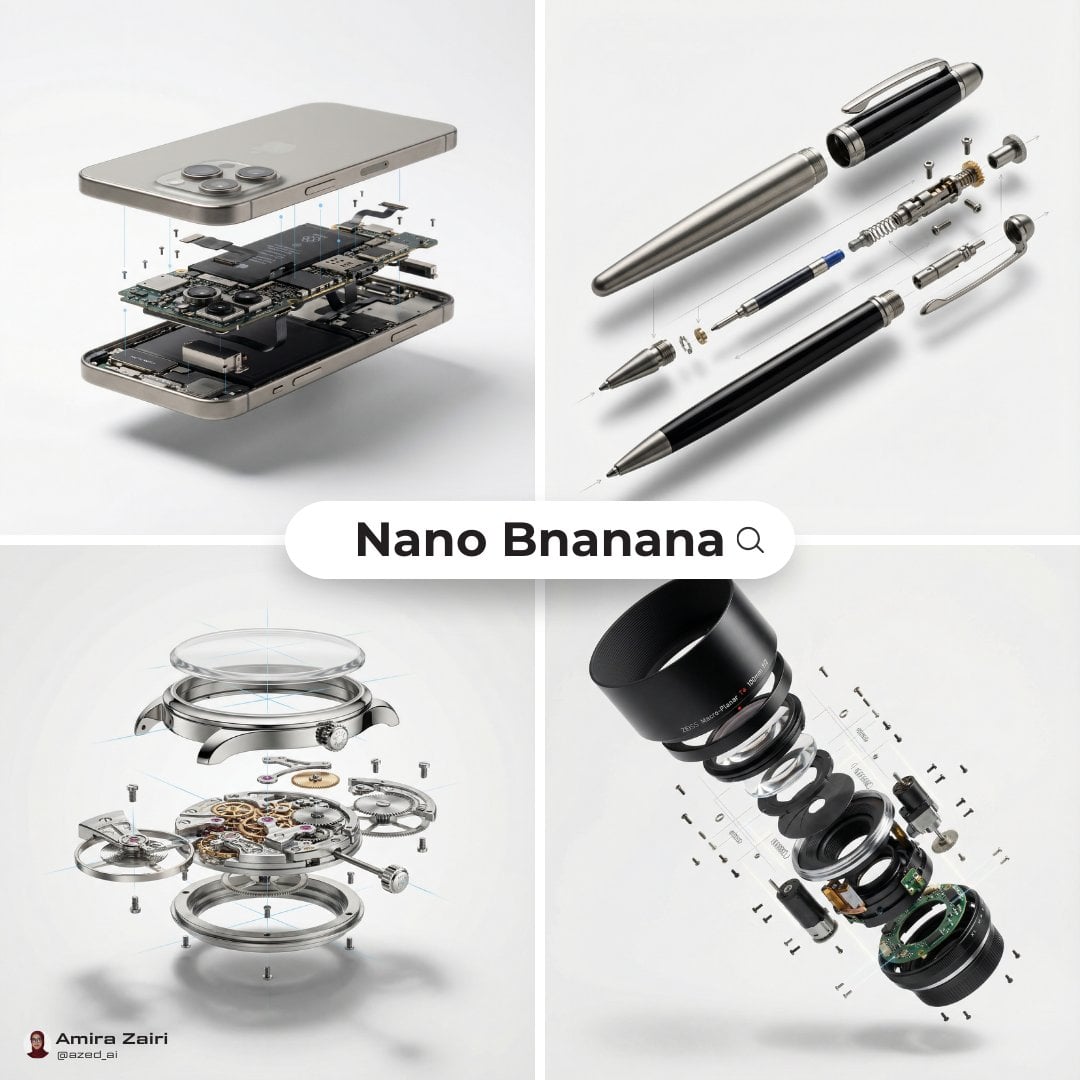
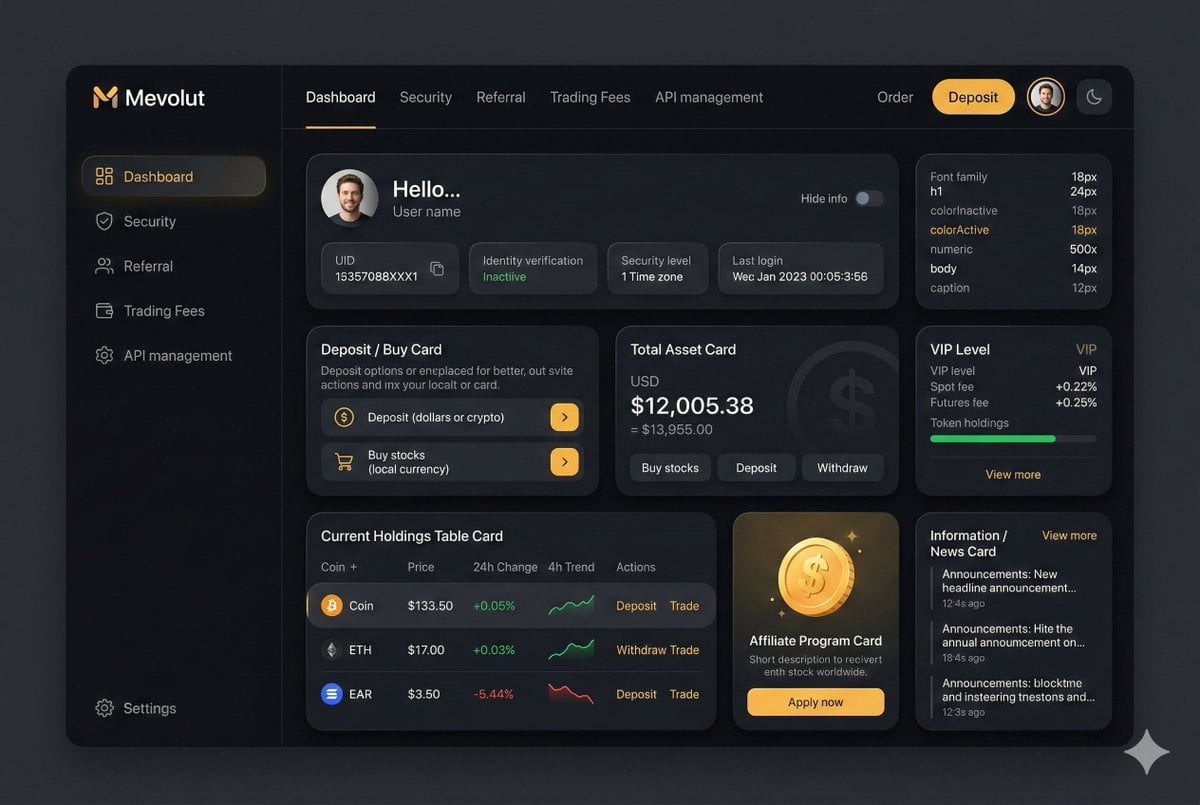
Browse Ideogram 4.0 image generation examples for design, photography, products, posters, characters, and social visuals. Use each example to understand what this AI image generator can create before you generate your own image online.
Use cases
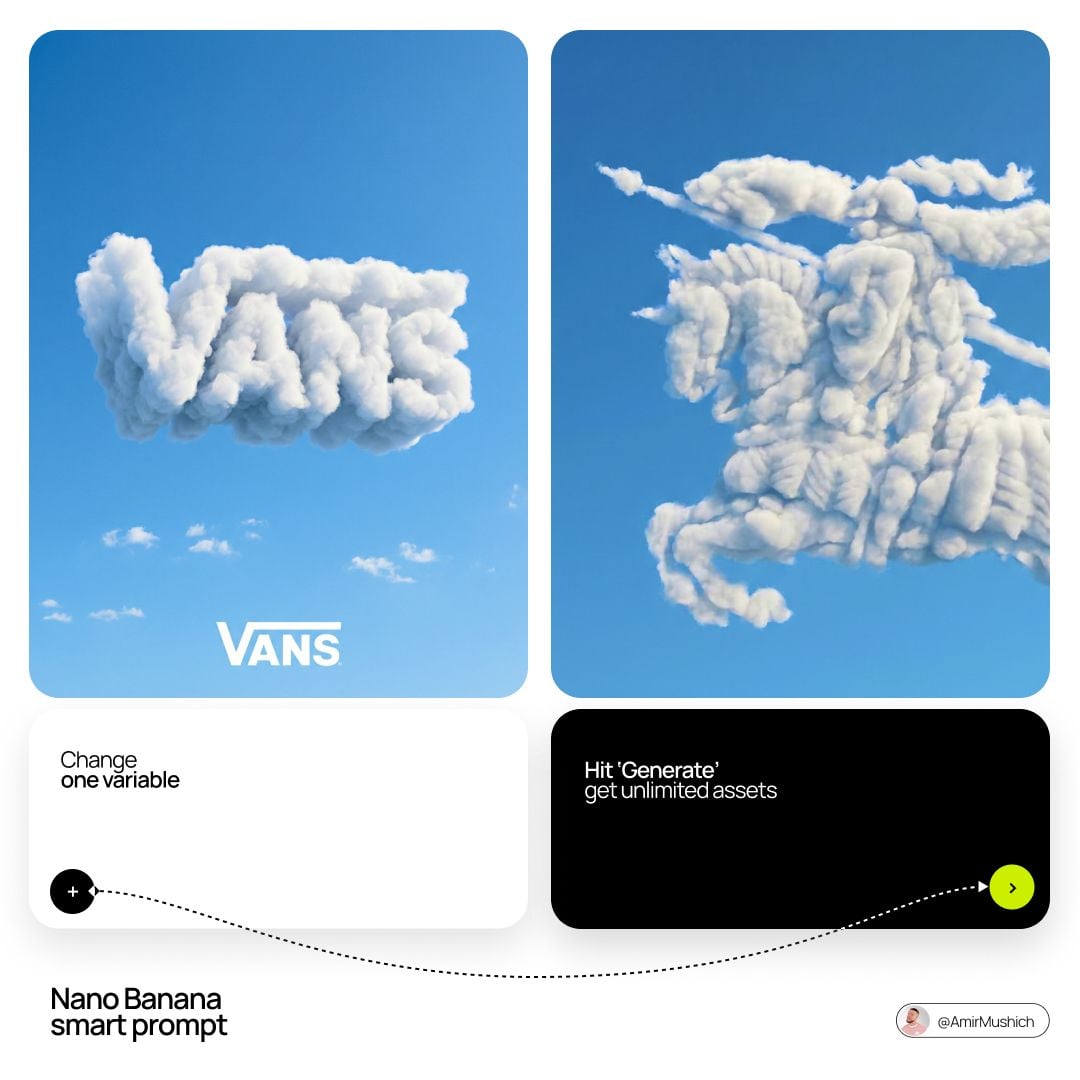
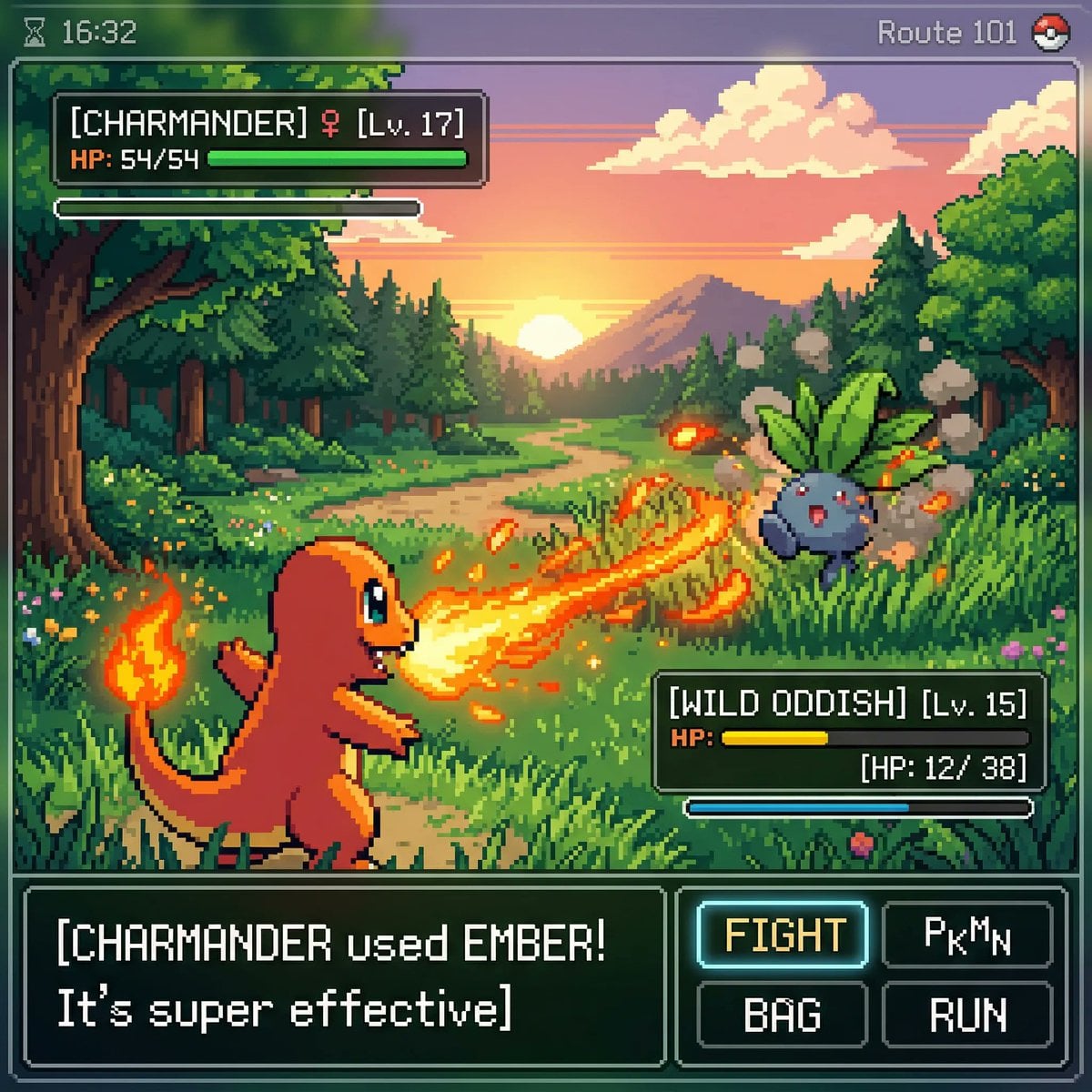
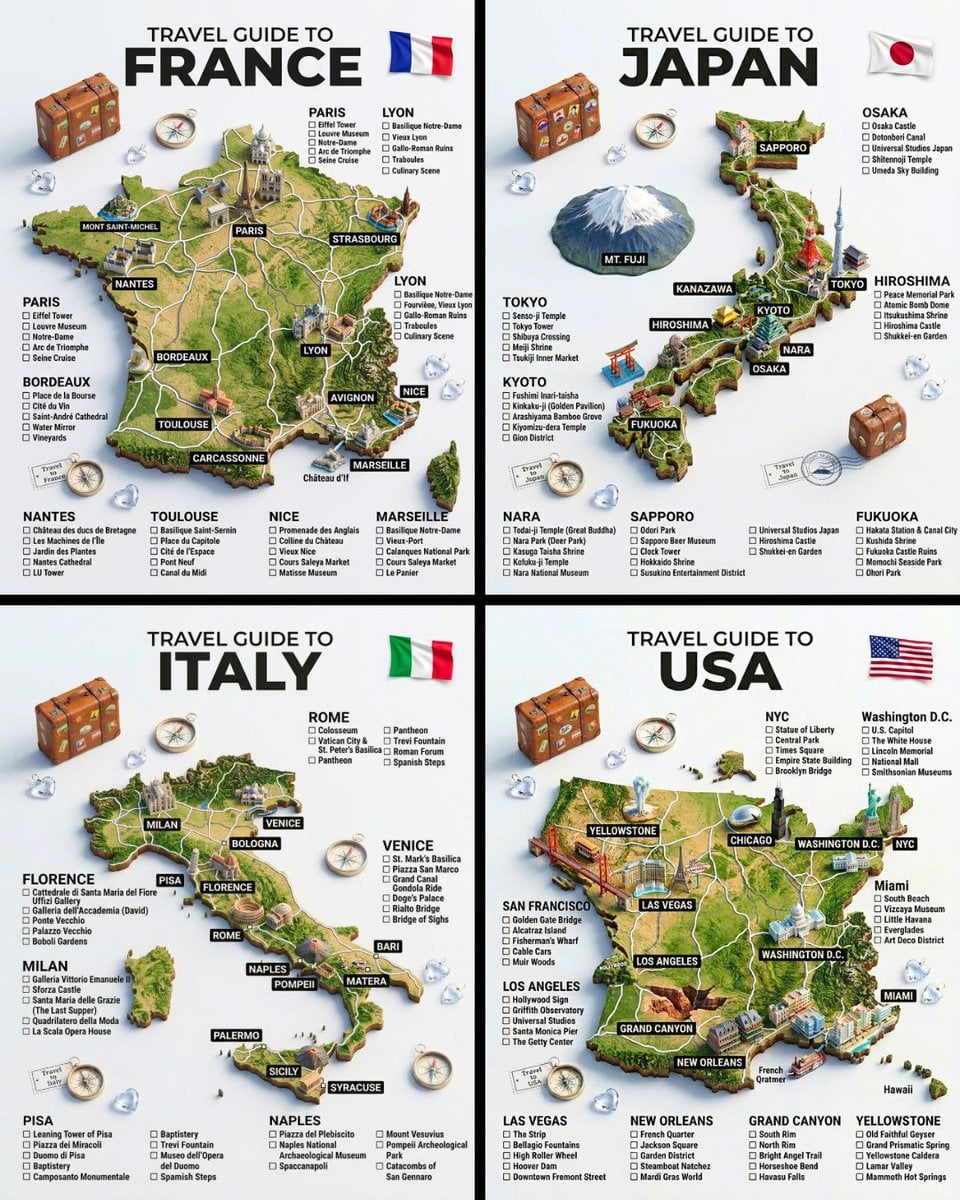
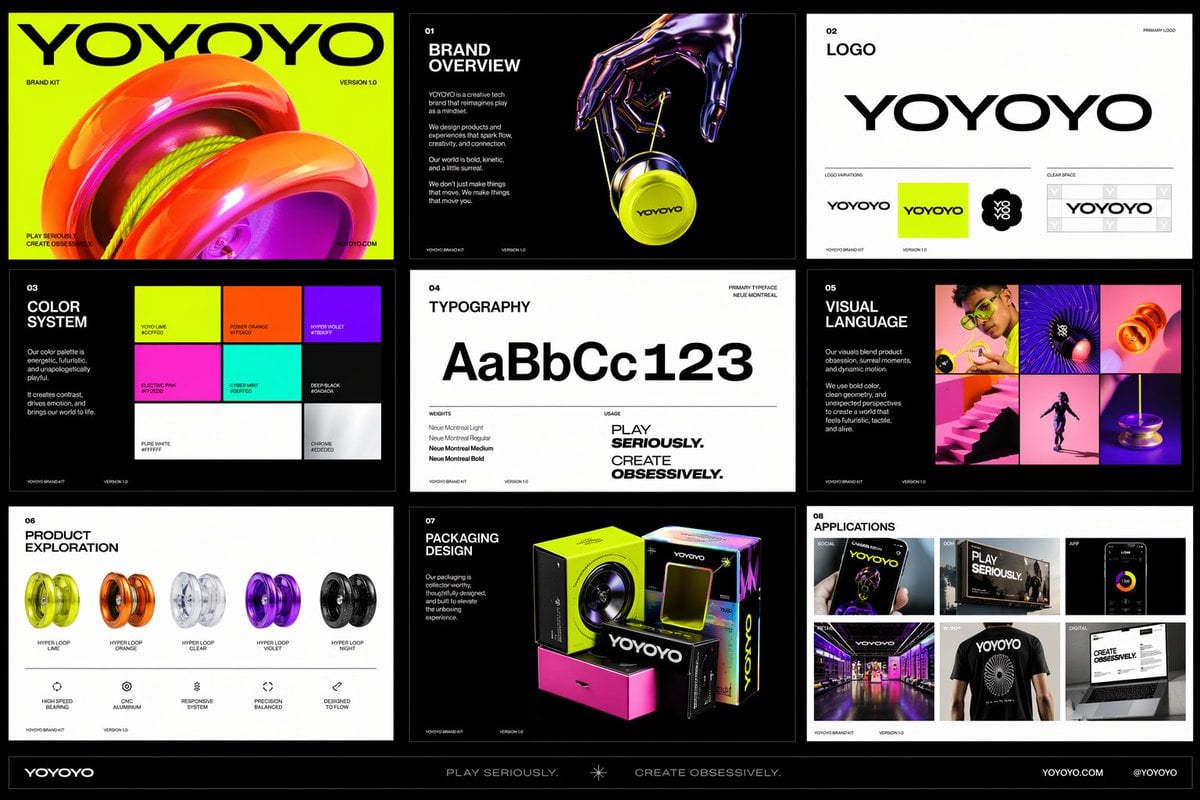
Use the Ideogram 4.0 AI image generator for product photography, poster design, UI concepts, portraits, food images, 3D illustration, brand assets, and social campaigns. Each use case shows how text to image generation can support a real creative task.
Generate product & brand visuals with Ideogram 4.0 image generator settings and example inputs for this scene.
Generate poster design visuals with Ideogram 4.0 image generator settings and example inputs for this scene.
Generate ui & graphic visuals with Ideogram 4.0 image generator settings and example inputs for this scene.

Generate photography visuals with Ideogram 4.0 image generator settings and example inputs for this scene.

Generate food & drink visuals with Ideogram 4.0 image generator settings and example inputs for this scene.
Generate illustration & 3d visuals with Ideogram 4.0 image generator settings and example inputs for this scene.
How it works
The Ideogram 4.0 generator turns a clear image description into a finished visual. Model settings, rendering speed, expansion model, aspect ratio, and output format all shape the AI image generation result.
Start with the asset you need for text to image generation: poster, product photo, logo, editorial portrait, packaging concept, social ad, or cinematic scene.
Select the Ideogram 4.0 model when the image needs readable text, strong design structure, or accurate visual direction.
Pick the AI image generation options, including aspect ratio, output format, rendering speed, and expansion model, that fit the image type and credit budget.
Generate AI images, compare the result, adjust the description or settings, and keep the best versions in your history.
Ideogram 4.0 works best when the image description starts with the deliverable and the job it needs to do. “A square launch poster for a running shoe” gives the text to image generator more useful context than “a cool shoe image.” Add the audience, mood, format, and intended channel when those details affect the composition.
For text-heavy images, write every required phrase clearly and describe how it should appear. Direction such as “large condensed title at the top,” “small price label in the lower right,” or “white lettering with high contrast” helps Ideogram 4.0 produce more controlled typography and hierarchy.
Use the model controls based on the task. Turbo is useful for fast exploration, Balanced is a practical default, and Quality is better when the design needs more polish. Medium expansion is usually enough for direct requests, while Large expansion gives the Ideogram 4.0 model more room to interpret complex scenes.
Aspect ratio matters for image generation. Use square formats for icons, logos, product tiles, and profile visuals. Use portrait ratios for mobile ads and social stories. Use landscape ratios for hero images, campaign banners, concept scenes, and presentation visuals.
Treat AI image generation as an iteration loop. If the first result has the right concept but weak text, make the wording and placement more explicit. If the image has the right subject but the wrong mood, adjust lighting, material, camera, color, or style before changing the full description.
The image examples and scene pages are supporting material. Use them to see what Ideogram 4.0 can generate, then return to the AI image generator to create your own poster, logo, product image, portrait, social graphic, or ad concept.
Why Ideogram 4.0
Ideogram 4.0 combines image quality, instruction following, typography, and composition control. Use this AI image generator when the result needs readable words, strong layout, a clear hierarchy, or a specific commercial purpose.
Ideogram 4.0 is built for visual work that includes words. Use the text to image model to describe the exact headline, label, sign, or package copy you want, then state its placement and hierarchy.
Ideogram 4.0 can follow detailed AI image generation directions for the subject, scene, color, style, camera, materials, and visual emphasis without losing the main creative idea.
Specify where the subject, title, supporting copy, and negative space belong. Clear spatial language helps the AI image generator produce posters and ads with usable structure.
Use Ideogram 4.0 to generate AI images for realistic photography, graphic design, illustration, product imagery, logos, editorial concepts, and stylized social content.
Choose Turbo, Balanced, or Quality rendering, then select the expansion model that fits your budget and the level of instruction interpretation you need.
Generate with Ideogram 4.0, compare variations, and keep useful results in the online image generator history so recurring formats and campaign visuals are easier to reproduce.
Choose the plan that works best for you
Use the Ideogram 4.0 AI image generator to create a poster, logo, product image, portrait, or social graphic. Start with a text description, choose the model settings, and generate an image you can refine from history.
FAQ
Use these answers to understand the Ideogram 4.0 model, AI image generator settings, text to image support, credits, output options, and commercial-use considerations.