

Detailed text-to-image instructions
Describe multiple subjects, their relationships, the environment, visual treatment, and intended composition in one prompt. Clear constraints help the AI image generator build a more deliberate result.
OpenAI image model
GPT Image 2 is an advanced AI image generator and AI image editor for instruction-led visual production. Use text-to-image generation and reference images to develop realistic scenes, composites, graphic concepts, and controlled revisions, with selectable quality, aspect ratio, and resolution.
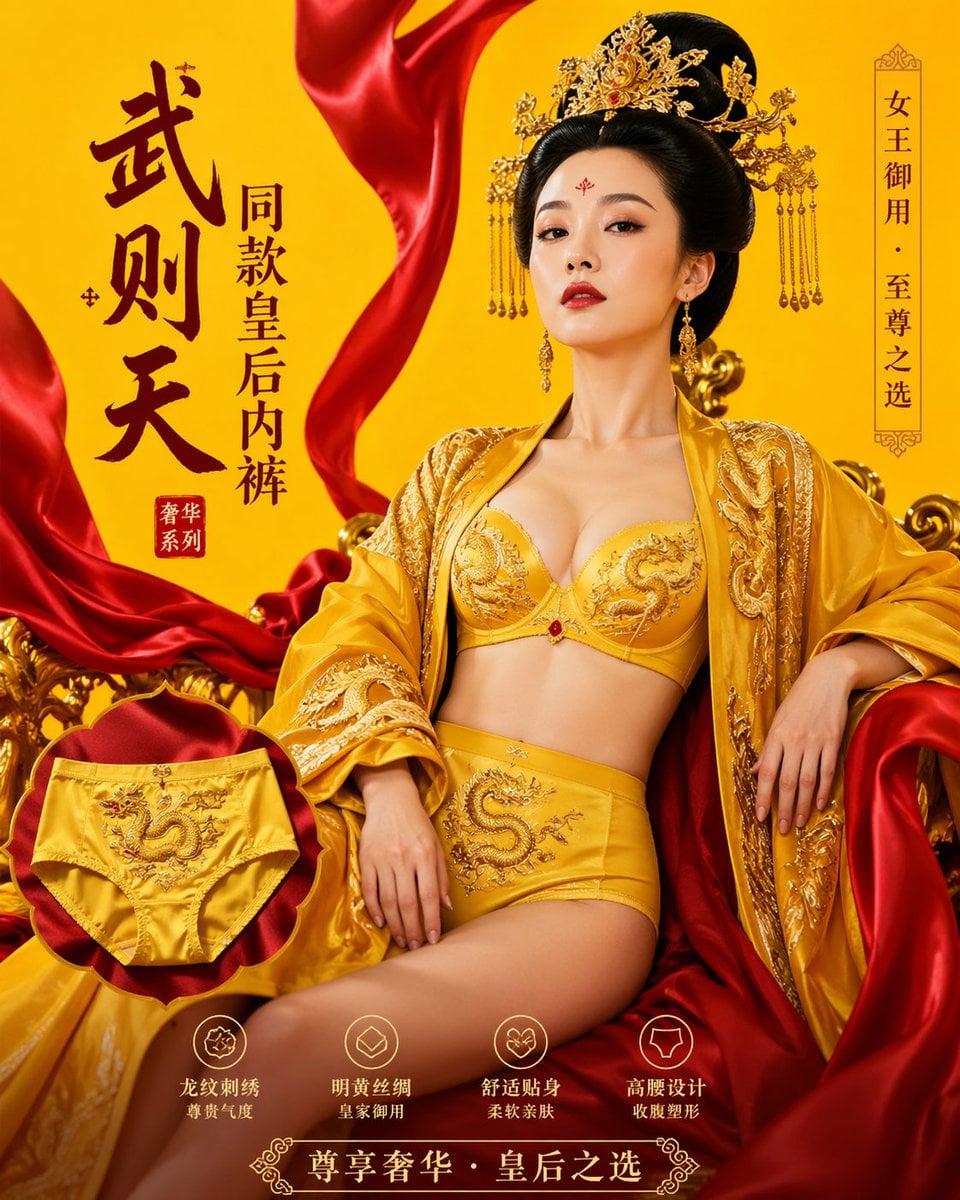
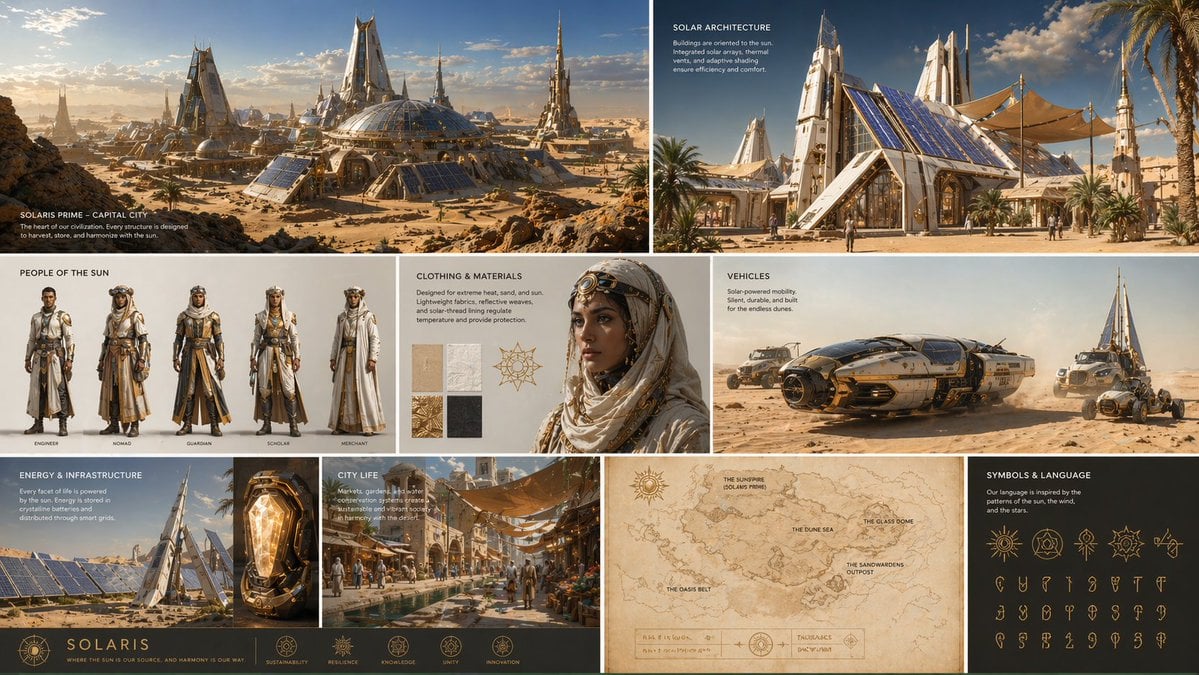
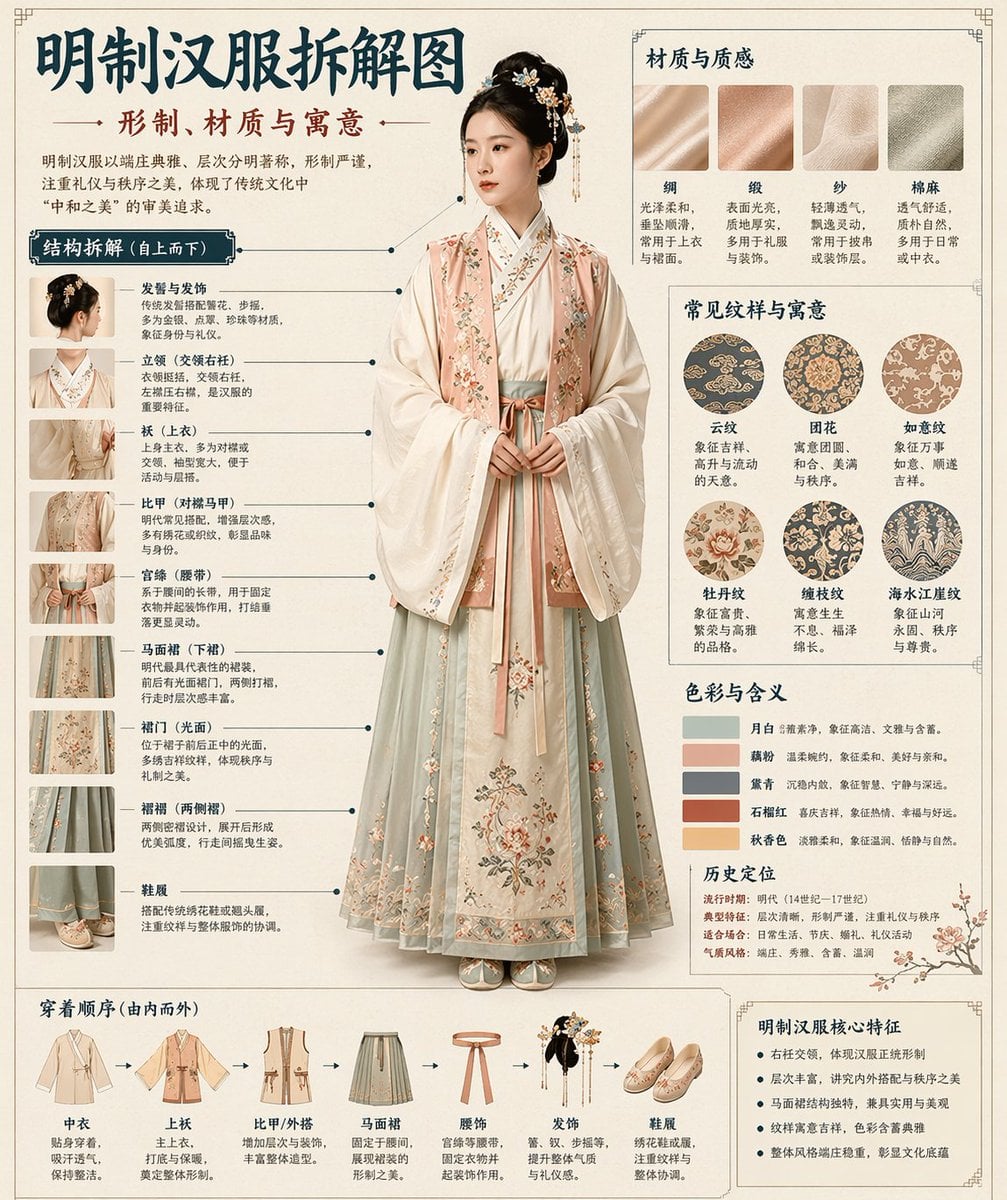
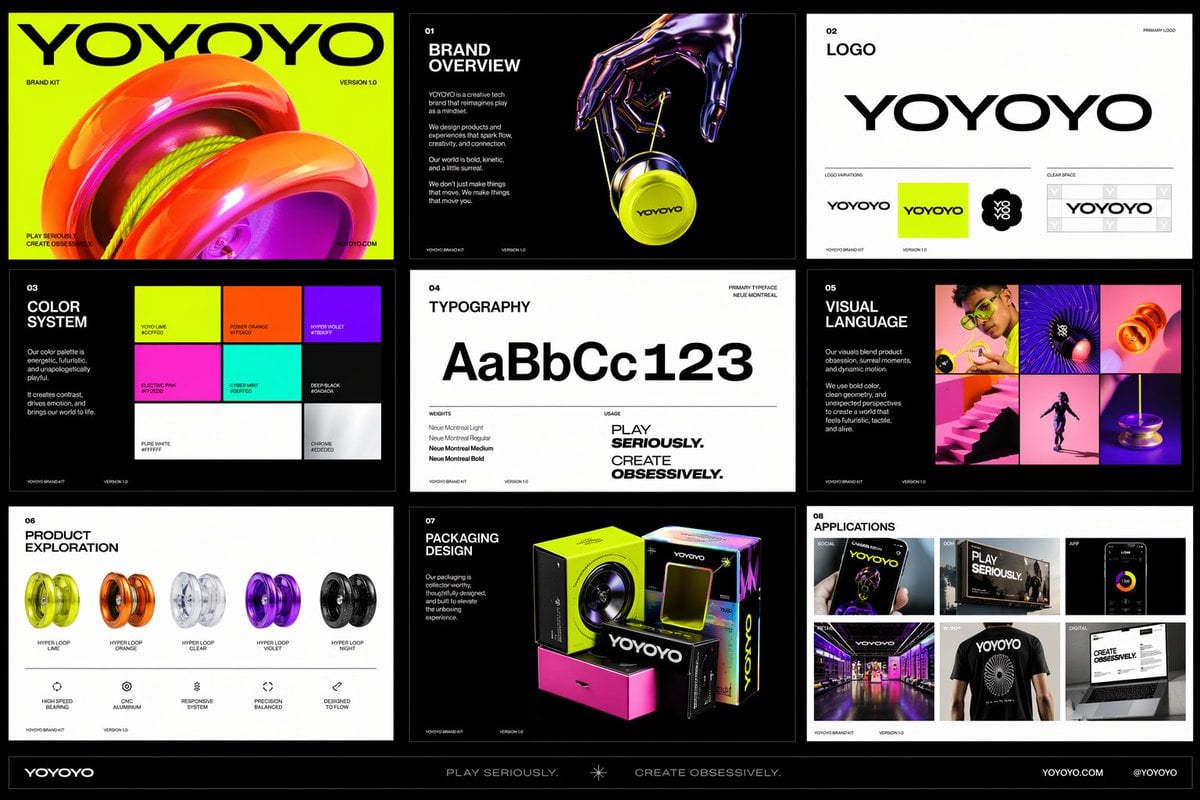
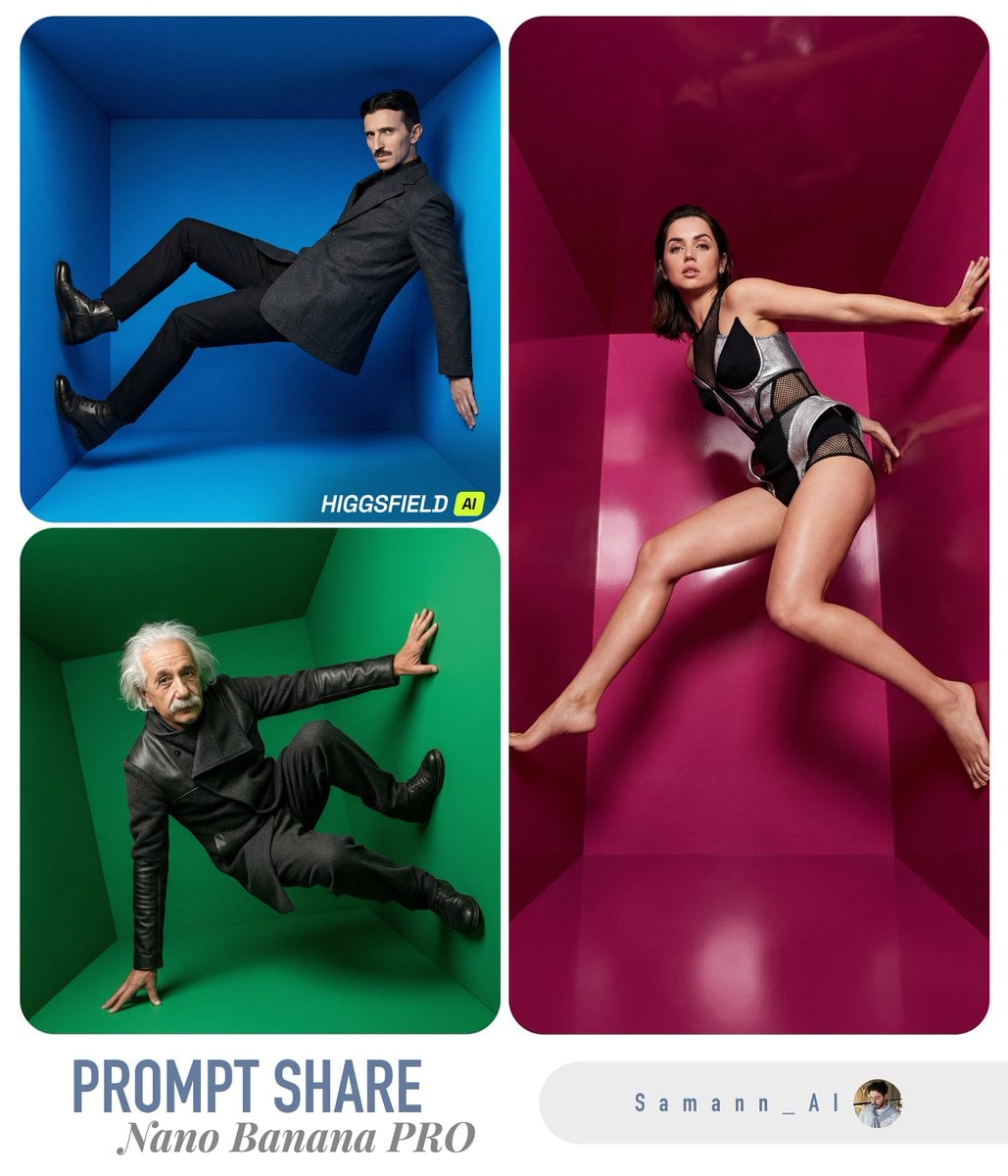
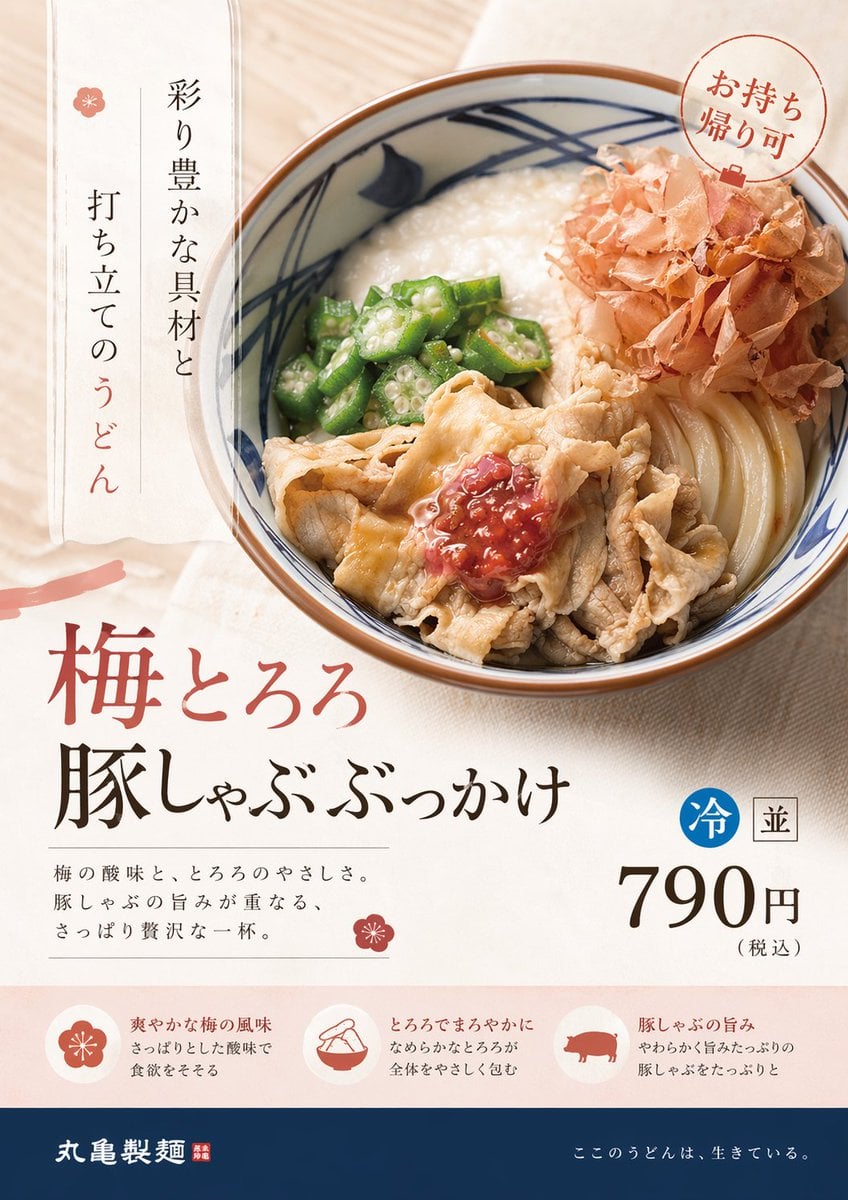
Browse practical GPT Image 2 prompts for AI image generation, image editing, product visuals, photography, illustration, and campaign concepts. Open an example to review the full prompt or use it as the starting point for your own image.
GPT Image 2 is useful when an AI image generation request contains several connected requirements: a particular subject, a controlled scene, specific visual relationships, and details that must remain coherent. It supports both new text-to-image creation and edits guided by uploaded references, making it practical for creative exploration and production changes in the same workspace.
The online AI image generator provides reference images, seven common aspect ratios, 1K through 4K resolution, and standard, medium, or high quality. Credit cost changes with the selected resolution and quality, and the action button shows the calculated cost before image generation begins.
Use GPT Image 2 as a text-to-image generator for new work or as an AI image editor for reference-led revisions, with quality controls matched to the task.
Describe multiple subjects, their relationships, the environment, visual treatment, and intended composition in one prompt. Clear constraints help the AI image generator build a more deliberate result.
Start from text alone or use the AI image editor with reference images when a subject, structure, or existing visual should guide the next image.
Use standard quality for lower-cost iteration, medium for general production, and high when the selected direction needs the model’s most detailed configured output.
Combine 1K, 2K, or 4K output with square, portrait, landscape, vertical, and widescreen frames to match the final placement.
Choose this AI image generator when the prompt needs precise relationships, iterative image editing, or a quality tier matched to the importance of the asset.
Create narrative images with several subjects, a defined setting, and a deliberate camera or illustration style.
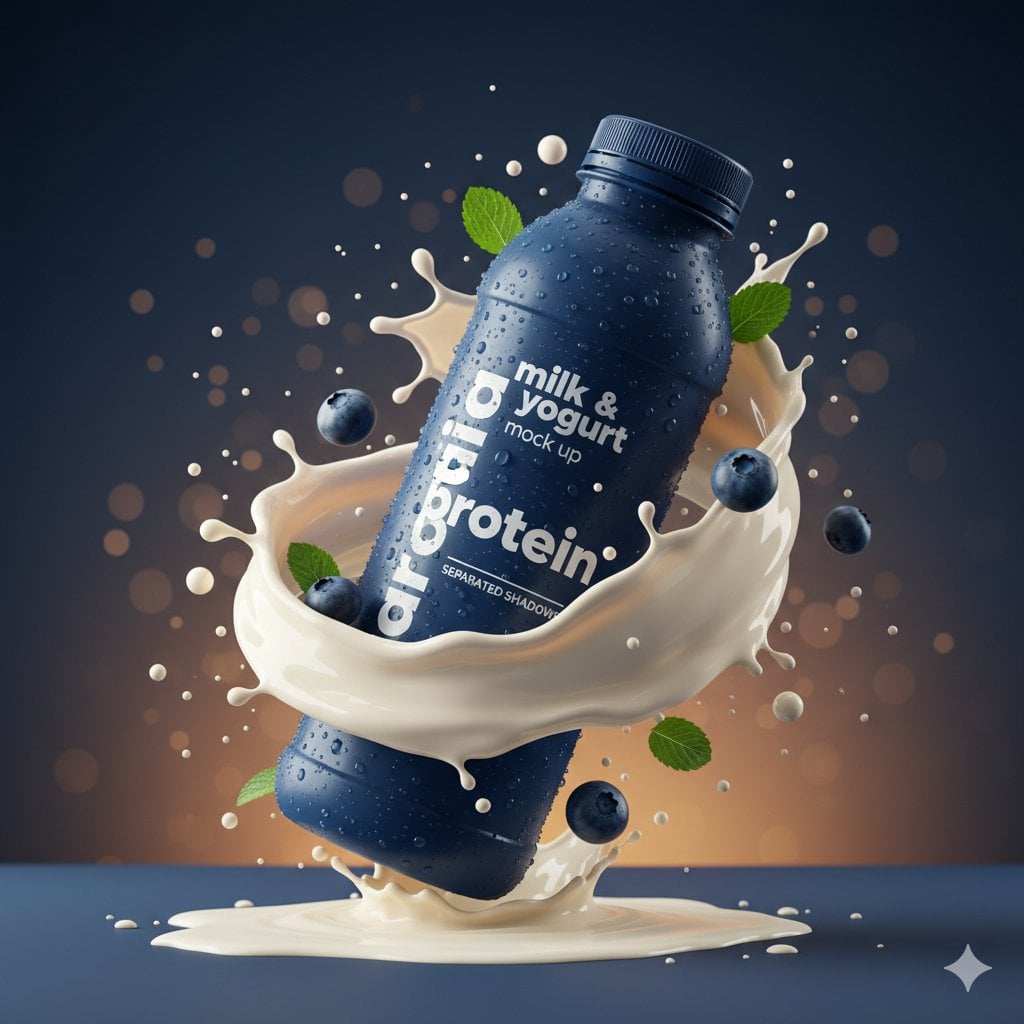
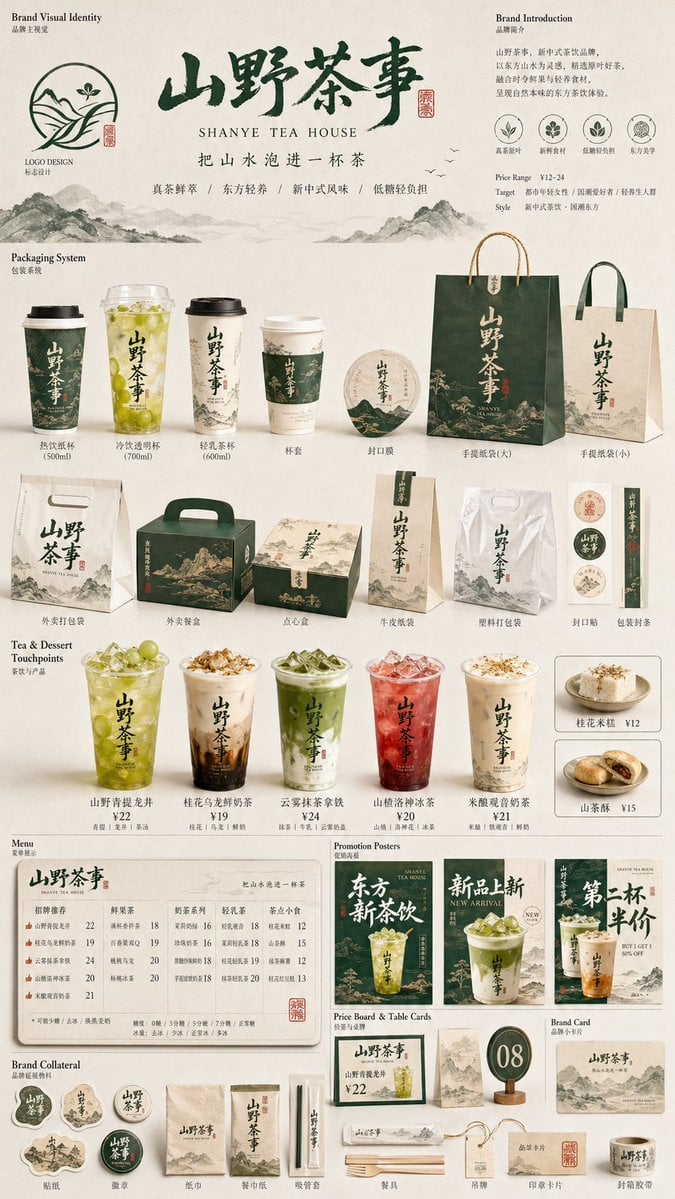
Develop structured product scenes, promotional concepts, and visual combinations that would otherwise require several source assets.
Use an existing image as the basis for changes to environment, composition, visual treatment, or supporting elements.
Move between photorealistic, graphic, painterly, and conceptual directions while keeping the creative brief explicit.
Write the required subject, action, environment, and composition. Add style and technical details after the core visual request is unambiguous.
Use standard quality and a smaller resolution while exploring. The displayed credit estimate updates with the selected settings.
Upload images only when they provide necessary visual information, then describe exactly what should be retained, replaced, or transformed.
Once the composition is working, move to the quality and resolution appropriate for the final channel and inspect the saved result at full size.
Identify the required count, placement, orientation, and relationships between important elements instead of leaving them implied.
Describe what must appear first, then describe how it should look. This helps preserve the subject while you iterate on visual treatment.
Higher settings consume more credits. Validate the idea at a lower tier and reserve high-quality 4K generation for approved directions.
GPT Image 2 is an image generation and editing model from OpenAI. This page provides an online AI image generator with text-to-image creation, reference-guided editing, selectable quality, credits, history, and stored results.
Yes. Add reference images in the AI image editor, then explain what should change and what should remain. The references guide the next result while the original image remains available for comparison.
Credits are calculated from the selected resolution and quality. The generator displays the current cost on the action before submission, so you can choose an iteration or final-output tier deliberately.
The current configuration supports 1K, 2K, and 4K resolutions, standard, medium, and high quality, plus seven common aspect ratios.
Return to the generator, enter a visual brief, choose the output settings, and create your next image with the selected model.