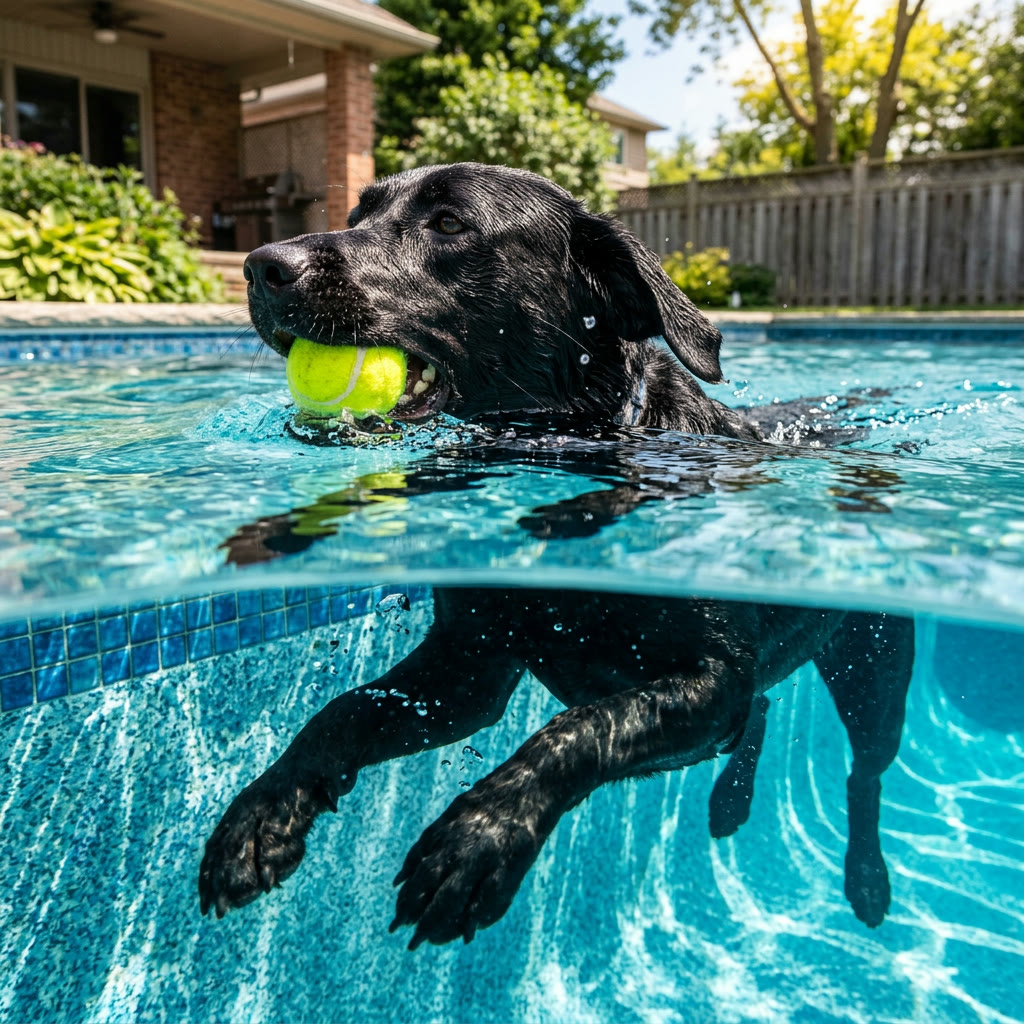
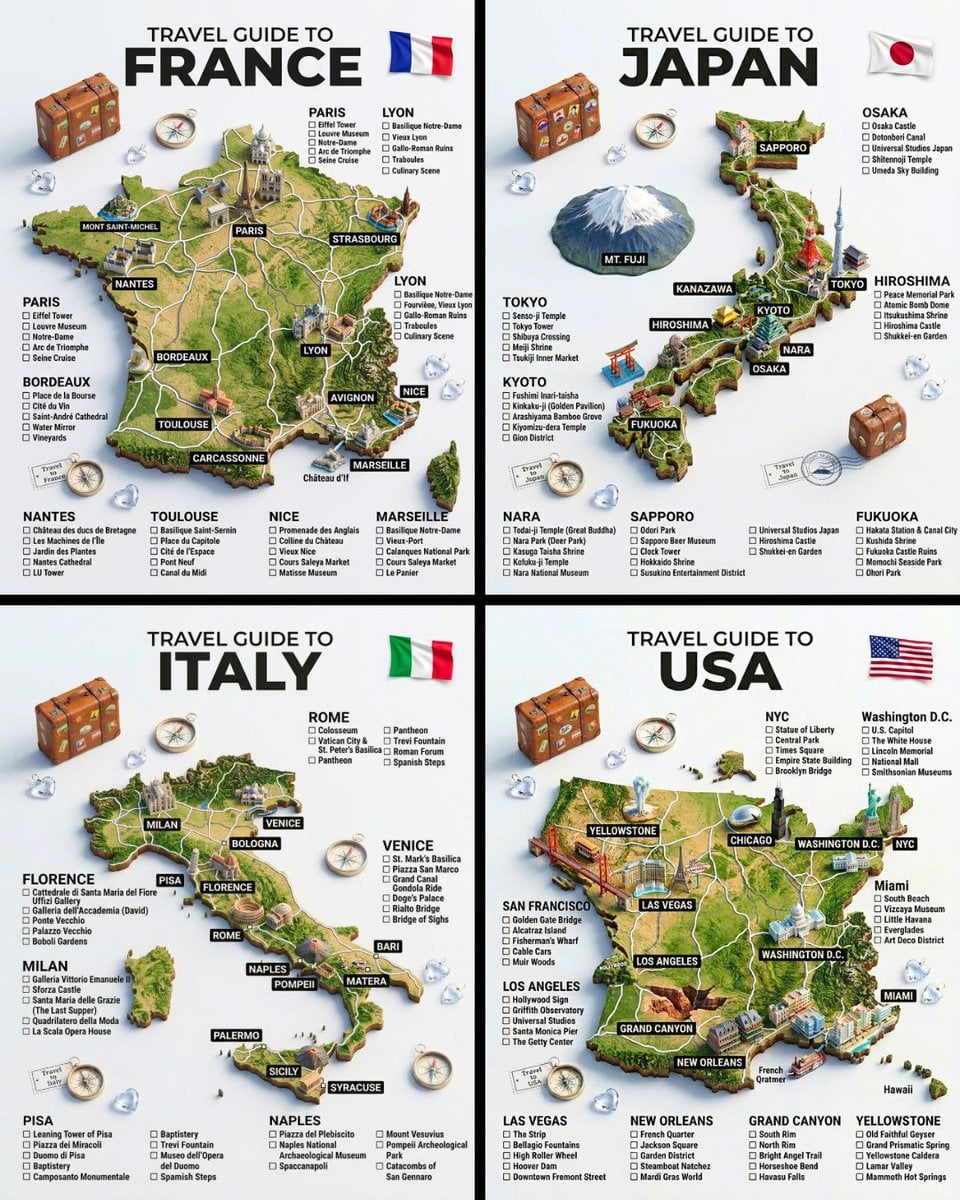
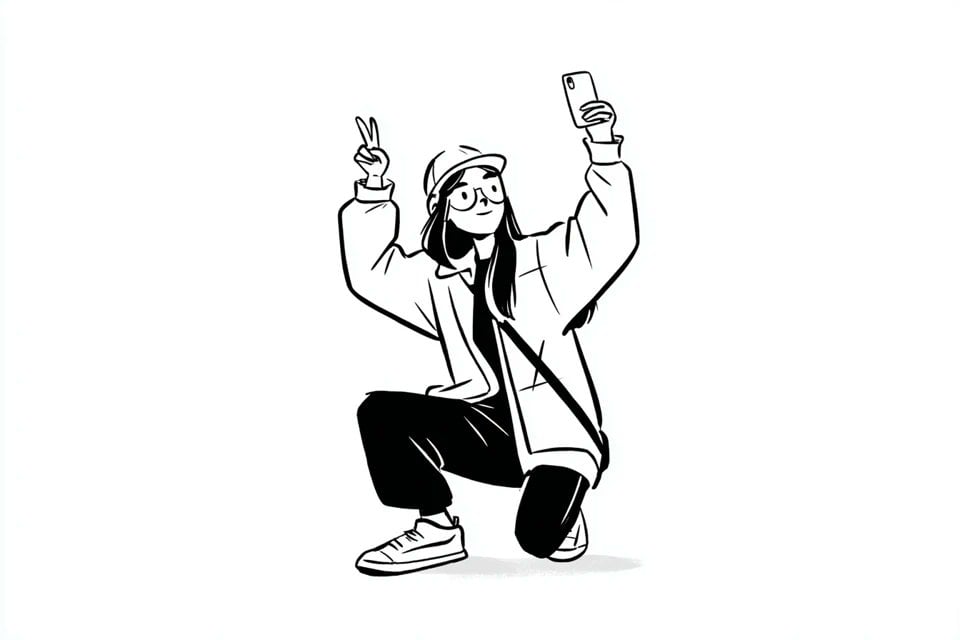
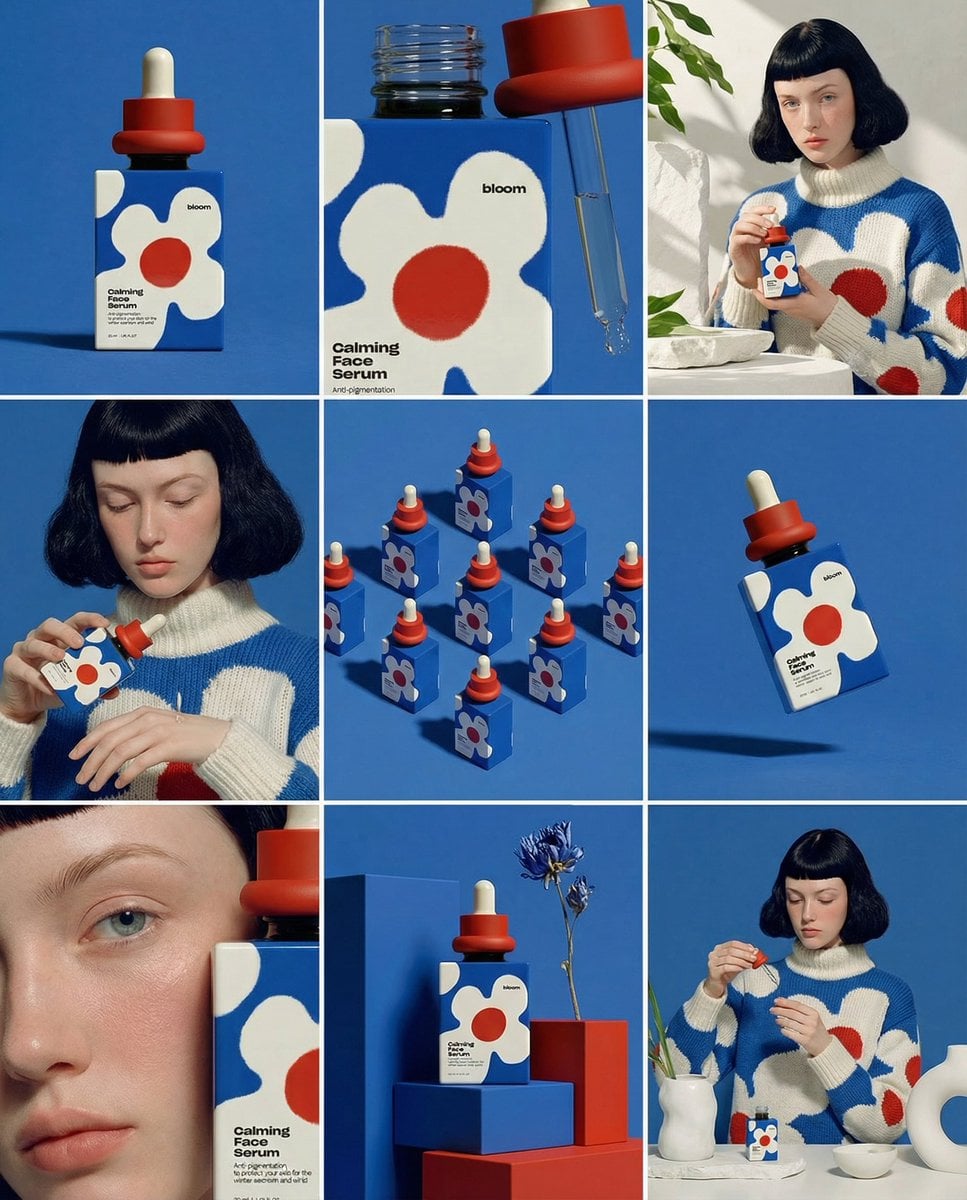
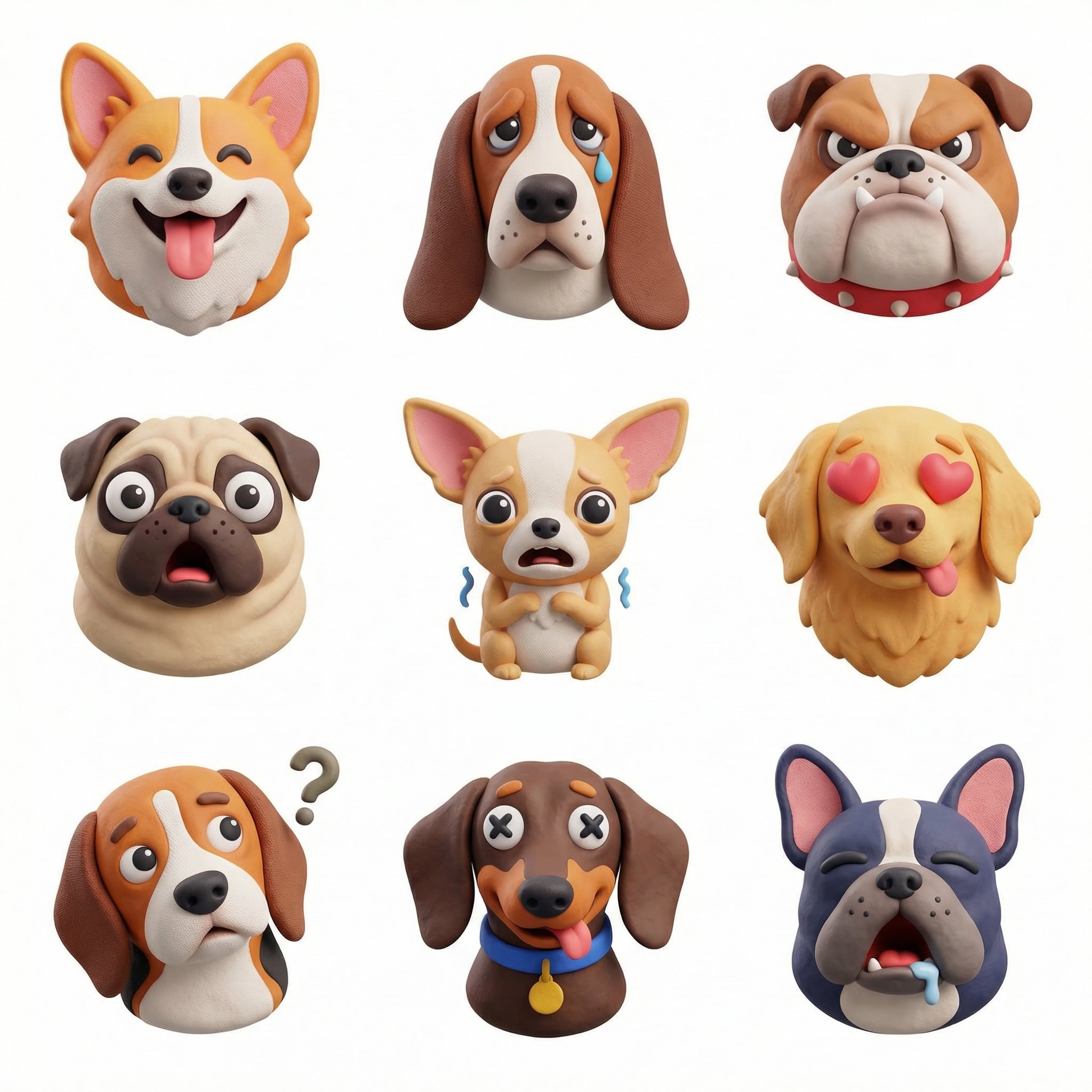
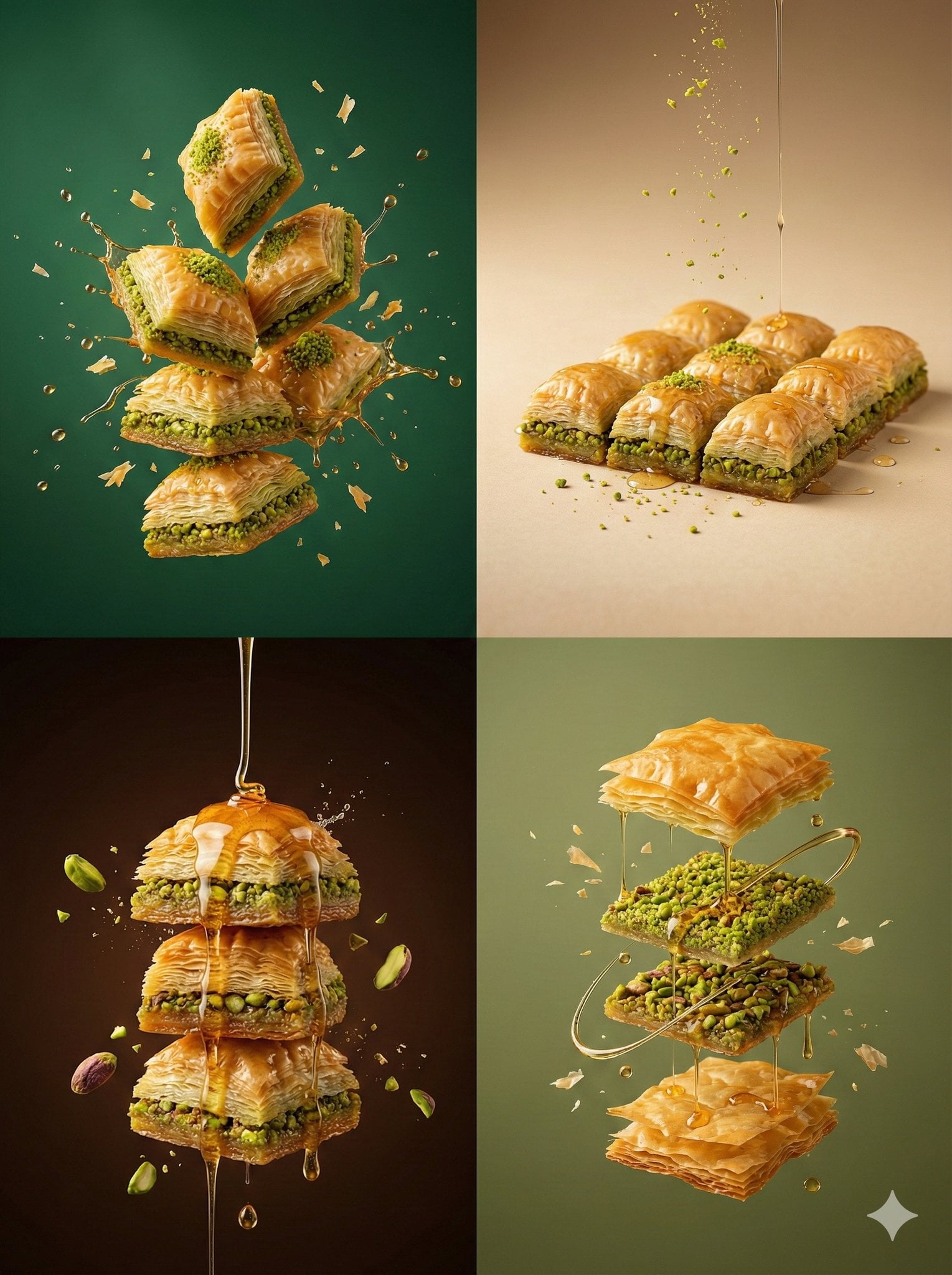
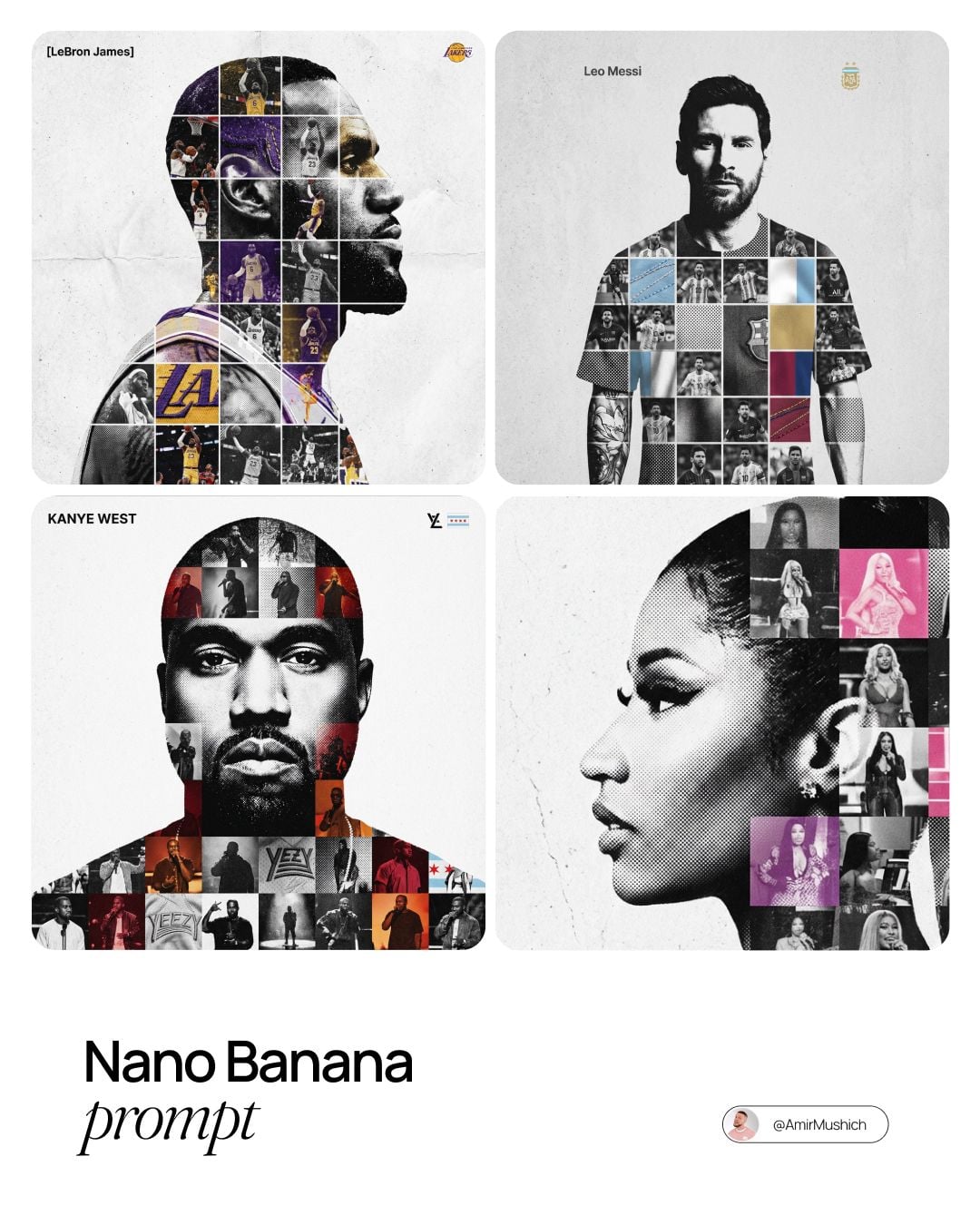
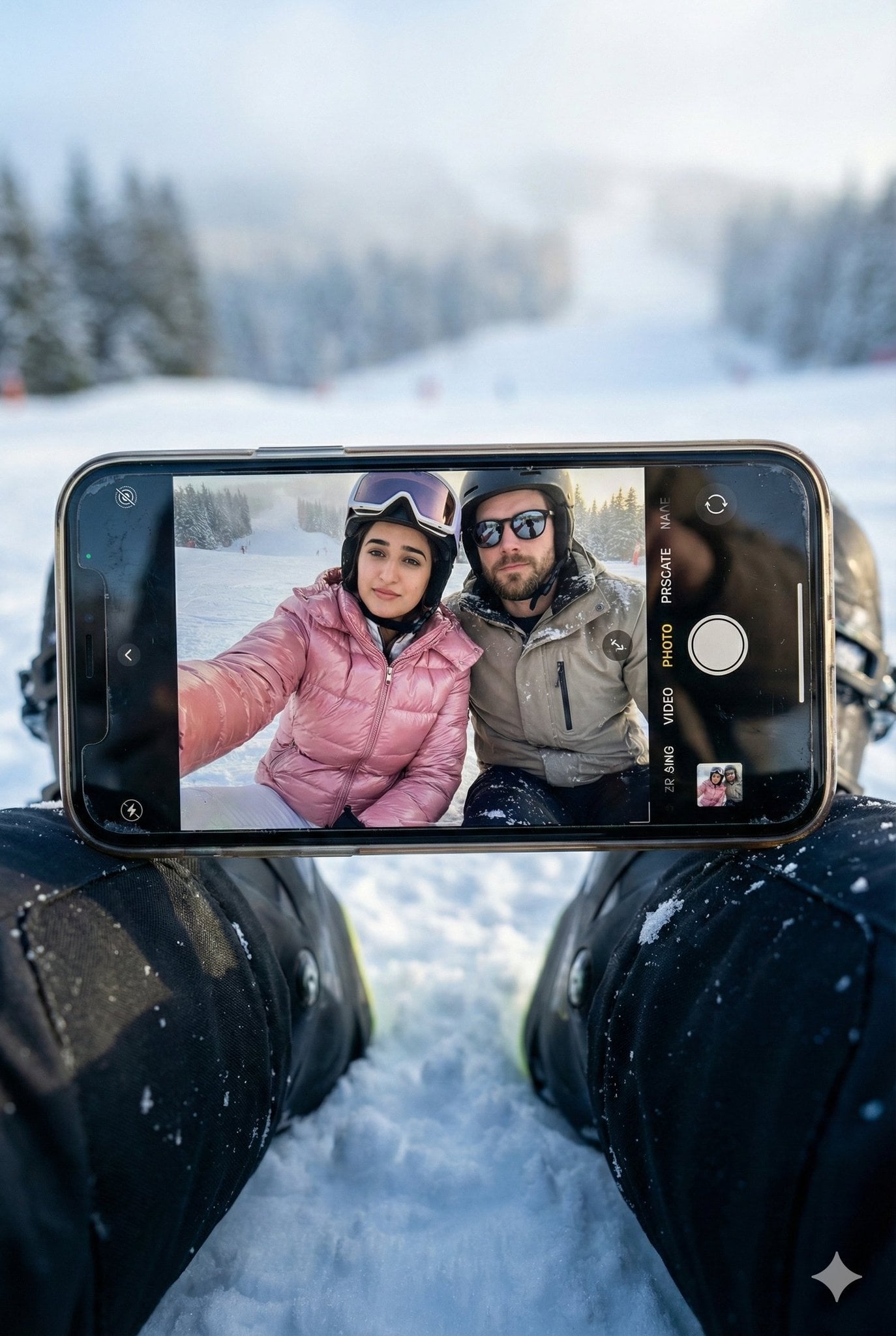
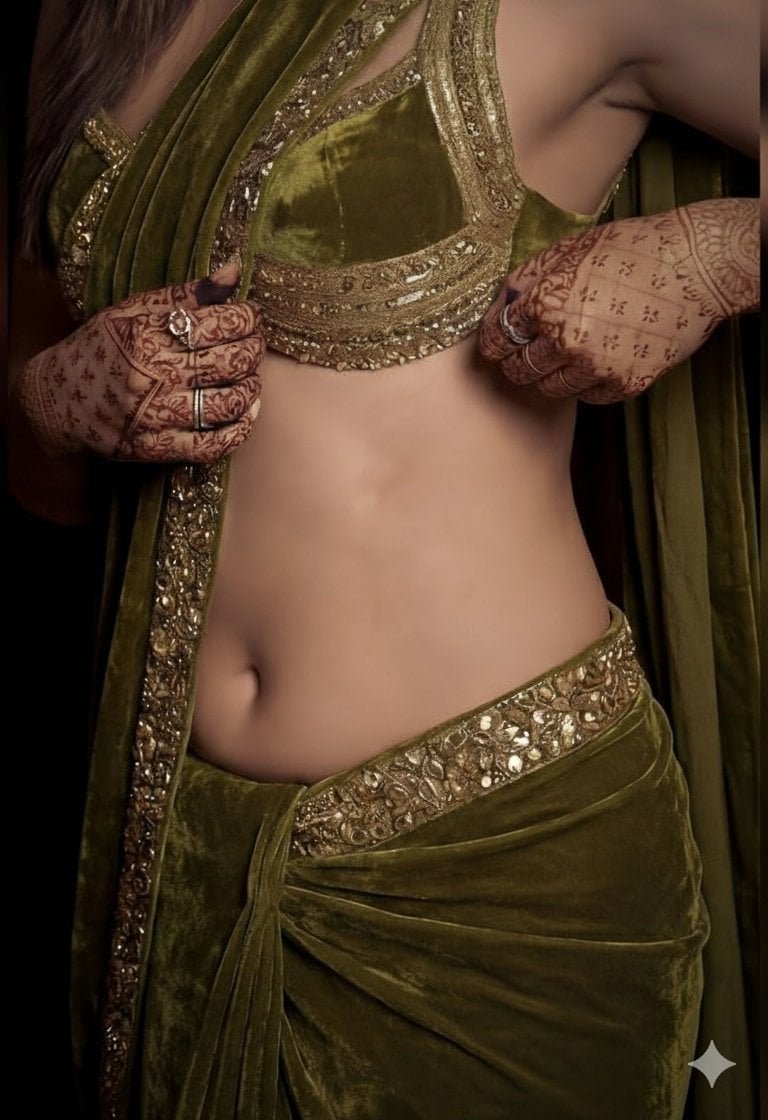
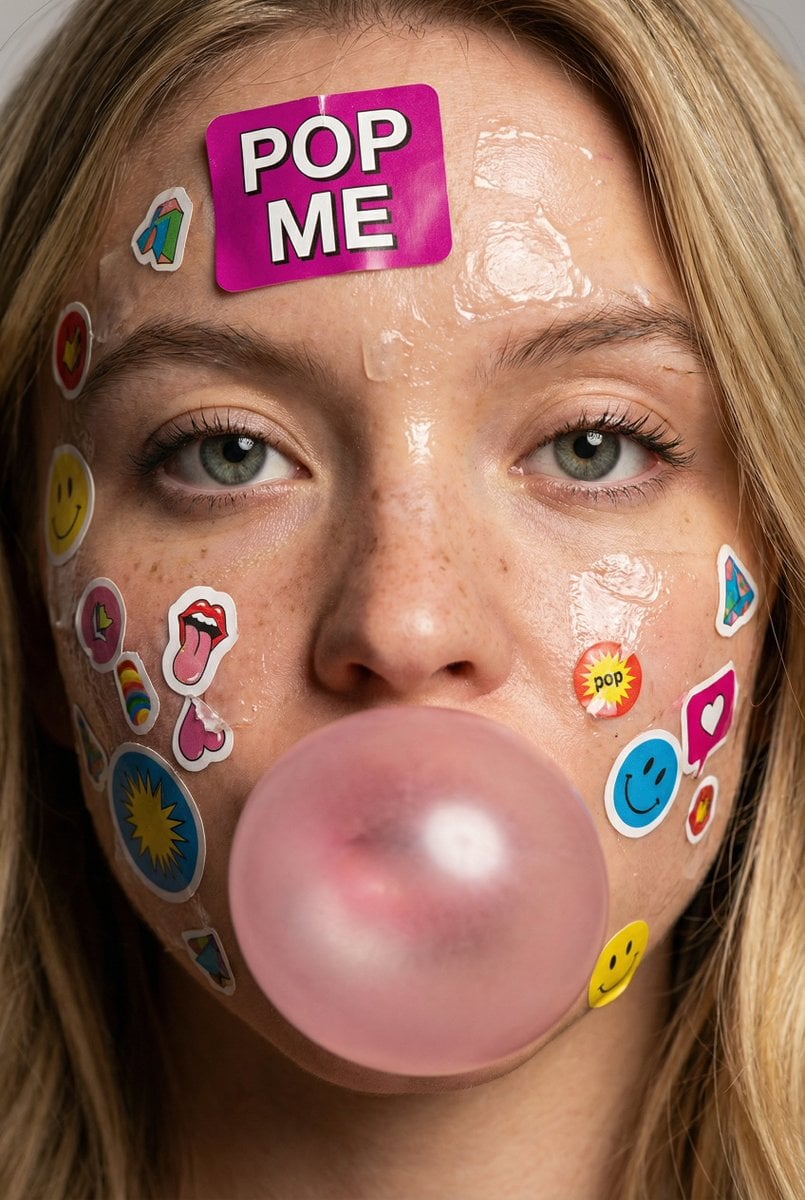
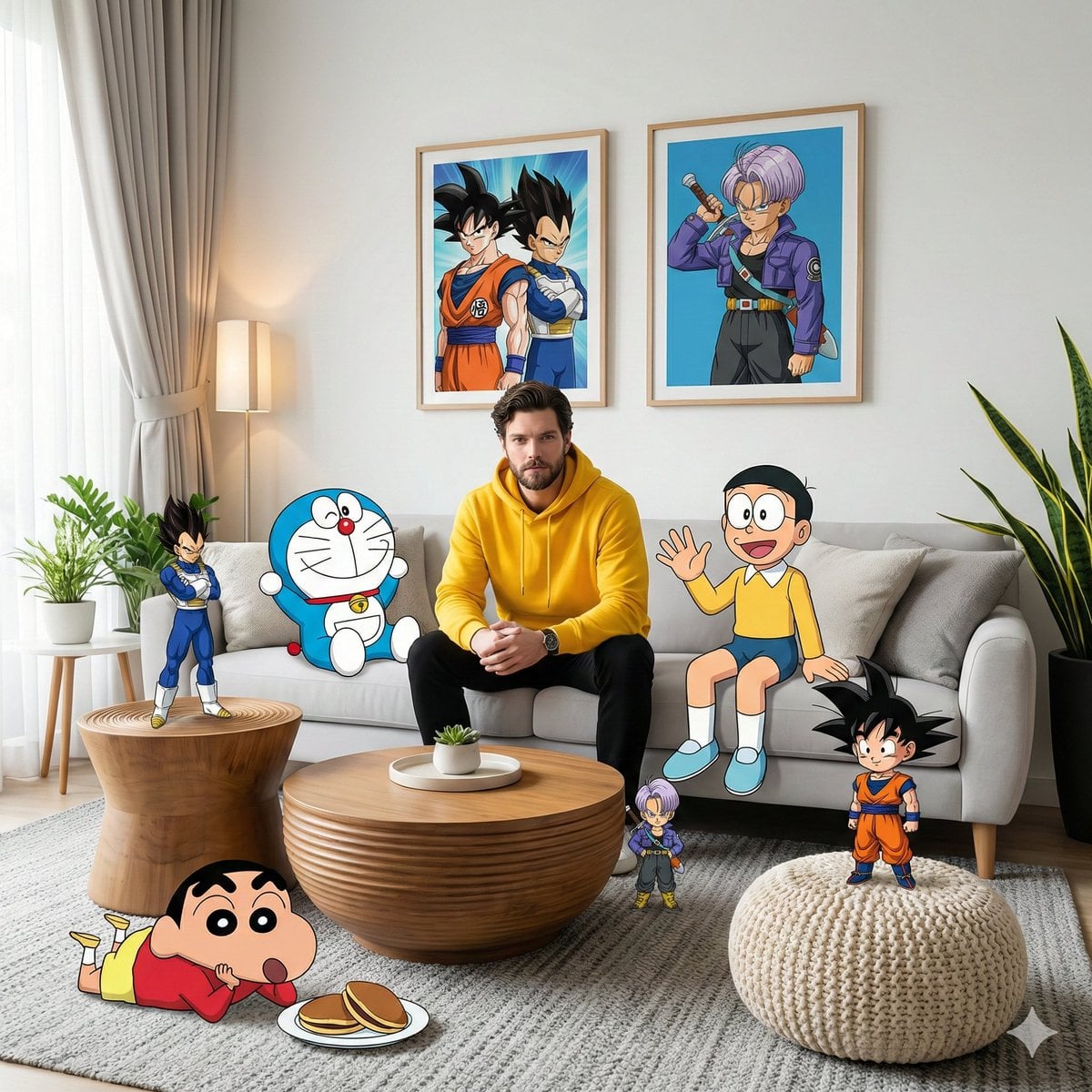
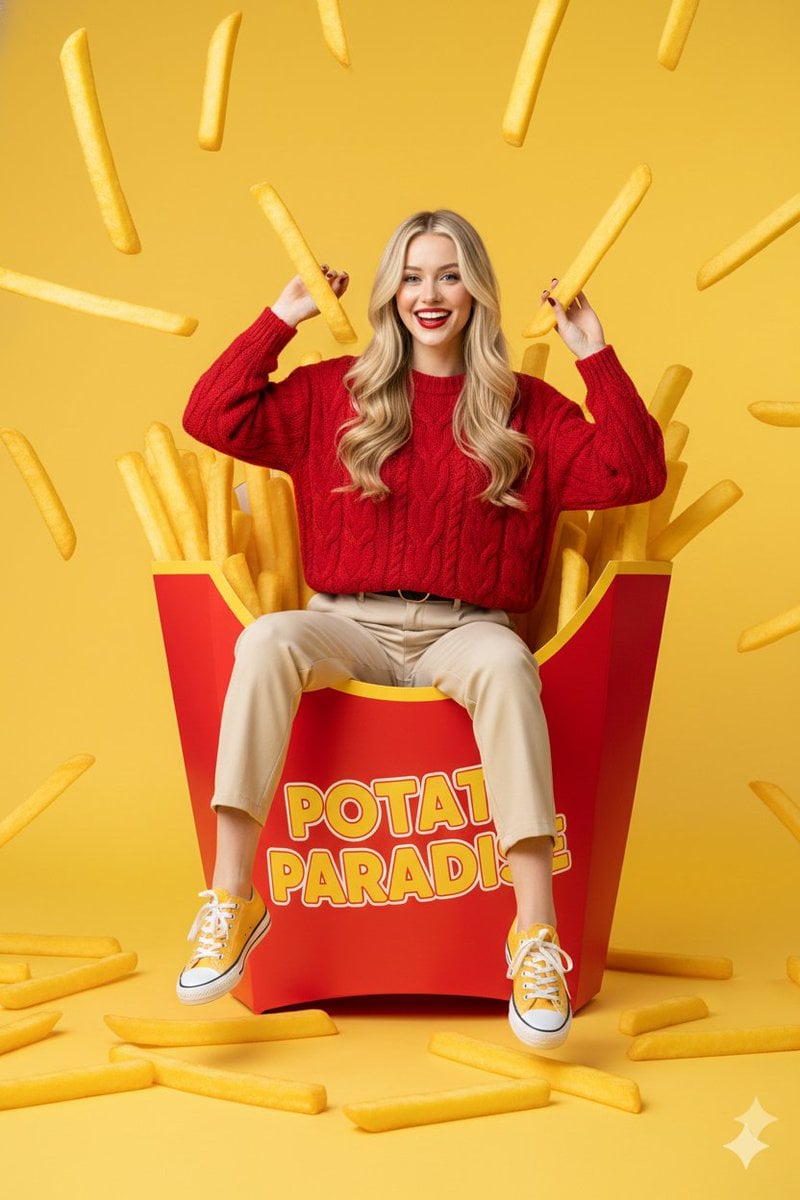
Photorealistic black dog swimming in a pool generated with Nano Banana 2

Google image model

Create and edit images with Nano Banana 2

Nano Banana 2 is a fast AI image generator and AI image editor for prompt-driven visual work. Use text-to-image generation to create a new visual, guide an image edit with references, select a practical aspect ratio, and export at up to 4K resolution from one production workspace.

Text-to-image and reference-guided editing1K, 2K, and 4K outputSeven common aspect ratios

Nano Banana 2 Prompt Gallery

Browse practical Nano Banana 2 prompts for AI image generation, image editing, product visuals, photography, illustration, and campaign concepts. Open an example to review the full prompt or use it as the starting point for your own image.

View prompt gallery

A responsive model for everyday visual production

Nano Banana 2 balances generation speed with useful instruction following. As an online AI image generator, it fits the repeated work that fills a real creative queue: exploring a campaign direction, producing social variations, updating a scene around an existing subject, or moving from a rough visual idea to a usable image without a long setup.

The generator above supports both text-to-image creation and reference-guided AI image editing. Start with a text prompt or add reference images, choose a 1K, 2K, or 4K output, and match the frame to square, portrait, landscape, or vertical publishing formats. Generated and edited images use the same account, credit, storage, and history flow as the other image models.

Resolutions
1K, 2K, 4K
Aspect ratios
7 formats
Quality controls
Model optimized

What Nano Banana 2 can do here

Use Nano Banana 2 as a text-to-image generator for new concepts or as an AI image editor for targeted visual changes. The controls below reflect the image generation features available in the current workflow.

Text-to-image generation

Describe the subject, setting, composition, lighting, camera position, palette, and intended use. The AI image generator converts that direction into a new visual while keeping the process fast enough for iterative exploration.

Reference-guided AI image editing

Upload one or more visual references when an existing subject, scene, or style should inform the result. The AI image editor keeps references beside the prompt and generated output for easier comparison.

Resolution selection up to 4K

Choose 1K for quick drafts, 2K for general production, or 4K when the image needs more room for presentation, layout work, or a higher-resolution final export.

Publishing-ready aspect ratios

Generate square, portrait, landscape, story, or widescreen images without manually cropping a mismatched canvas after generation.

Where Nano Banana 2 fits

Use this AI image generator when you need frequent, varied image output, or switch to image editing when an existing visual needs a new scene, crop, or treatment.

Social and campaign concepts

Explore campaign scenes, thumbnail directions, announcement art, and channel-specific crops before committing to a final visual system.

Product and lifestyle imagery

Place products or subjects into new environments, test presentation ideas, and create supporting lifestyle visuals from clear written direction and references.

Editorial illustration

Build restrained conceptual images, colorful illustrations, and visual metaphors for articles, presentations, newsletters, and educational material.

Rapid creative variations

Keep the core idea while changing framing, atmosphere, palette, or visual treatment across several generations.

A practical generation workflow

1. Define the visual outcome

Write the subject and action first, then add the environment, composition, lighting, and intended format. Concrete visual details are more useful than broad quality adjectives.

2. Add references when needed

Use reference images when the result should preserve a recognizable subject or borrow visual structure. Keep each reference relevant to the requested change.

3. Choose frame and resolution

Match the aspect ratio to the final placement and use a lower resolution for iteration before moving to a larger output for the selected direction.

4. Review the stored result

Open the generated image at full size, compare it with the prompt and references, and use history to return to successful versions.

Prompting tips for more controlled results

Describe relationships, not just objects

Explain where the subject sits, what it is doing, and how foreground and background elements interact. Spatial direction reduces ambiguous compositions.

Name the intended medium

Specify photography, editorial illustration, product render, poster art, collage, or another medium so the model has a clear visual grammar.

Iterate one variable at a time

When a result is close, change the camera, lighting, palette, or background separately. Small controlled revisions make it easier to identify what improved the image.

Nano Banana 2 FAQ

What is Nano Banana 2?

Nano Banana 2 is a Google image generation and editing model. This page turns it into an online AI image generator with text-to-image creation, reference-guided edits, flexible output settings, credits, storage, and generation history.

Can Nano Banana 2 edit an uploaded image?

Yes. Add reference images to the AI image editor and describe the desired change. The model can use those images to guide a new result rather than starting from text alone.

Which resolutions are available?

The current generator offers 1K, 2K, and 4K selections for Nano Banana 2. Choose the size according to whether you are exploring an idea or preparing a larger final asset.

Where are completed images saved?

Successful generations use the existing image workflow and storage system. They remain associated with your account and can be revisited through generation history.

Start creating with Nano Banana 2

Return to the generator, enter a visual brief, choose the output settings, and create your next image with the selected model.

Open generator