

Prompt scenes
AI image prompts organized by real creative use cases
Browse GPT Image 2 and Nano Banana prompt examples by scene: product visuals, poster design, UI graphics, photography, food and drink, and 3D illustration. Each page explains how to adapt the prompt structure, choose the right model, and turn examples into images faster.
Use case library
Choose a scene
Start from the kind of image you need, then open a focused page with examples, prompt structure, and related scenes.
Product & Brand
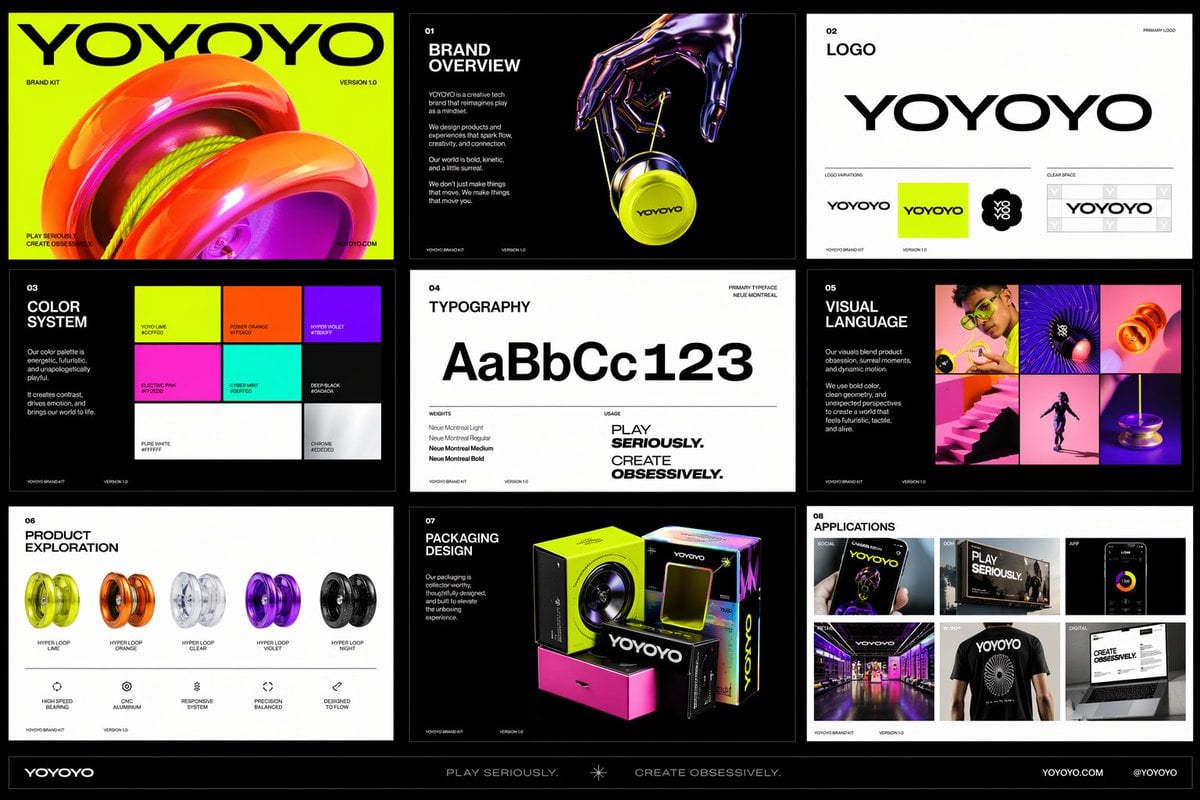
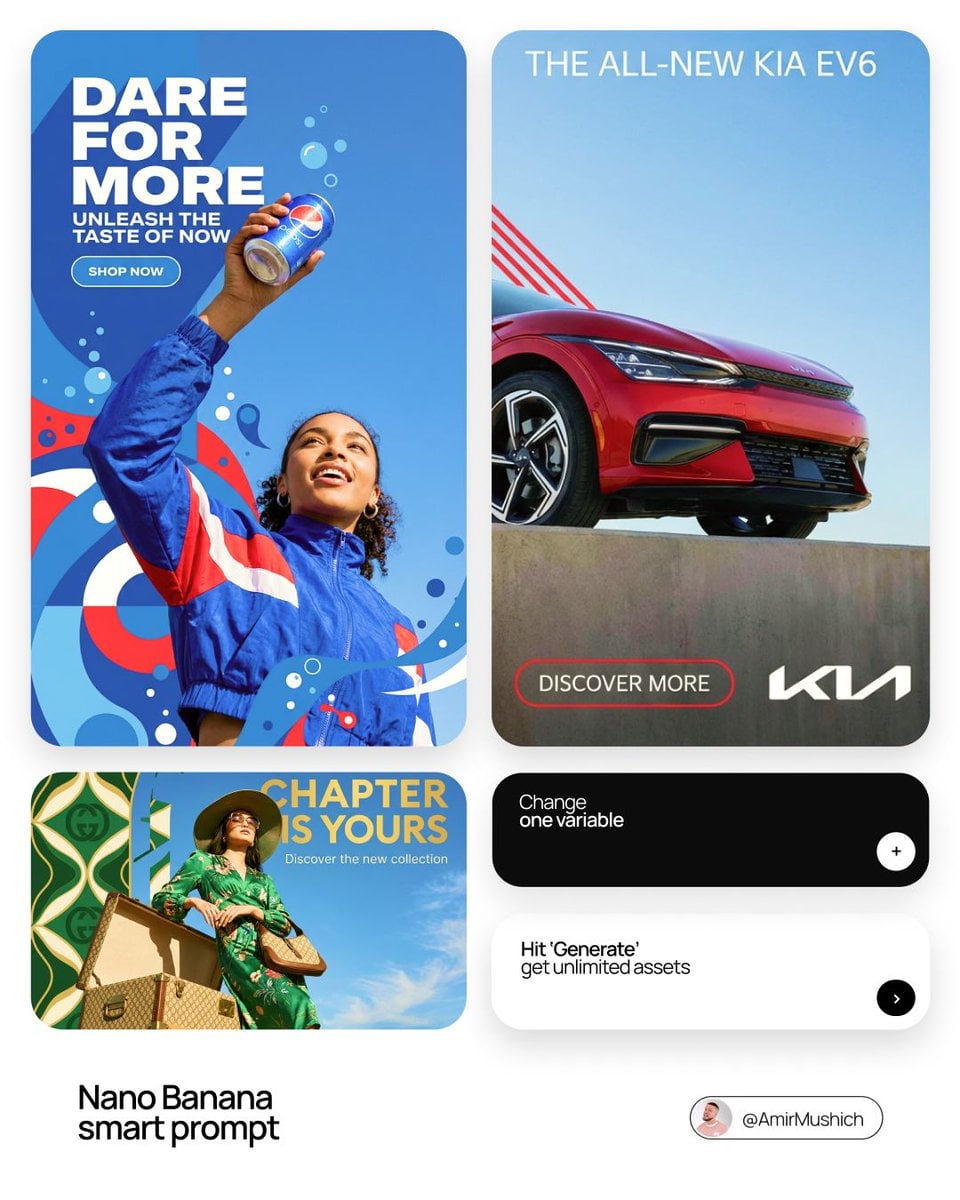
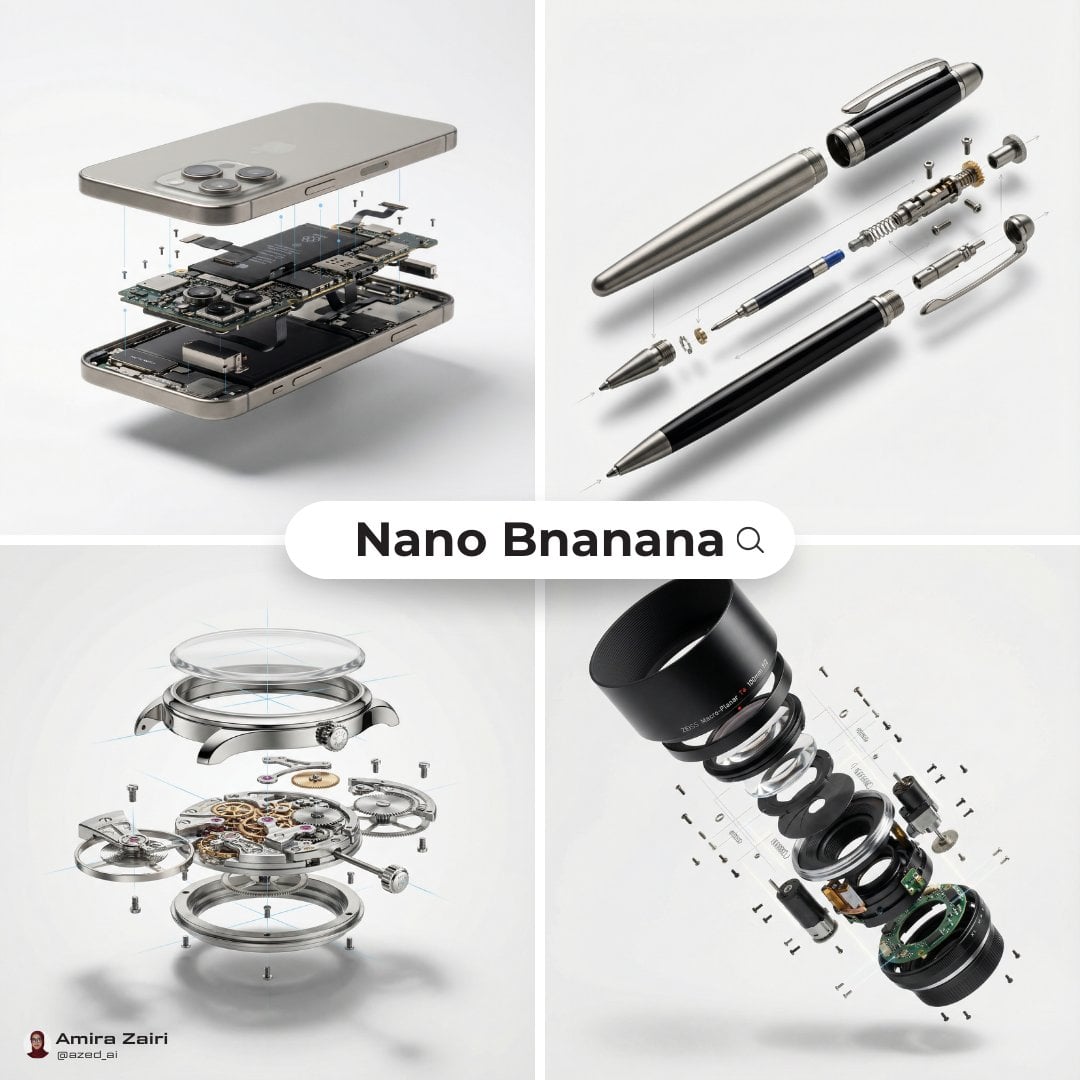
Create polished product scenes, ecommerce photos, launch visuals, and brand-led ad concepts with prompts that describe the product, surface, lighting, camera angle, and commercial context.
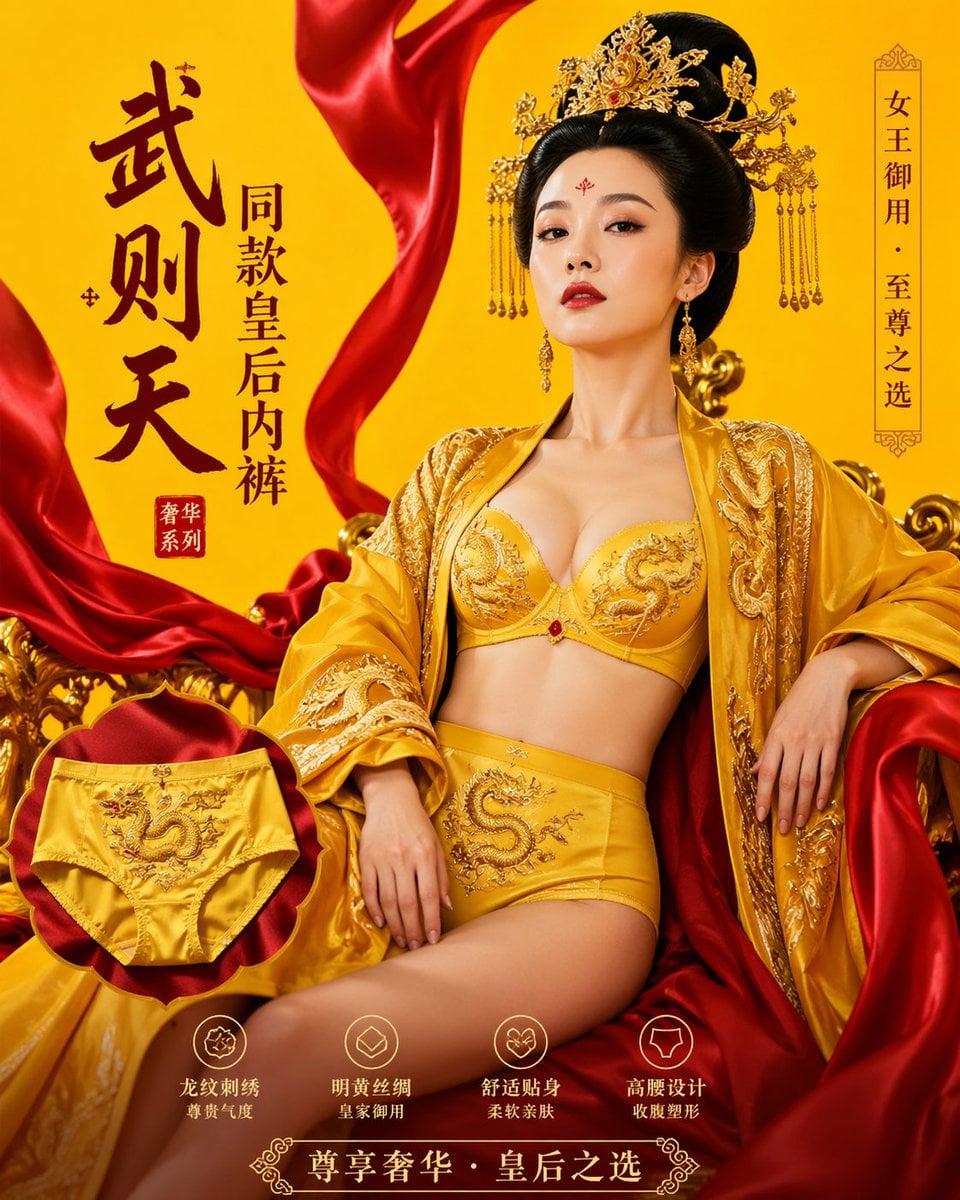
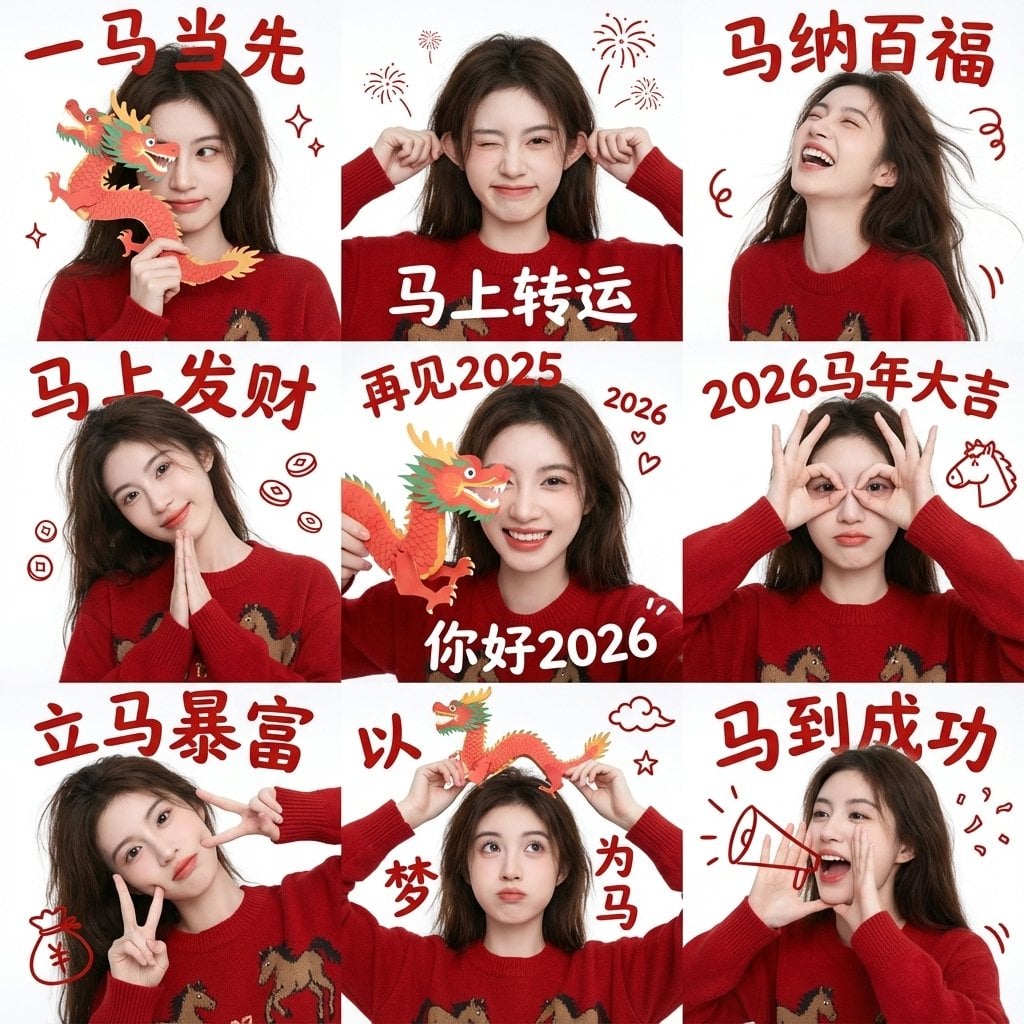
Poster Design
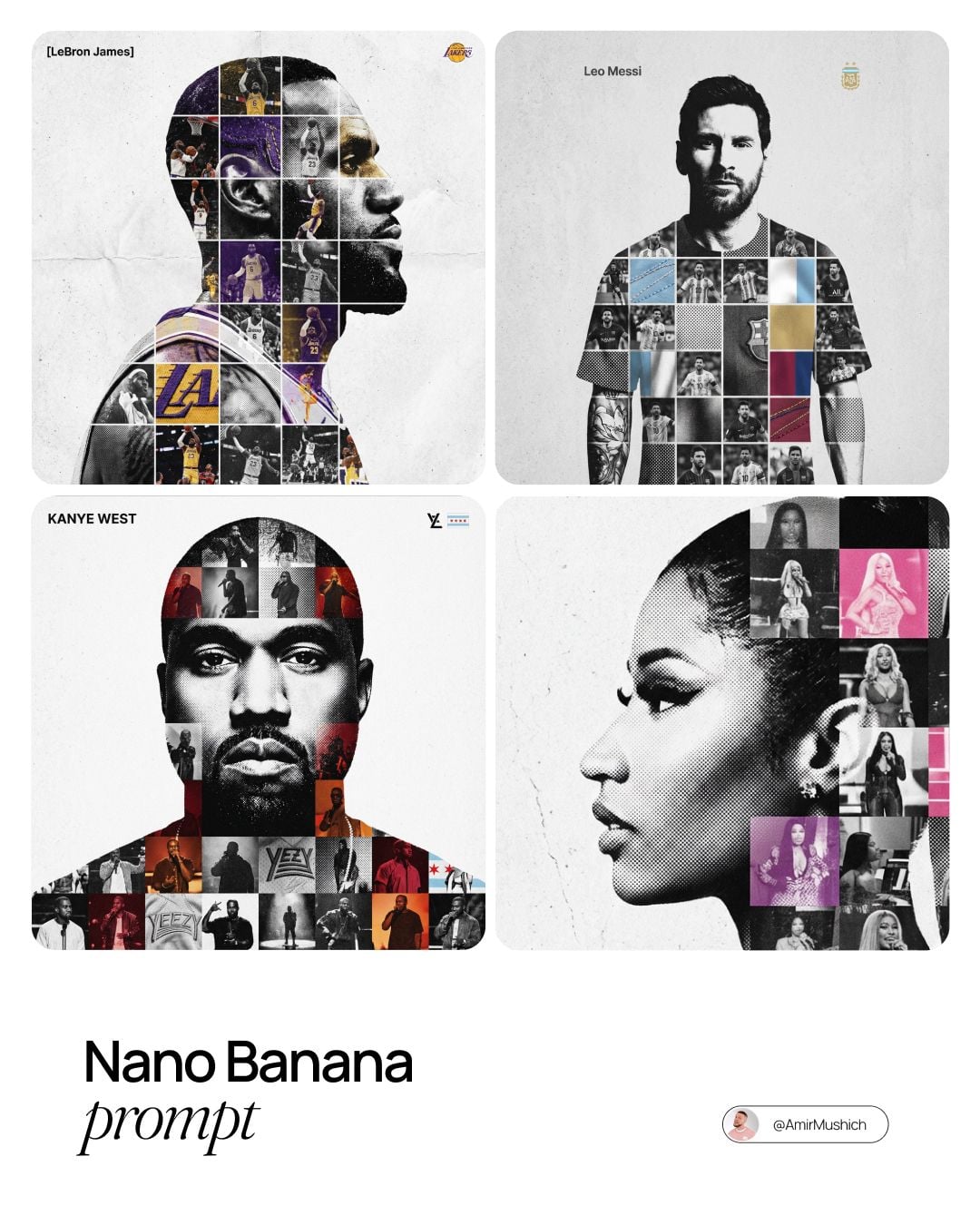
Build poster concepts with stronger composition, hierarchy, mood, typography direction, and campaign intent by starting from prompt patterns made for visual communication.
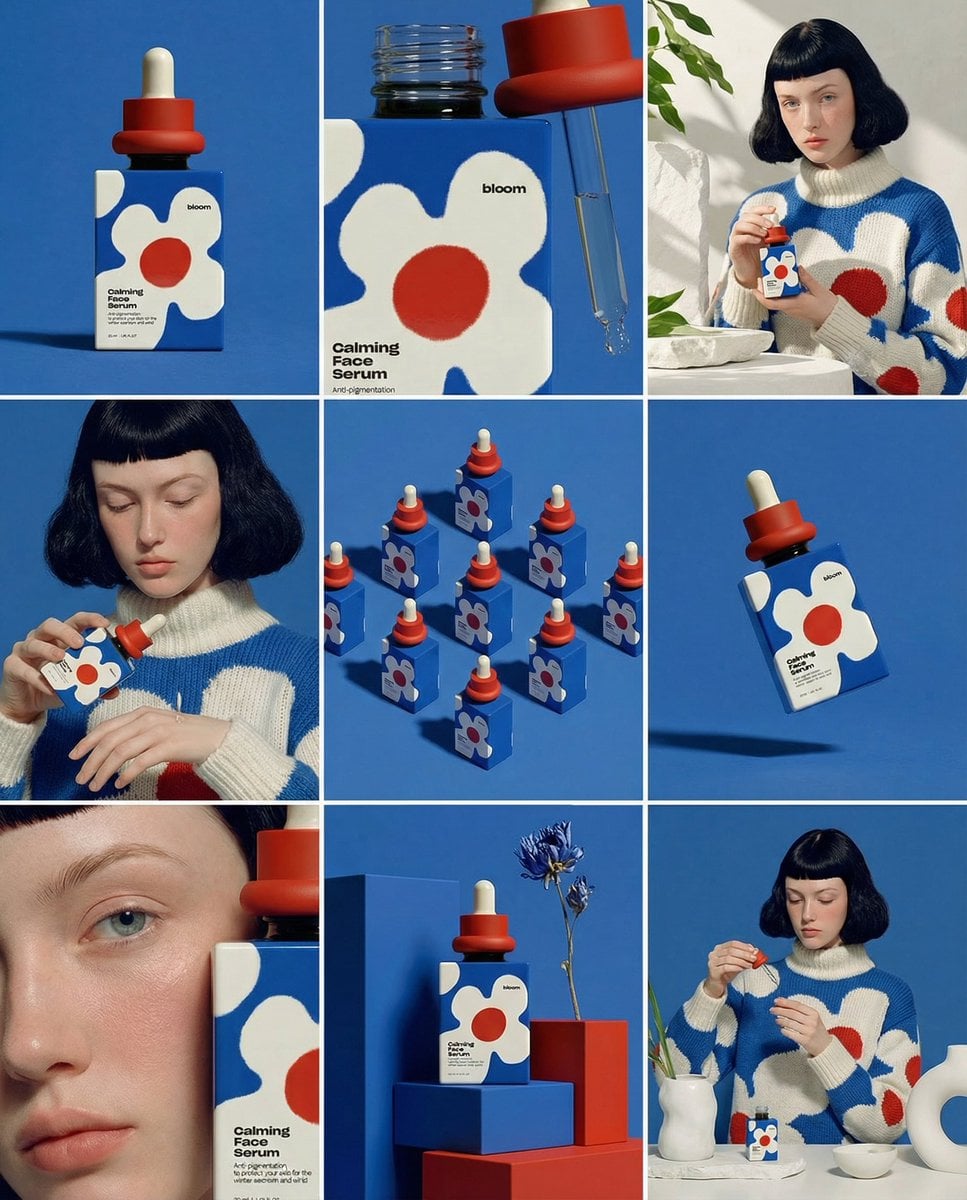
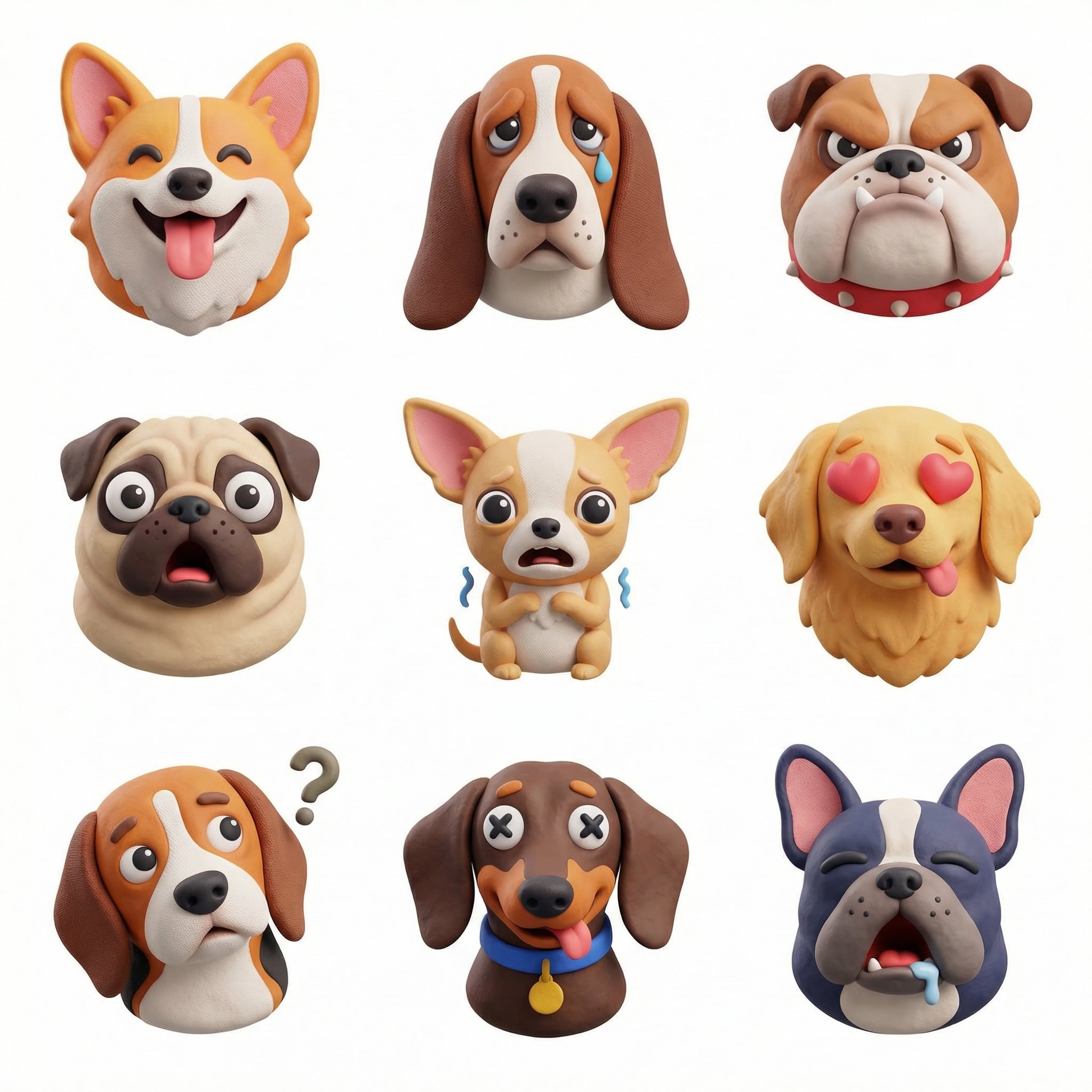
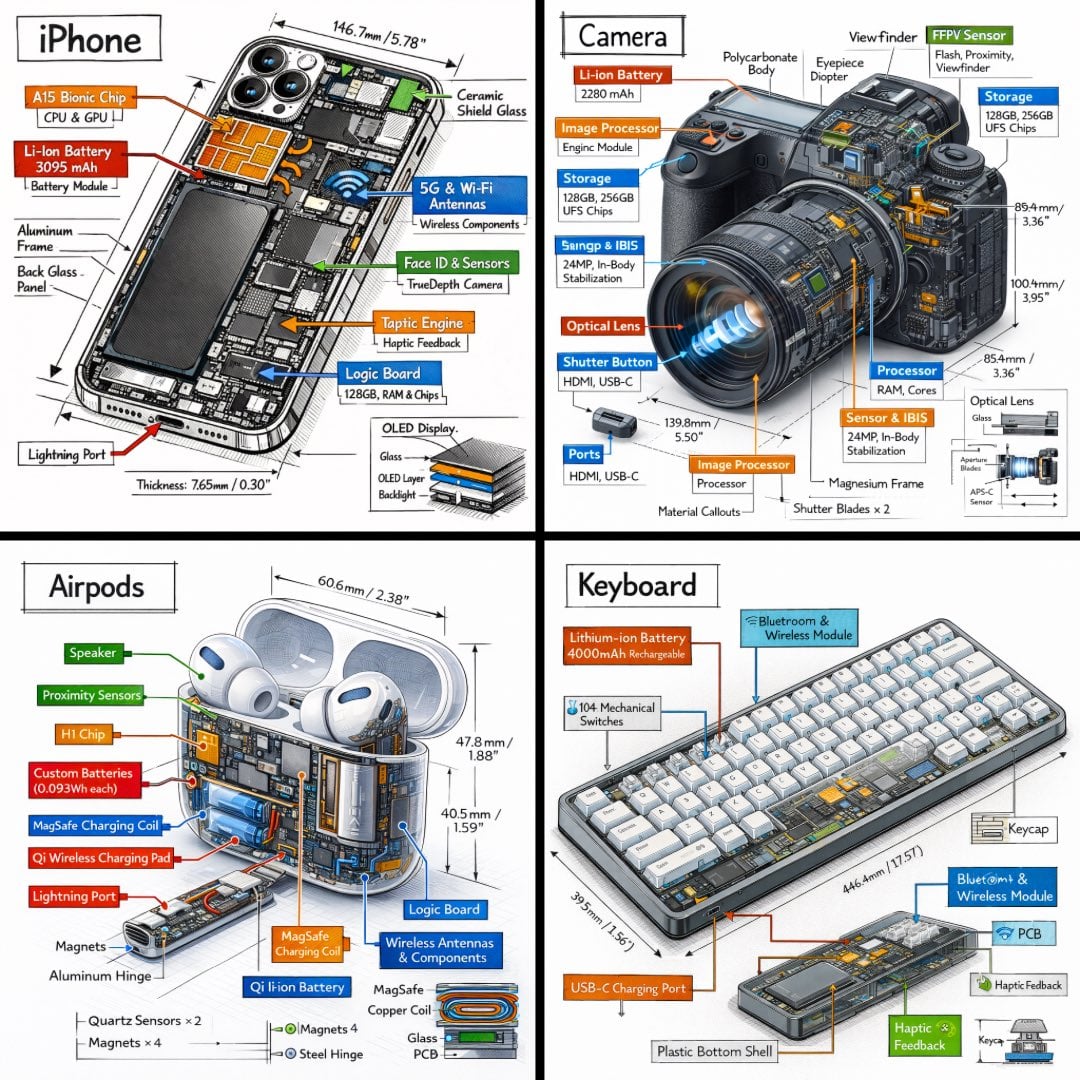
UI & Graphic
Generate interface concepts, dashboard visuals, app screens, icon systems, and landing page graphics with prompts that describe layout, product context, components, and visual style.
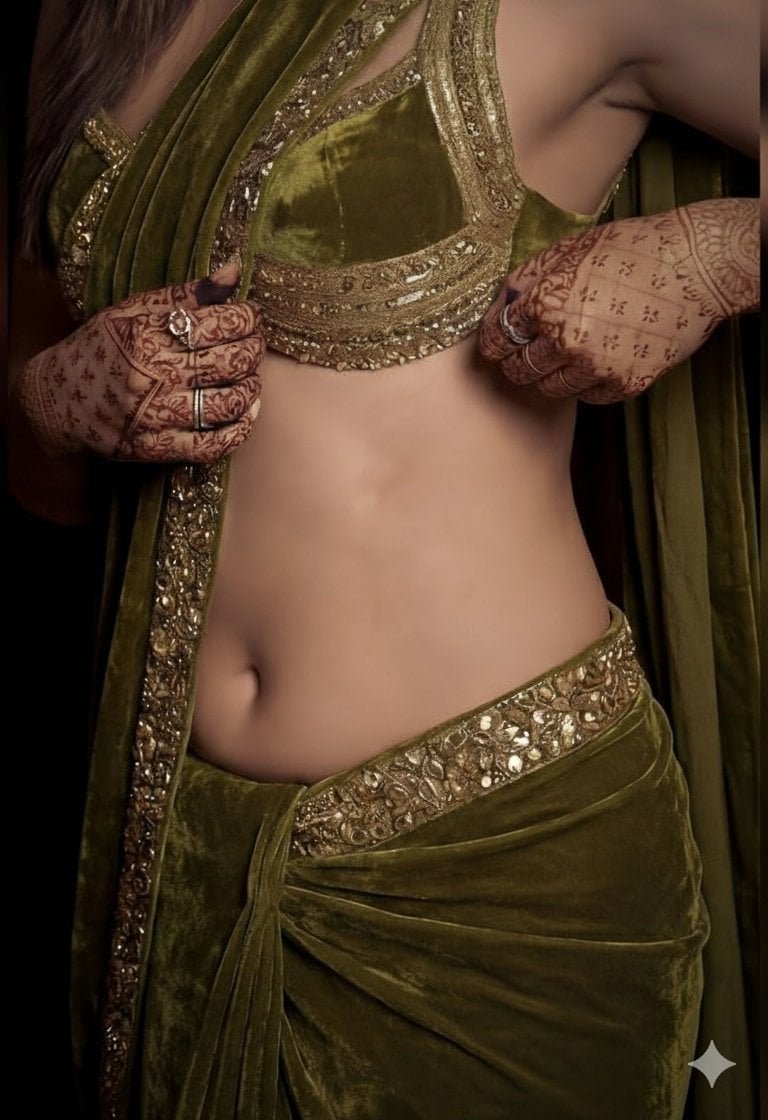
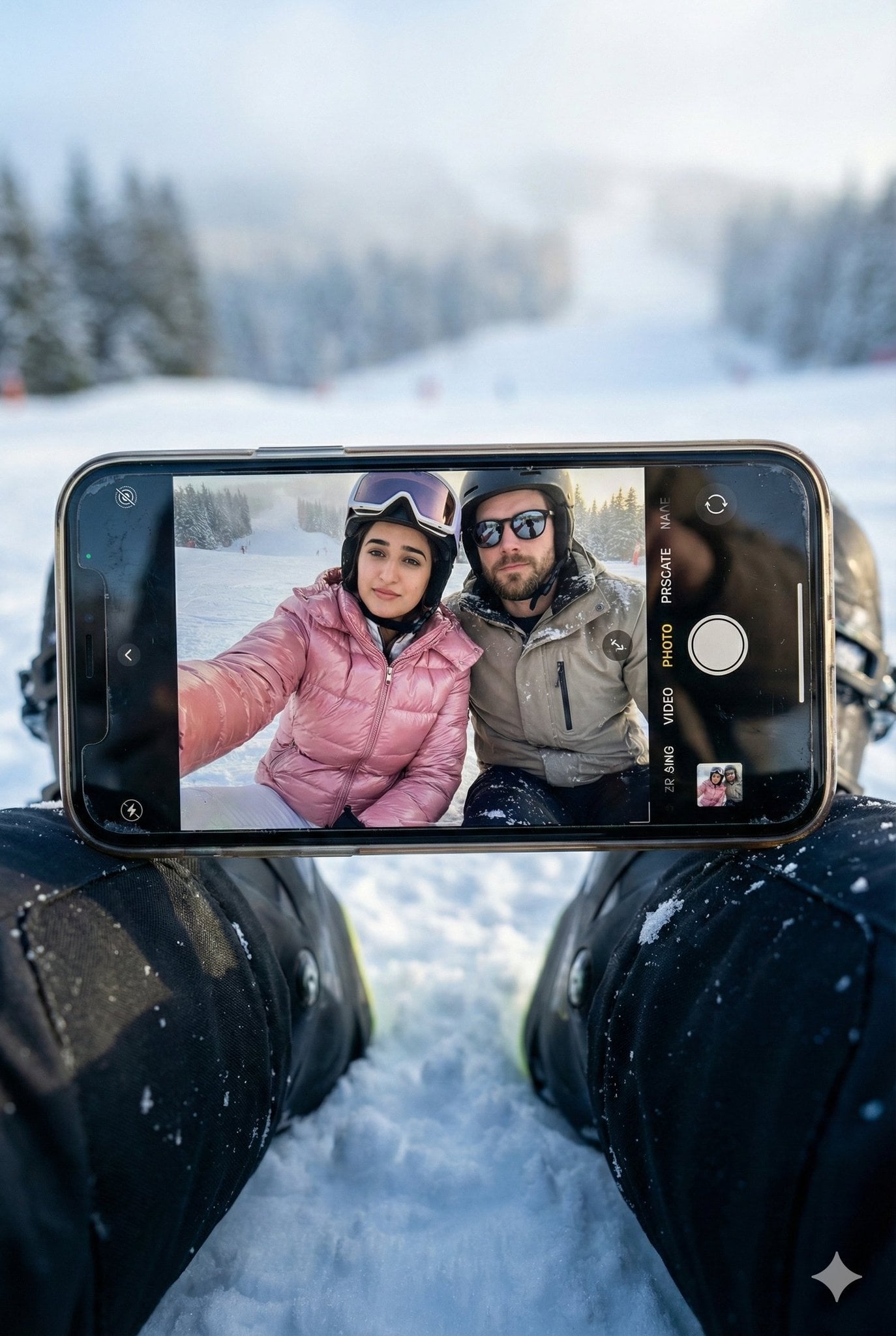
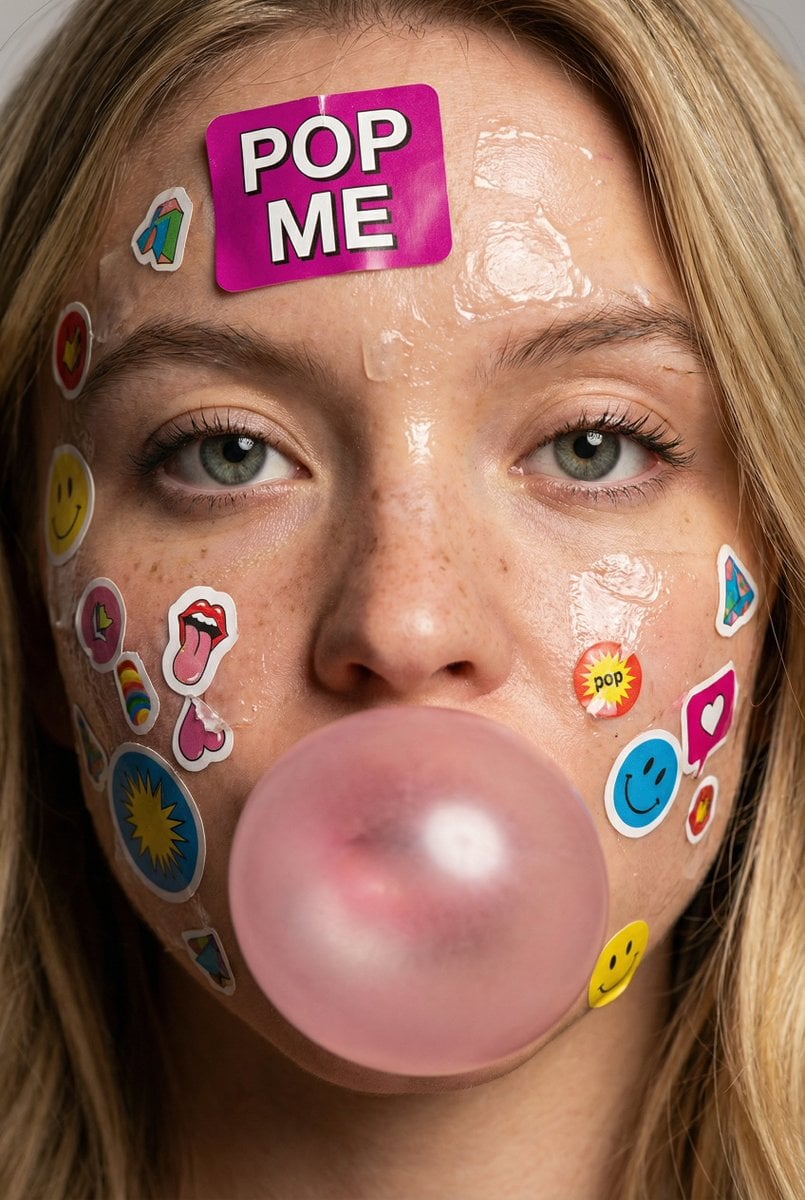
Photography
Write photo prompts with better subject direction, camera language, lens cues, lighting, environment, mood, and editorial intent for realistic and cinematic image generation.
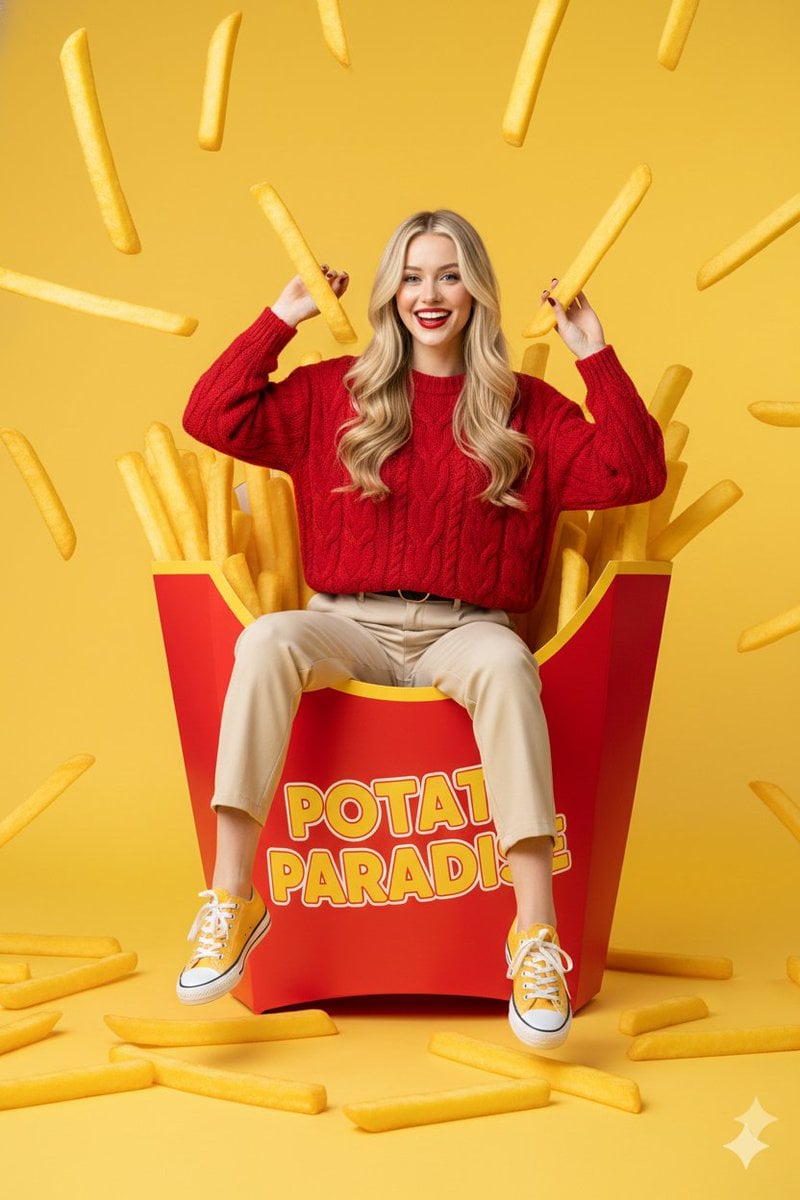
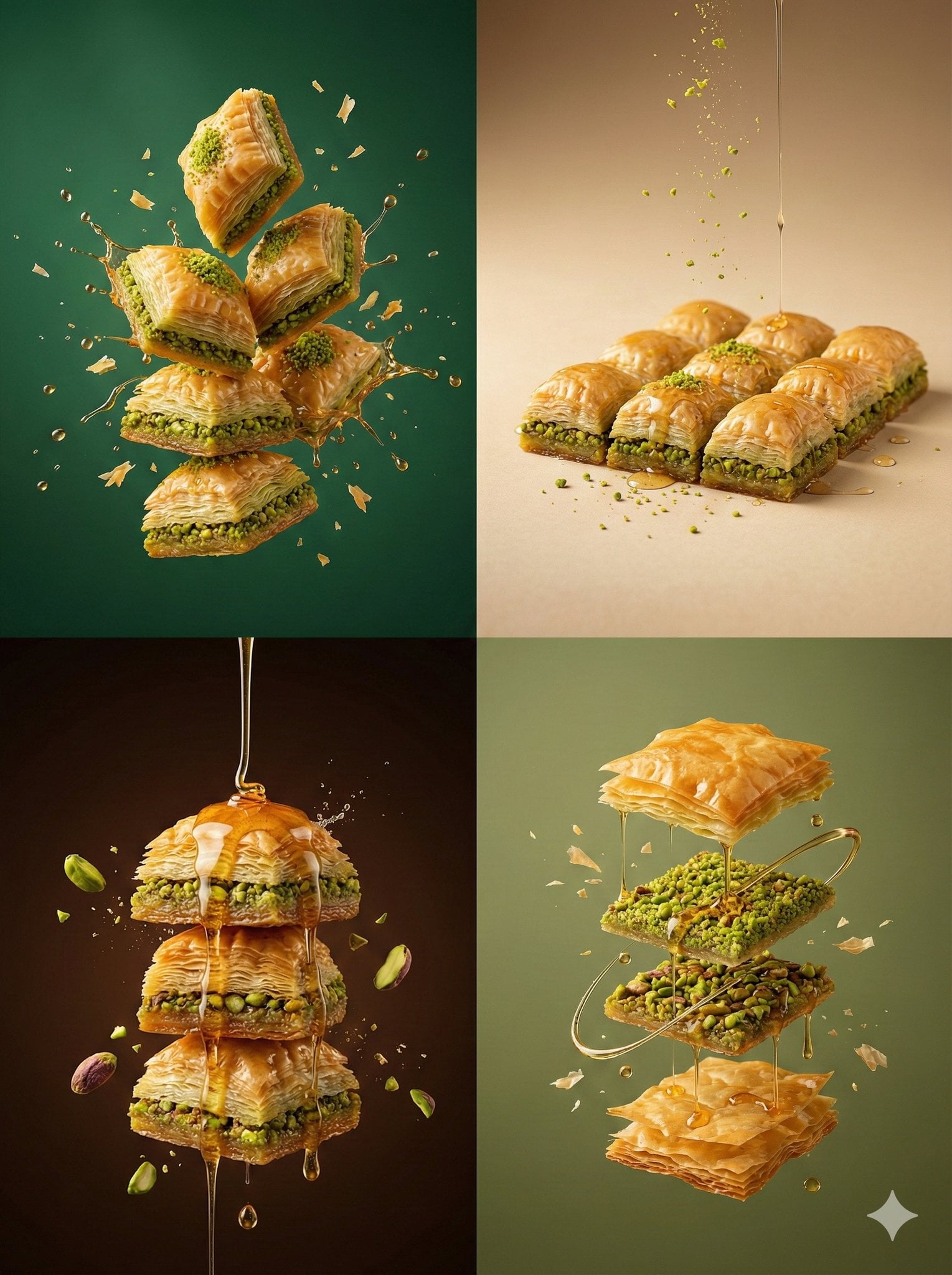
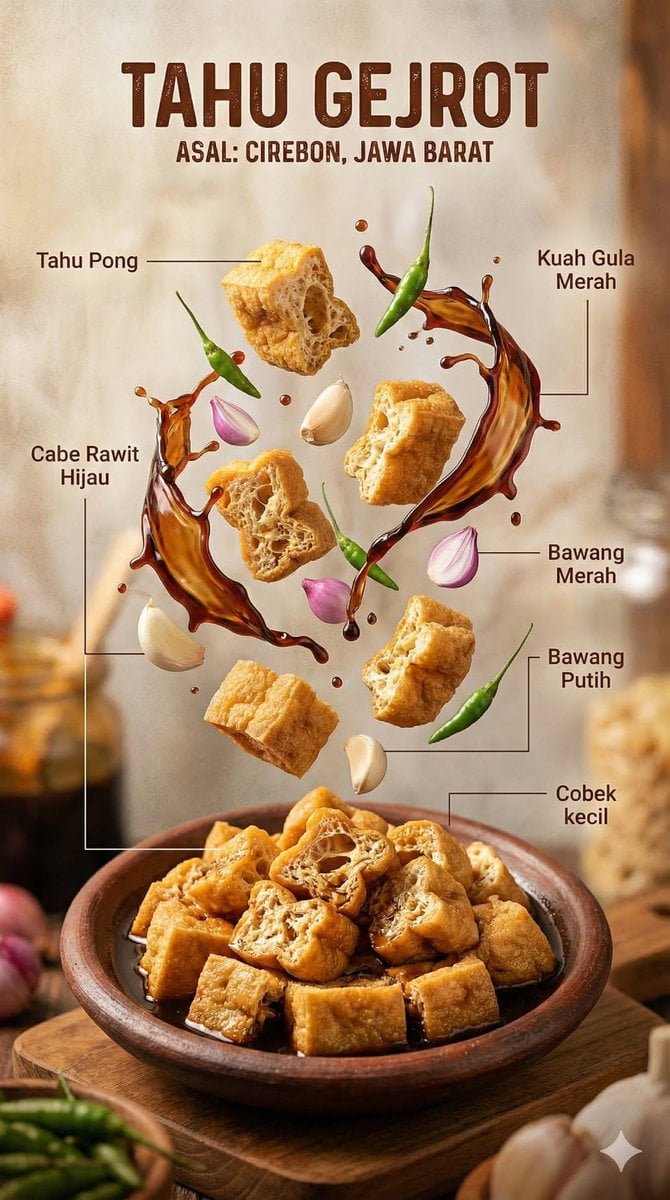
Food & Drink
Create appetizing food, drink, recipe, cafe, restaurant, and menu images with prompts that control plating, texture, lighting, surface, steam, garnish, and brand mood.
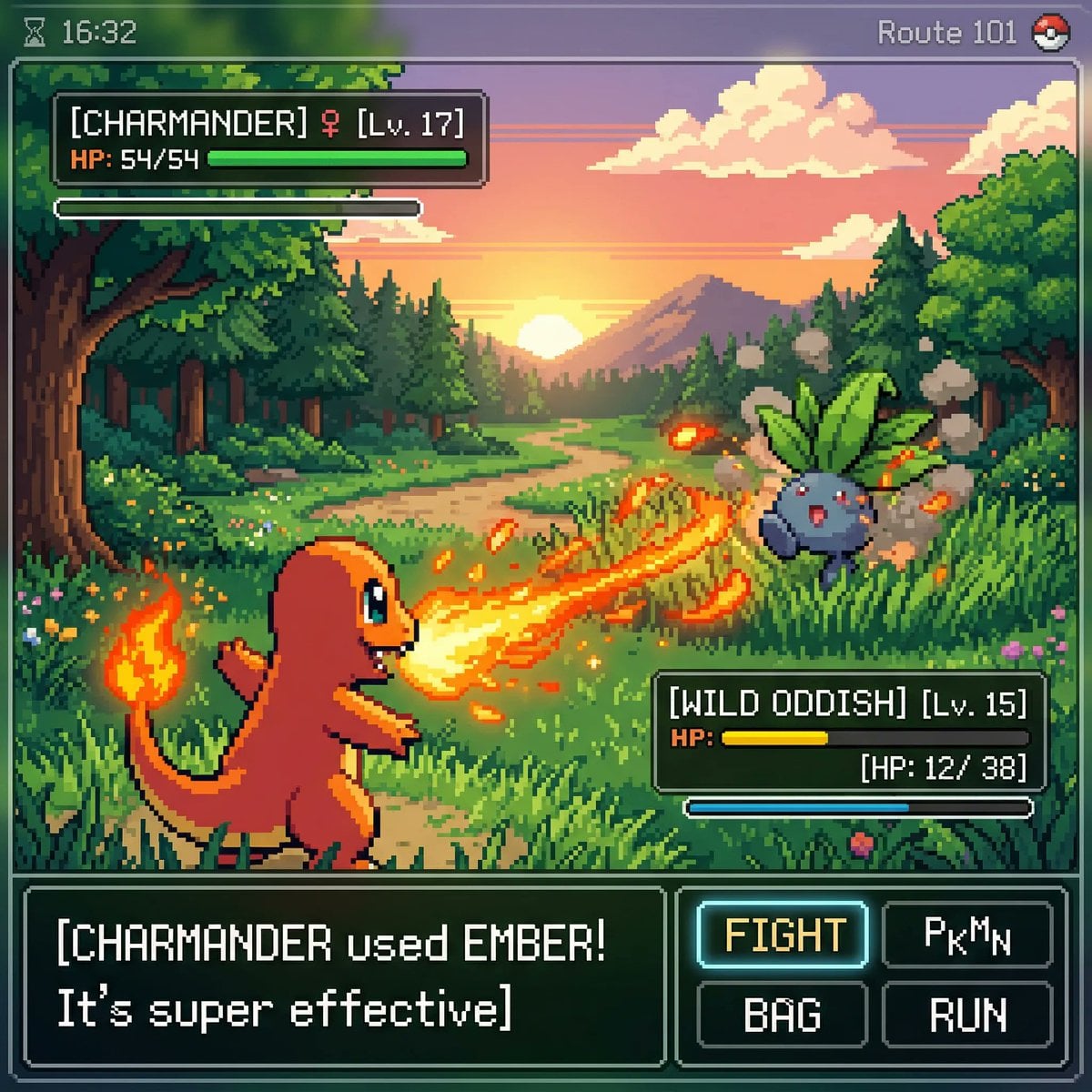
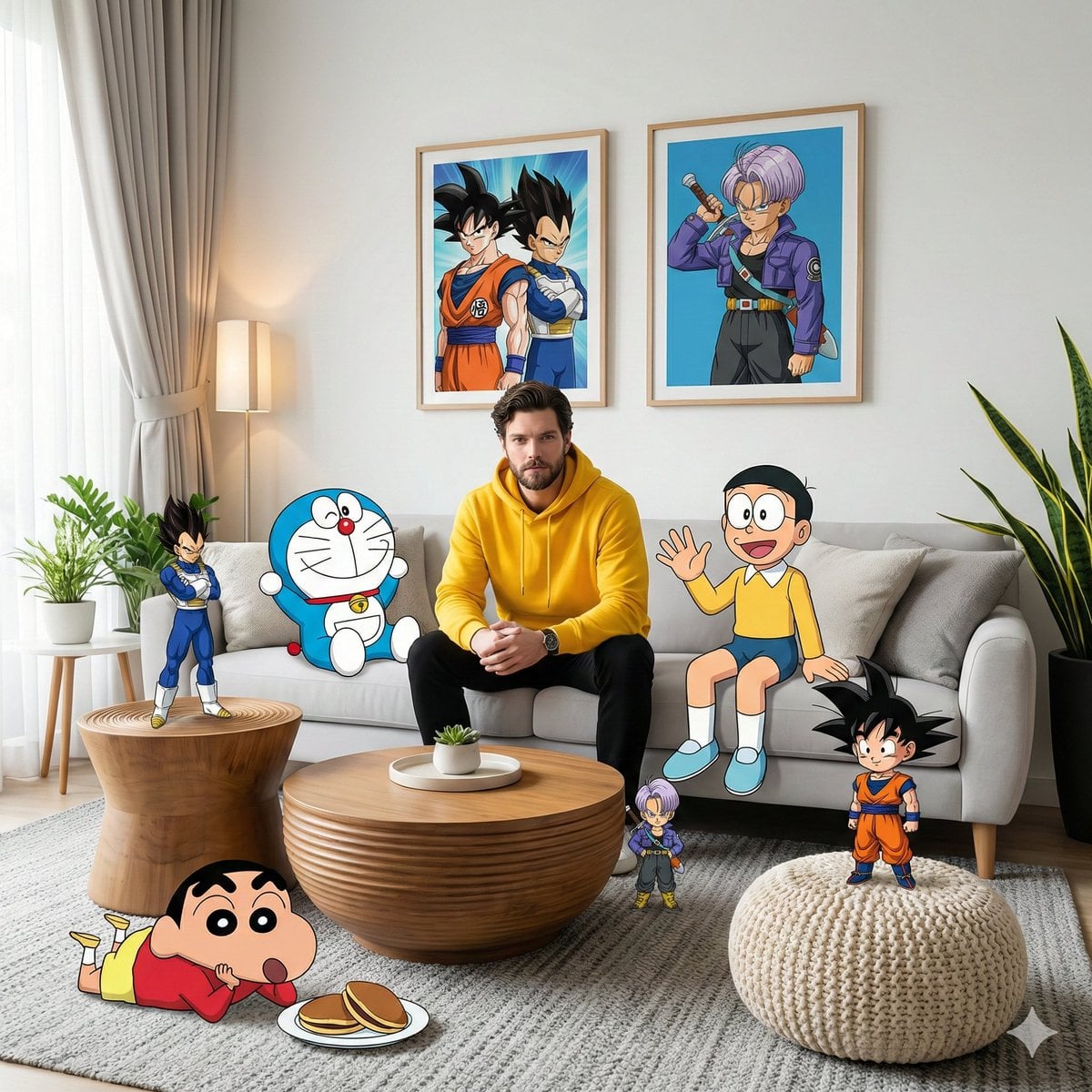
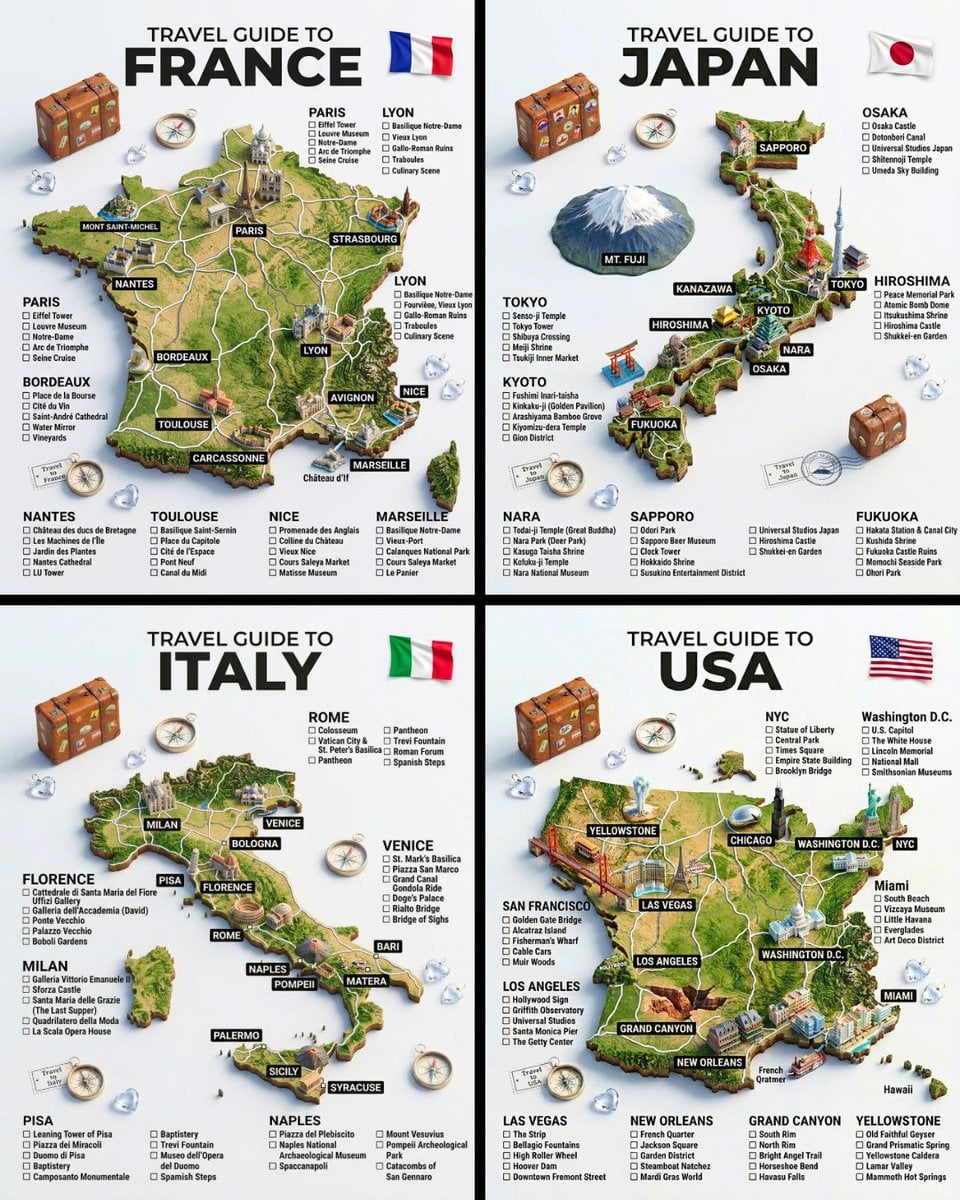
Illustration & 3D
Develop stylized characters, 3D icons, isometric scenes, objects, figurines, and playful illustration systems with prompts that define form, material, lighting, and personality.
Workflow
From scene to image in three steps
Use scene pages for focused guidance, the gallery for deeper browsing, and the generator when you are ready to create.
Pick a scene
Start with the job: product visual, poster, UI graphic, photo, food shot, or 3D illustration.
Adapt a prompt
Replace the subject, brand, surface, camera, style, and output constraints with your own details.
Generate or browse
Send the prompt to the generator, or open the matching gallery filter when you want more examples.
Featured examples
Copy-ready prompts from the gallery
Use these examples as starting points, then open a scene page to learn which details to replace for your product, poster, interface, photo, food shot, or 3D visual.
Generate AI images with Ideogram 4.0.
Use the Ideogram 4.0 AI image generator to create a poster, logo, product image, portrait, or social graphic. Start with a text description, choose the model settings, and generate an image you can refine from history.