

Detailed text-to-image generation
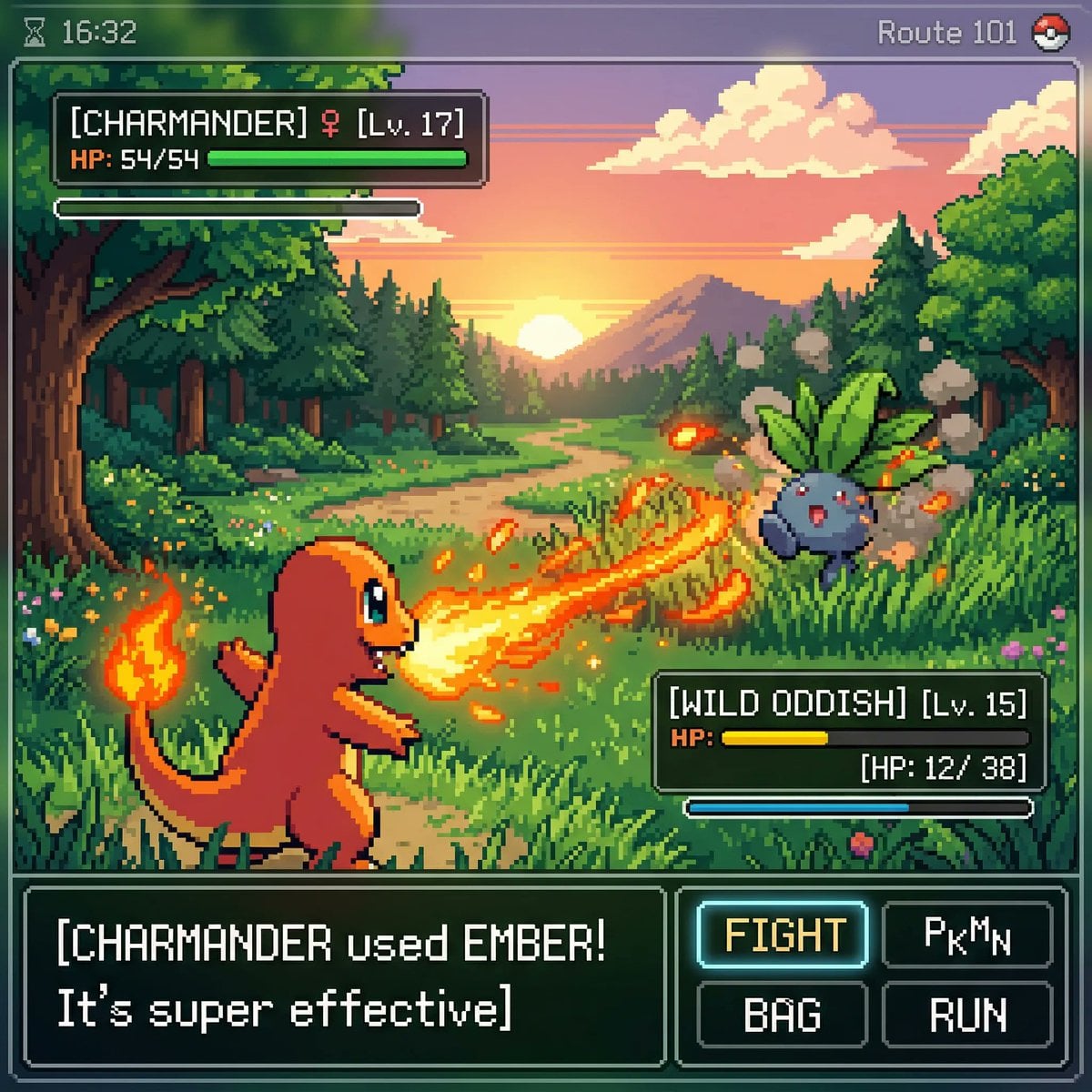
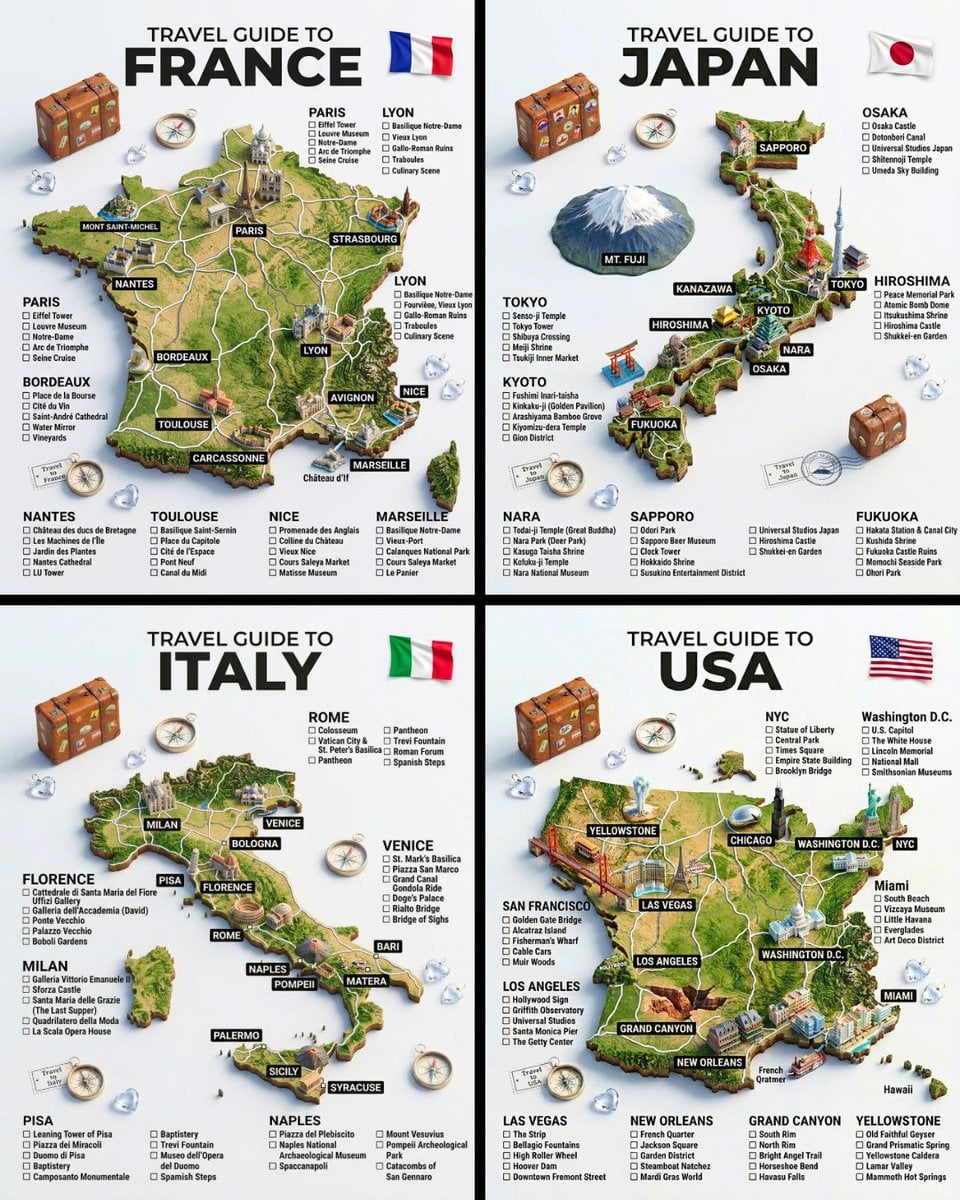
Build a prompt with several visual requirements, including subject, action, environment, materials, lighting, and framing. The AI image generator is suited to briefs that need a more considered final composition.
Advanced Google image model
Nano Banana Pro is a quality-focused AI image generator and AI image editor. Use it for detailed text-to-image generation, deliberate reference-guided edits, polished commercial scenes, and compositions that benefit from stronger visual reasoning. The generator supports multiple aspect ratios and output up to 4K.
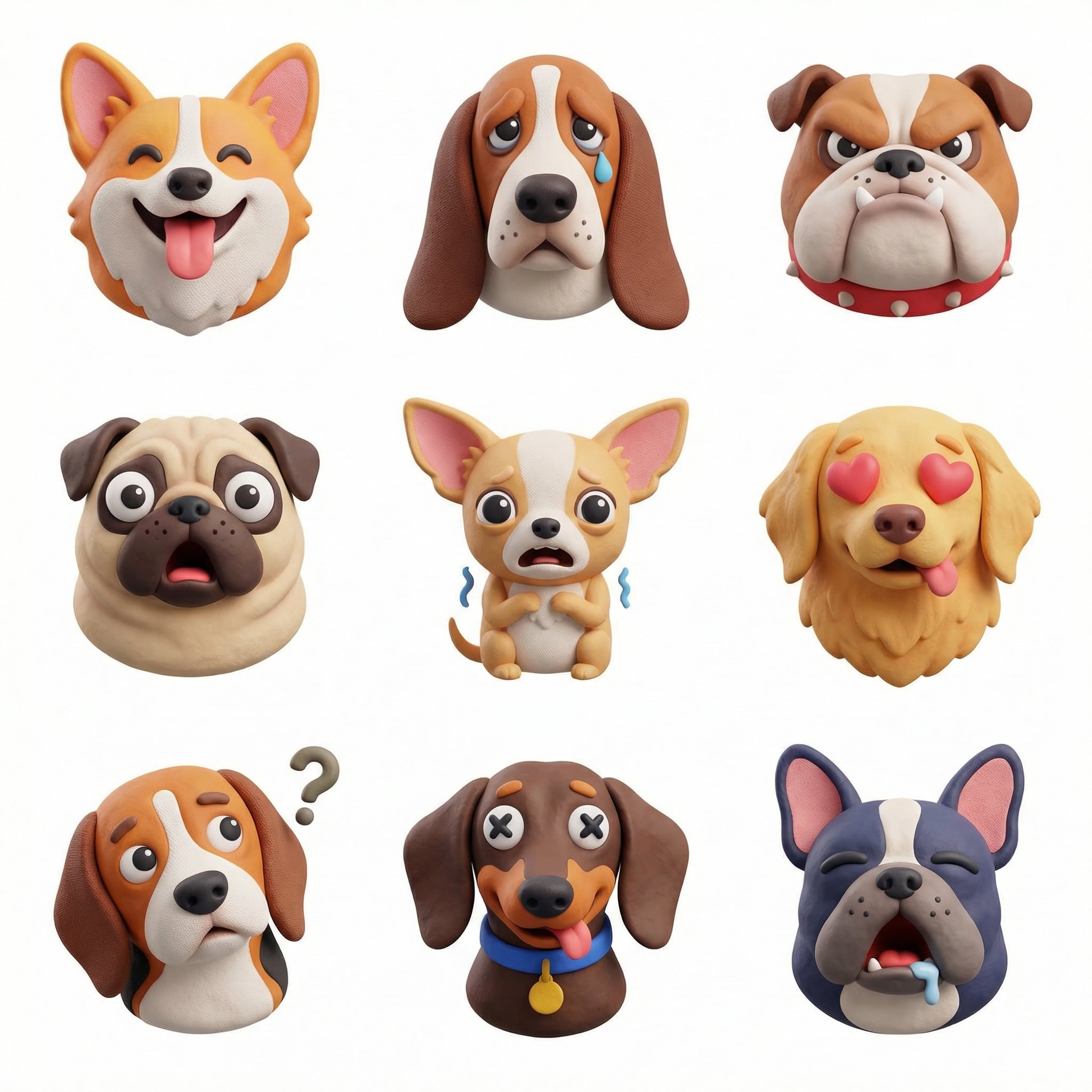
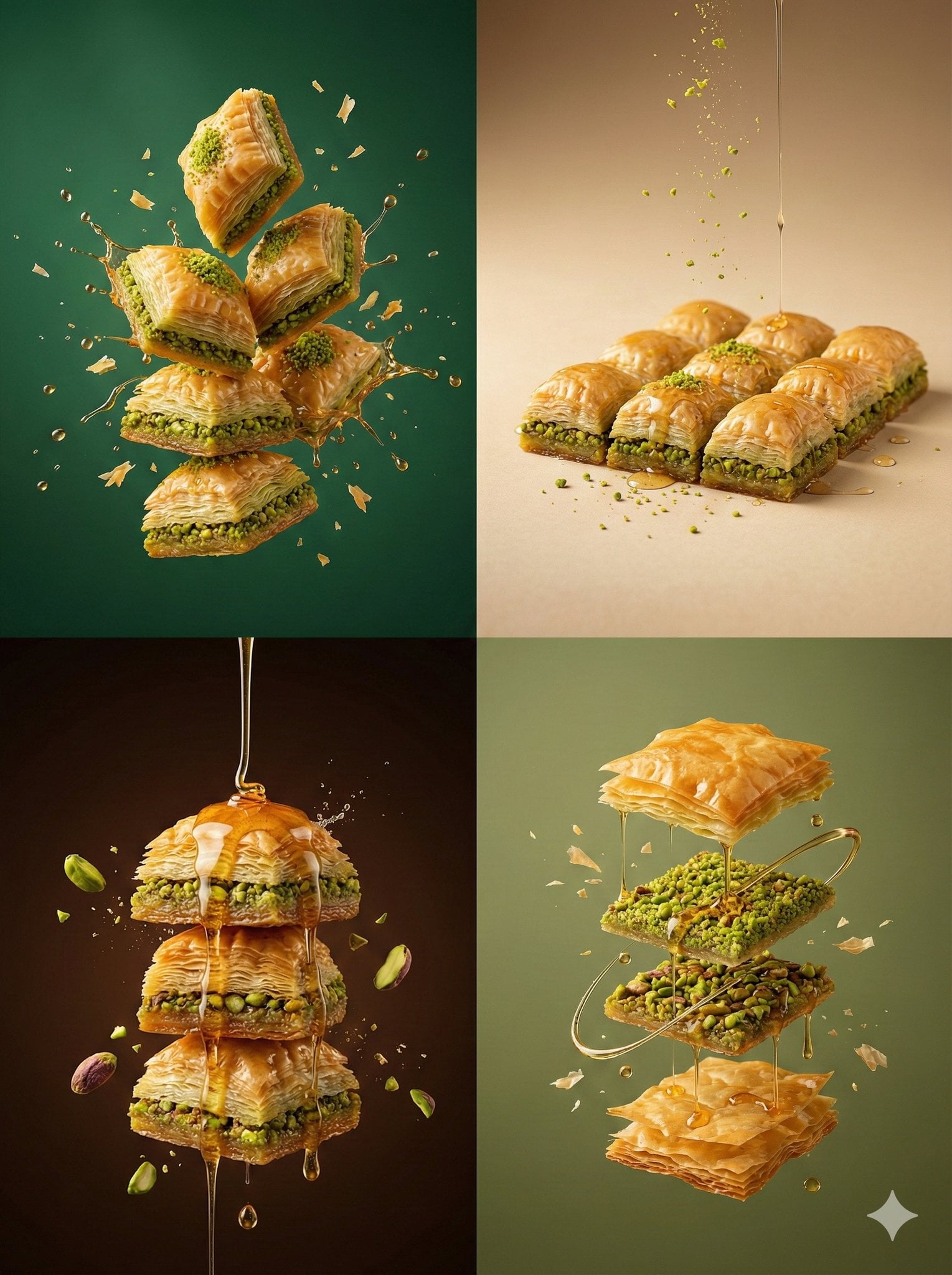
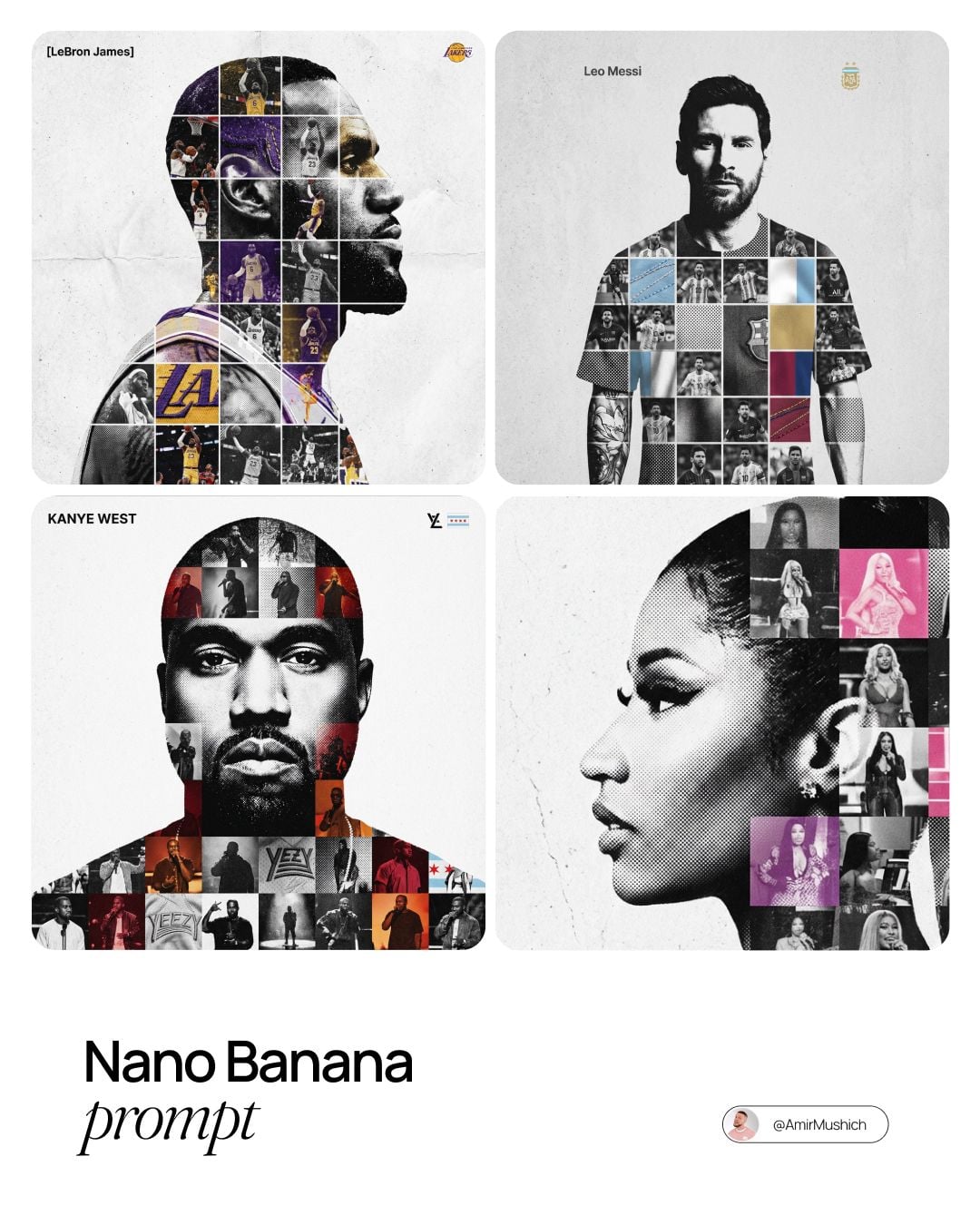
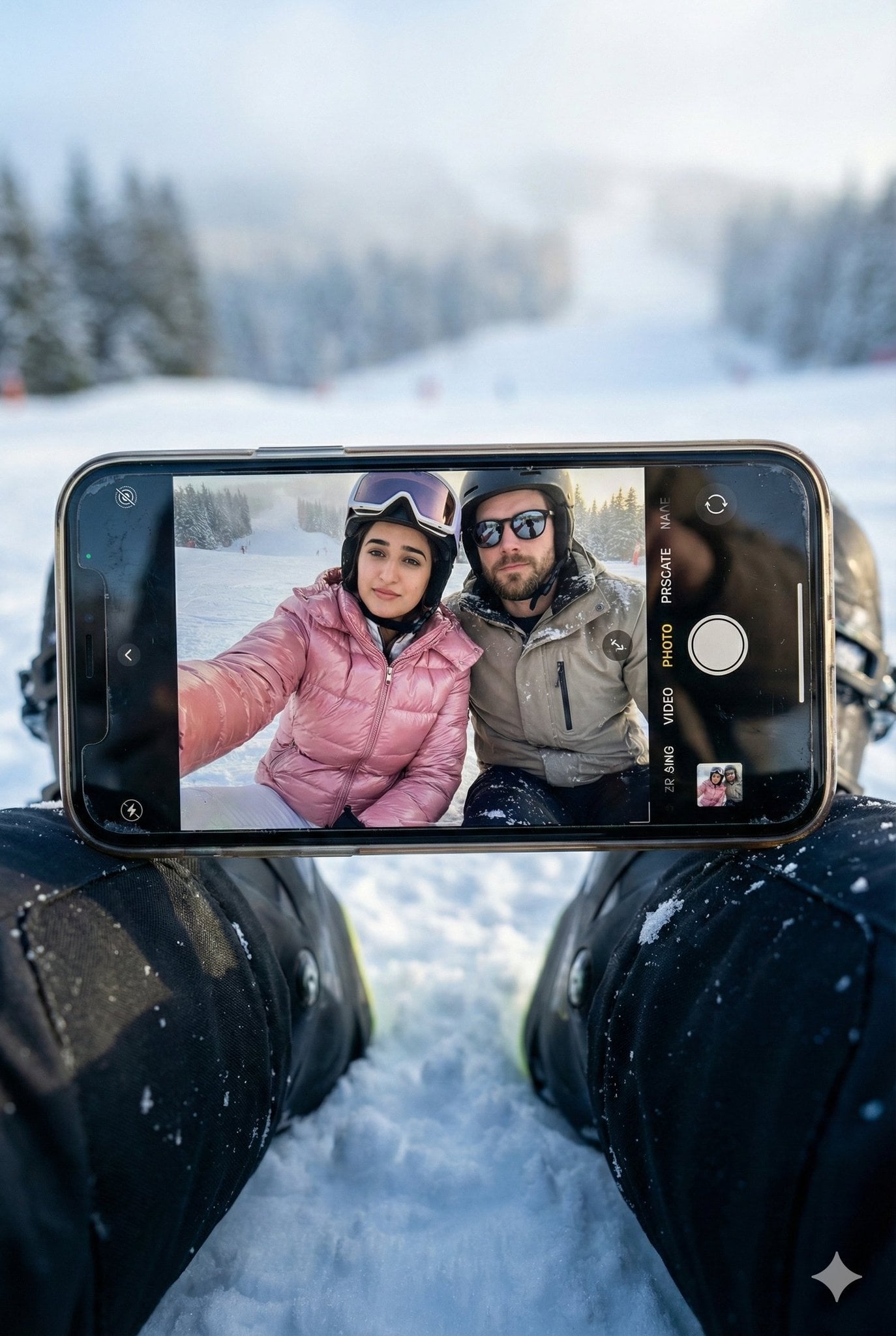
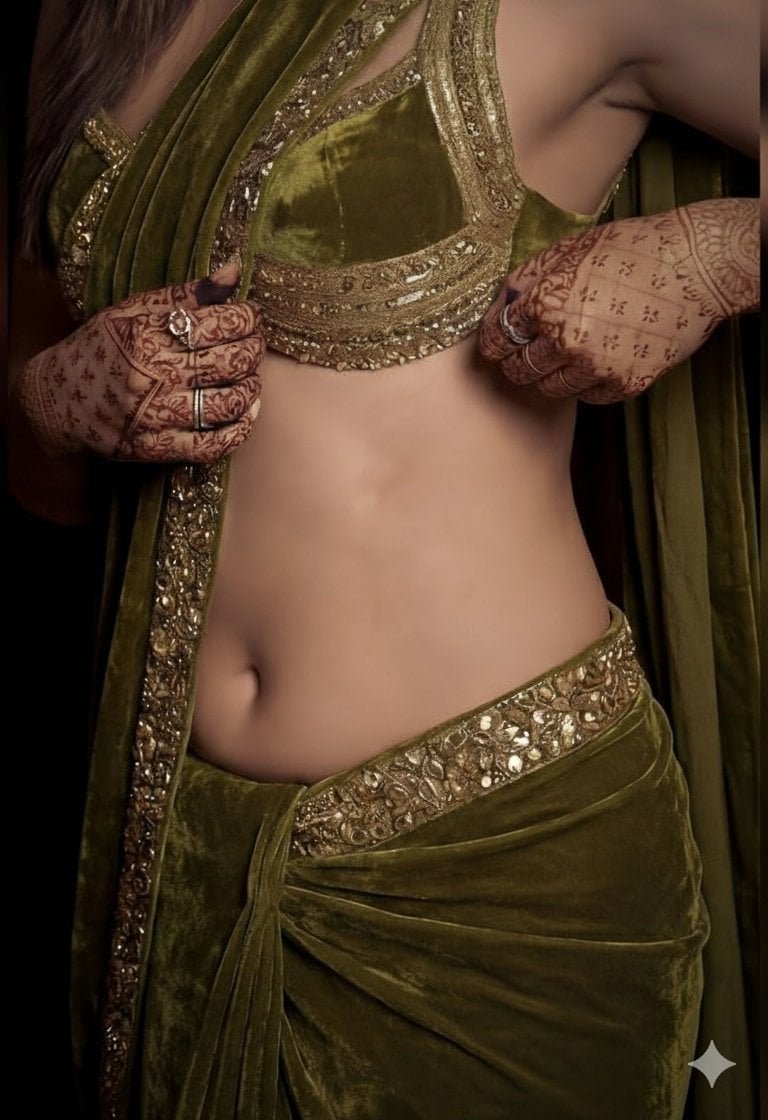
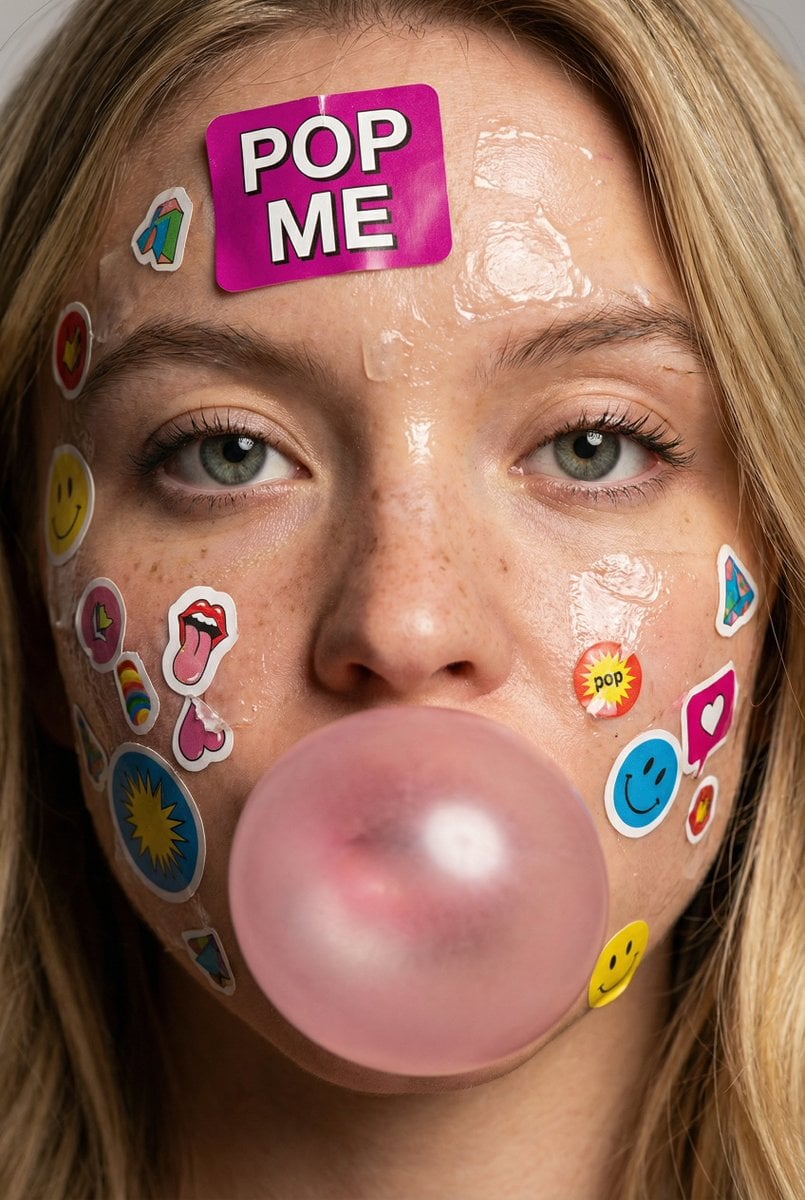
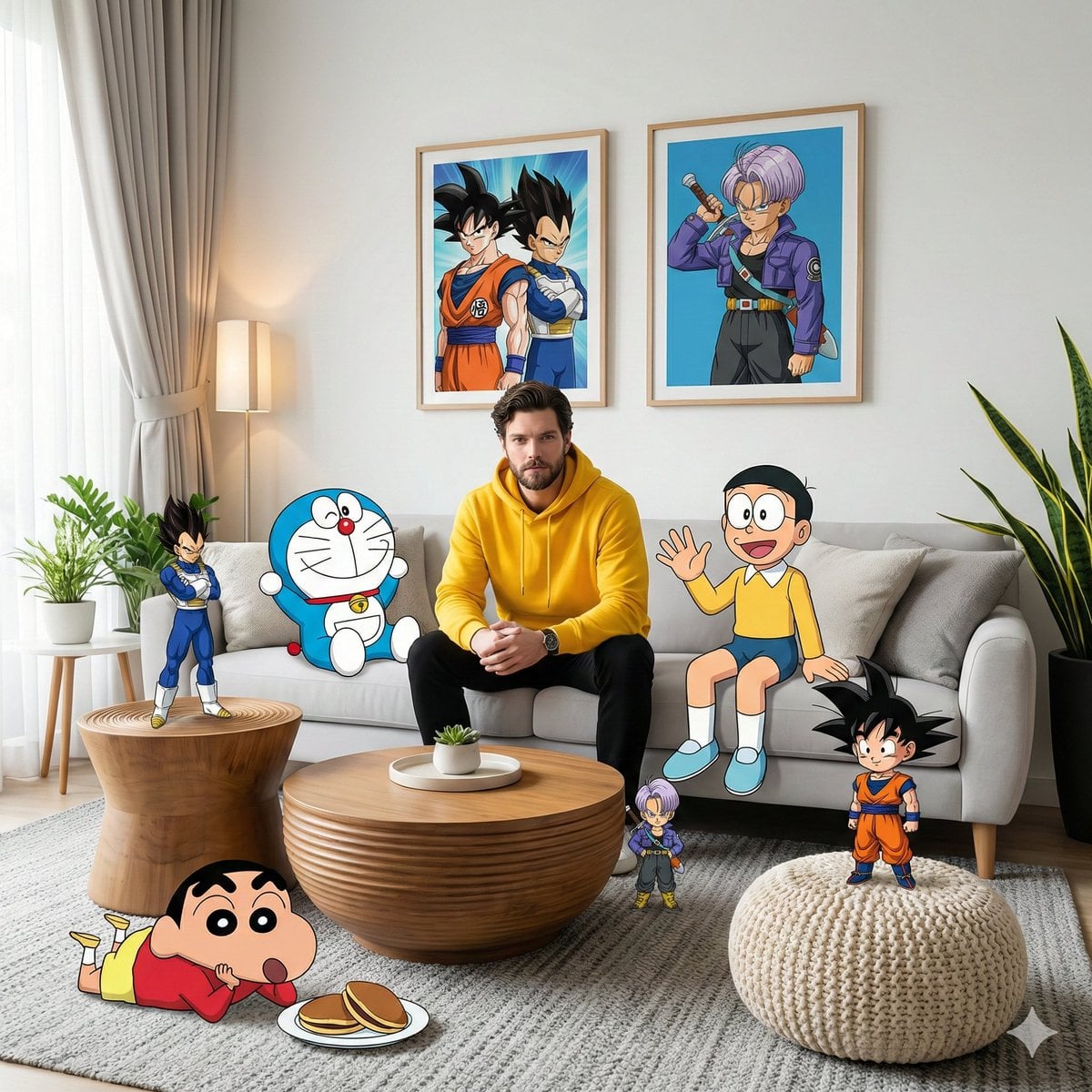
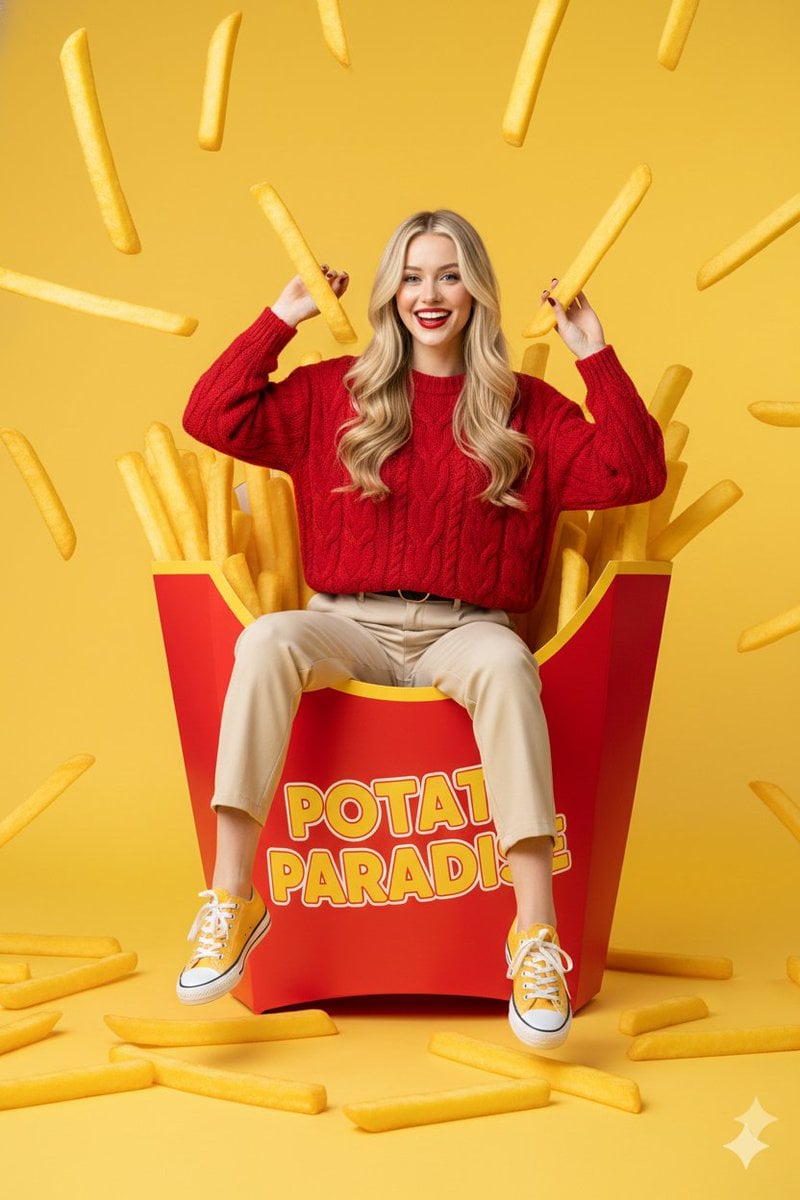
Browse practical Nano Banana Pro prompts for AI image generation, image editing, product visuals, photography, illustration, and campaign concepts. Open an example to review the full prompt or use it as the starting point for your own image.
Nano Banana Pro is designed for AI image generation jobs where finish, scene coherence, and nuanced instruction following matter more than the fastest possible draft. It can support polished campaign imagery, complex product presentations, detailed editorial concepts, and visual transformations that combine several requirements in one prompt.
The same workspace handles text-to-image generation and AI image editing. Write a prompt, upload references when needed, choose the output frame and resolution, and keep the generated or edited result in the existing history and storage system. No separate project or export workflow is required.
The online AI image generator covers text-to-image creation, reference-driven image editing, resolution, and framing while the existing workflow handles credits and saved results.
Build a prompt with several visual requirements, including subject, action, environment, materials, lighting, and framing. The AI image generator is suited to briefs that need a more considered final composition.
Use the AI image editor with uploaded references to communicate subjects, visual structure, or style cues. Keep the written instruction explicit about which parts should remain and which should change.
Move from a 1K concept to 2K or 4K output when a selected direction needs more detail for presentation, marketing layouts, or larger digital use.
Choose from square, portrait, landscape, vertical, and widescreen formats so composition decisions happen during generation rather than through destructive cropping.
This AI image generator is most useful when the result must satisfy several visual constraints and remain polished enough for a production workflow.
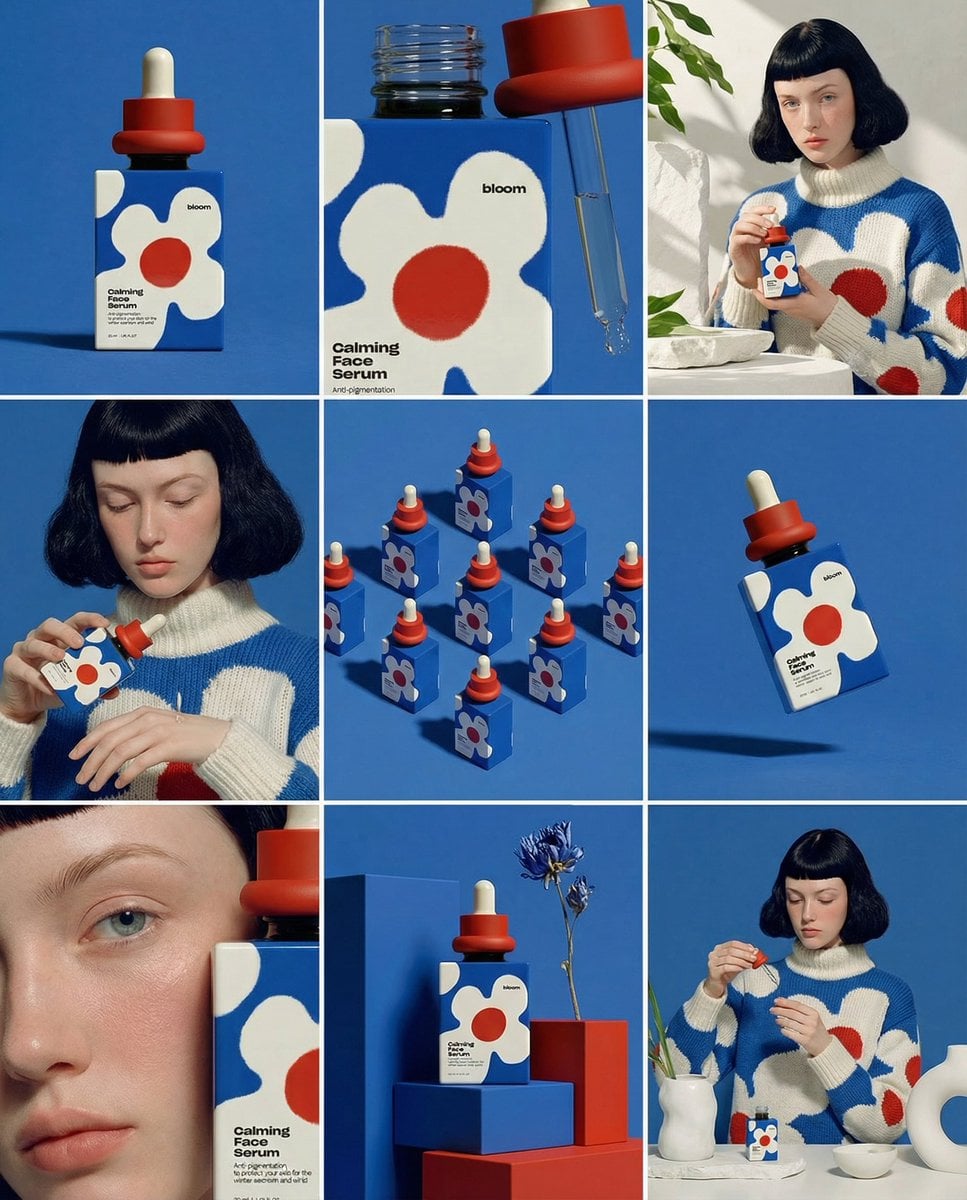
Create key visual directions, launch scenes, product-led compositions, and supporting campaign assets with controlled art direction.
Change environments, atmosphere, styling, or composition around a referenced subject while retaining the important visual identity.
Explore environments, objects, materials, characters, and visual systems where small details contribute to the overall idea.
Generate refined images for proposals, moodboards, product presentations, pitch decks, and internal creative reviews.
Separate the subject, setting, visual treatment, lighting, camera, and output purpose. A structured prompt makes complex requirements easier to interpret.
Add only images that communicate something necessary. State what each reference contributes so conflicting cues do not compete in the final result.
Validate the composition at 1K or 2K, then use 4K for the direction worth keeping. This preserves credits while the idea is still changing.
Review the full-size output and revise specific issues such as crop, material, expression, lighting, or background rather than rewriting the entire prompt.
Put the non-negotiable subject and composition details early in the prompt. Follow with styling and secondary atmosphere.
When requesting photography, describe lens perspective, camera height, depth, light direction, and surface qualities instead of relying on “photorealistic” alone.
A result that reads well as a thumbnail may need different detail at presentation size. Inspect the larger export before treating it as final.
Nano Banana 2 is positioned for fast, frequent generation and editing, while Nano Banana Pro is the quality-focused option for more demanding instructions and refined output. Both pages use the same generator and account workflow.
Yes. Upload relevant references and describe the intended transformation. The AI image editor uses those images to guide the new composition, scene, or visual treatment.
Yes. The current model configuration offers 1K, 2K, and 4K output choices.
Yes. It supports reference-guided image editing as well as text-to-image generation. Upload the source visuals, state what must remain, and describe the changes you want to make.
Return to the generator, enter a visual brief, choose the output settings, and create your next image with the selected model.